Guangzhou EC-PACK Packaging Equipment Co., Ltd.
EC-JET 1000Pro Continuous Inkjet Printer
3.3.2 Start and Stop keys
Start Key
This initiates the start-up sequence which is responsible for carrying out internal checks and regulating
the ink flow until it is ready for printing.
Stop Key
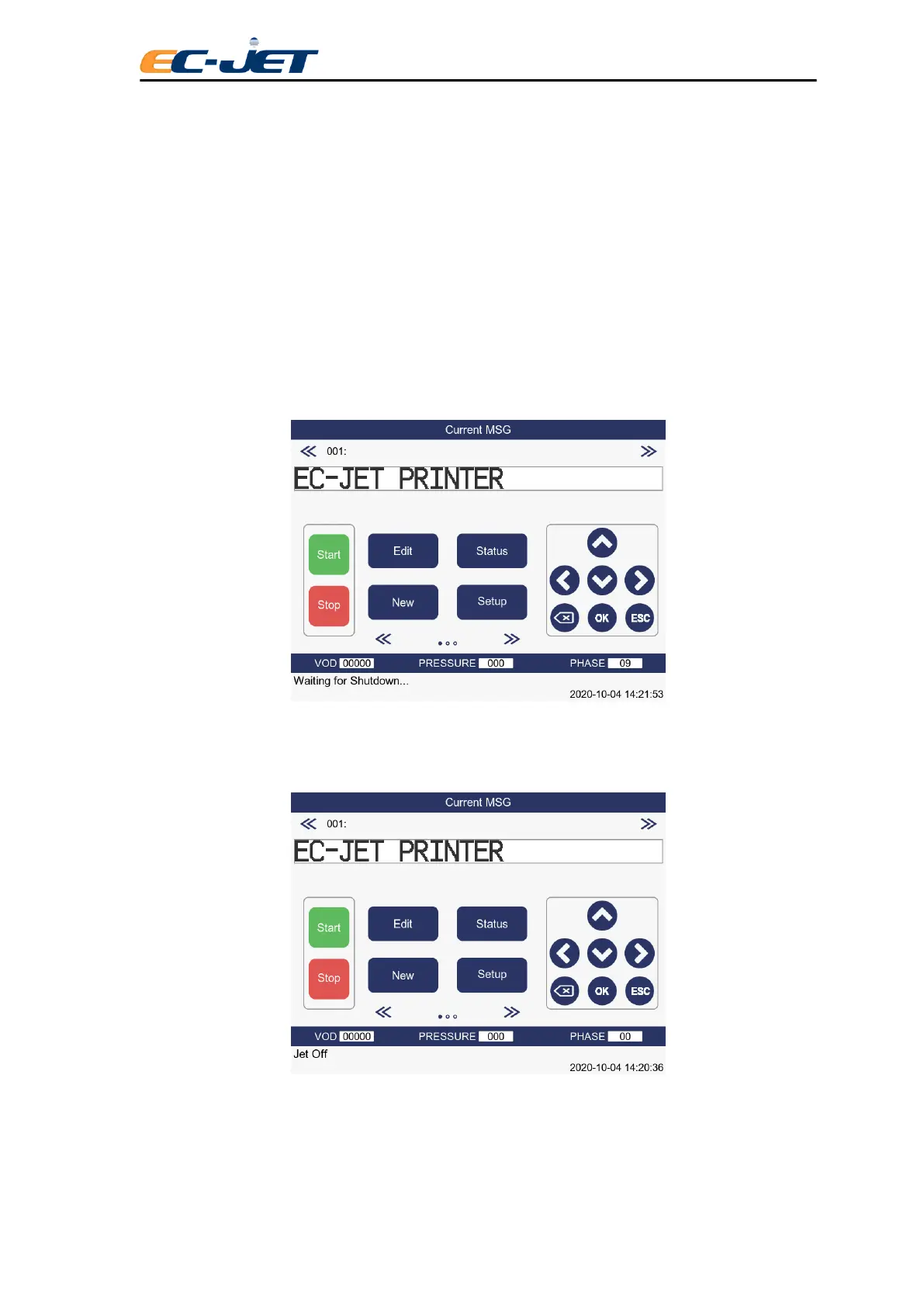
This initiates the shutdown sequence which purges the nozzle of ink and automatically carries out
procedures to clean the nozzle. This prevents a potentially serious blockage of the nozzle caused by
dried ink. Simply press the [stop] key and the printer will initiate the shutdown sequence, which takes
approximately 3 minutes. While the machine is shutting down, the following message will appear in the
status line of the screen:
When the printer has finished the shutdown sequence, the following message will appear in the status
line of the screen:
The machine may now be switched off by the power switch at the rear of the printer.
CAUTION: Never switch off until the printer tells you to do so when it displays: “Jet Stopped: You may



 To Next Page