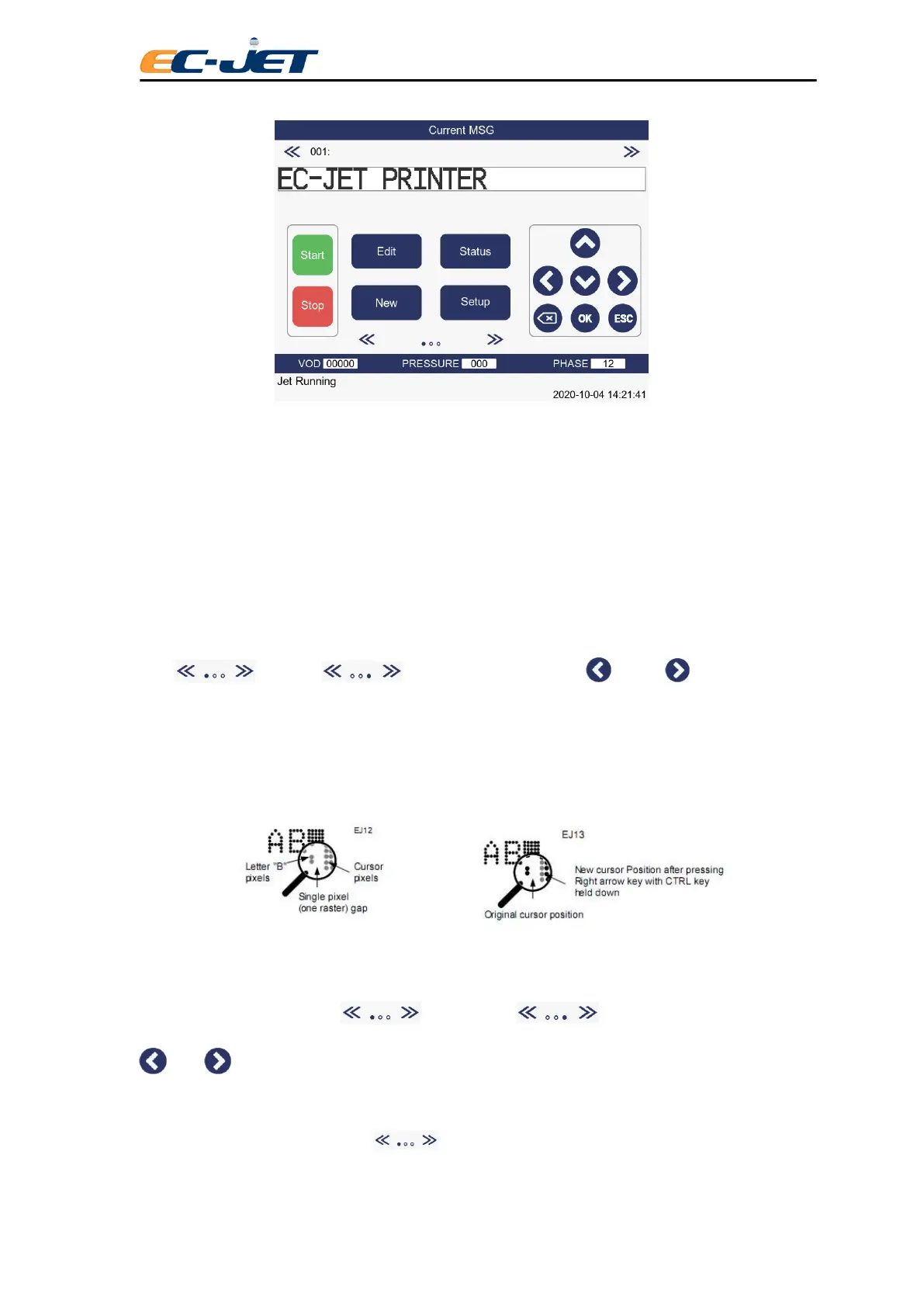
NOTE: Printing will stop but the jet will remain running.
3.6 Advanced Editing Features
To make editing easier and give further control over the appearance of messages, there are a number of
extra features available from the keyboard.
3.6.1 Moving to Pixel (Drop) Locations
Each character of a message is made up of a number of drops. Each drop is called a pixel.
Press key, and will be displayed, then press key or key, cursor will
move one pixel each time.
This is useful when the spacing between characters needs to be adjusted to improve readability and/or
appearance. Also, this makes it possible to adjust the position along a vertical axis, perhaps to
centralize a 7 high field against a 16 high field.
3.6.2 Moving to the Beginning of Message
In the Editable condition, press key twice, and will be displayed, then press
key or key, cursor will move 20 rasters backward.
3.6.3 Quick shifting the Character Font or New line
In the Editable condition, press key to shift the first character (between English and
Chinese) or to begin a new line, which improves the speed of character shifting or new line beginning.



 To Next Page