Guangzhou EC-PACK Packaging Equipment Co., Ltd.
EC-JET 1000Pro Continuous Inkjet Printer
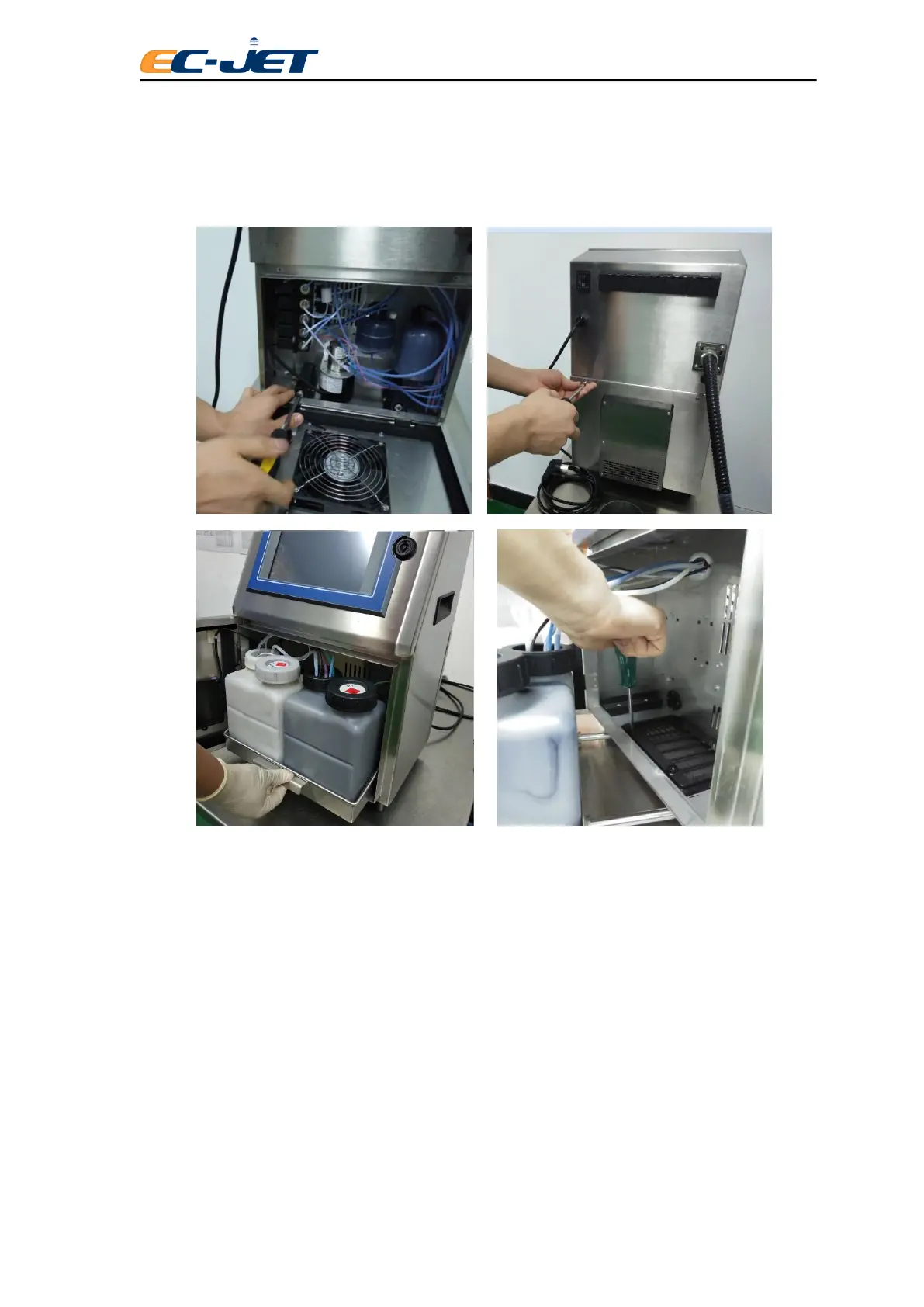
4. Take out Ink system tank assembly
5. Unscrew the thumb screw in the outlet of the fans
6. Replace the dust proof cotton and return to each part according to the reverse
steps.
8.4 Quick Maintenance Mode
This new maintenance mode is for users requesting to maintain and repair the machine
urgently, but the EC-JET authorized engineers can’t come on users’ site. Sending EC1000
machines to agents or resellers by courier for maintenance or repairing, easy operation, no
need to empty the ink tank and solvent tank.
1. Open the ink system door
2. Hold the ink system and draw out until it can’t move



 To Next Page