Guangzhou EC-PACK Packaging Equipment Co., Ltd.
EC-JET 1000Pro Continuous Inkjet Printer
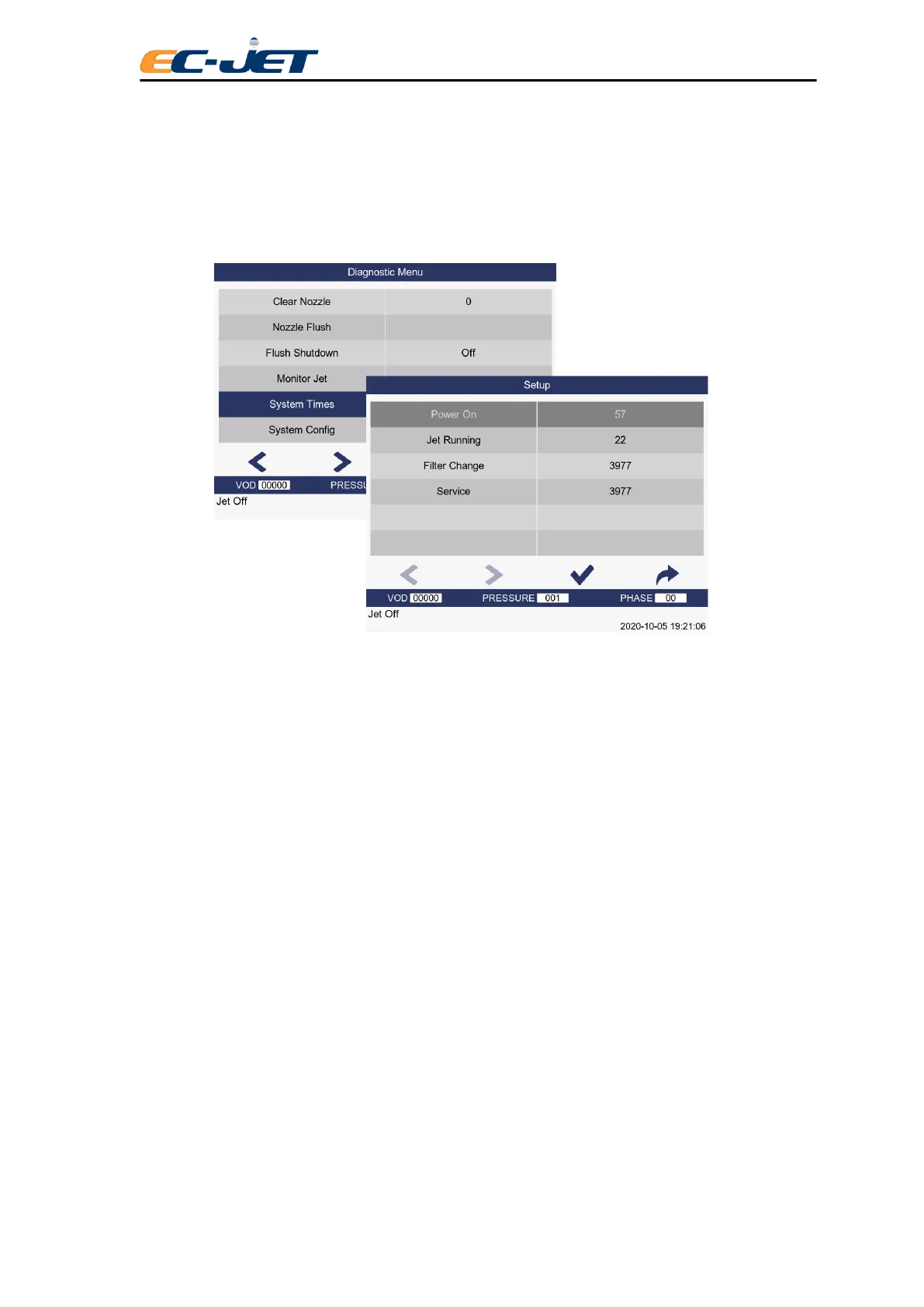
7.10 System Times (System Timing Information)
The System Times menu shows statistical information on the number of hours the power has been on
and the jet has been running, the filter life expired and the time due until service.
Power On
Number of hours power has been on.
Jet Running
Number of hours the jet has been running.
Filter Change
Recommended hours left until a main ink filter change is required. Starts at 4000 and counts down by
the number of hours the jet has been running. When the value is less than 0, Service Time warning will
be alarmed.
Service
Recommended hours left until service required. Starts at 4000 and counts down by the number of hours
the jet has been running. When the value is less than 0, Service Time warning will be alarmed.
7.11 System Configuration Information
It is useful to know at a glance what version of software or data forms are fitted what raster type is being
used and which type of print head is fitted to the printer.
All this information is shown in the system configuration menu which is displayed by selecting the System
Configuration option from the diagnostic menu:



 To Next Page