Guangzhou EC-PACK Packaging Equipment Co., Ltd.
EC-JET 1000Pro Continuous Inkjet Printer
Note 4: printer show the remaining time of ink only after "printing" status lasted for more than a
minute
8.2.3 Refilling the ink or solvent
1. Withdraw the ink system gently until stop, if necessary, another hand hold the ink
routine gently.
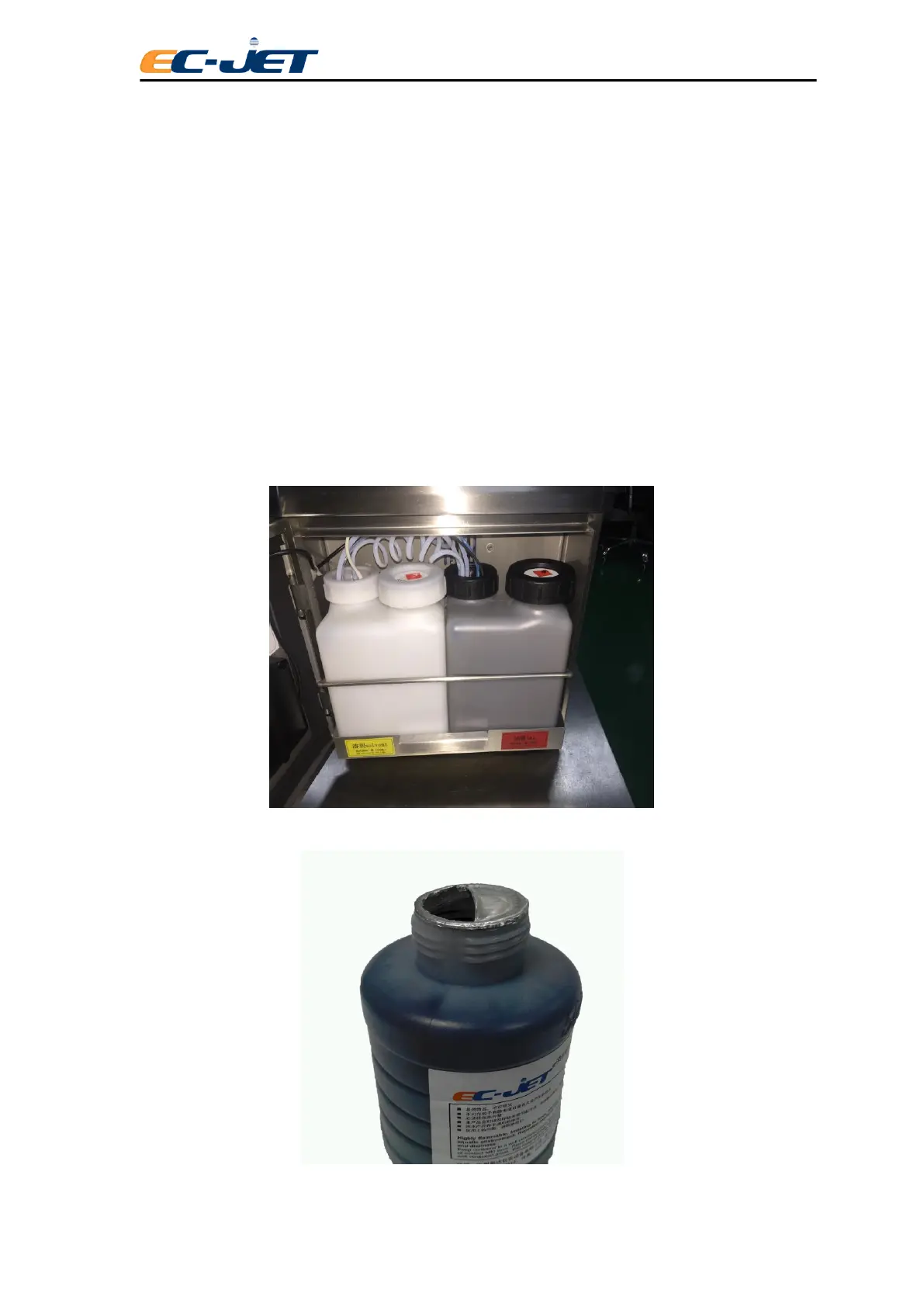
2. Remove the ink or solvent bottle cap, then cut the sealing foil along the edge
more than half circle and fold inside
3. Pour the ink or solvent into the corresponding tank. After the liquid in the bottle is
finished, take away the empty tank.(Note: the solvent tank is white and the ink tank is
black.)
4. Tighten the cap of ink or solvent tank after refilling, push back the ink system.



 To Next Page