Guangzhou EC-PACK Packaging Equipment Co., Ltd.
EC-JET 1000Pro Continuous Inkjet Printer
The machine may now be switched off by the power switch at the rear of the printer.
3.9 Passwords
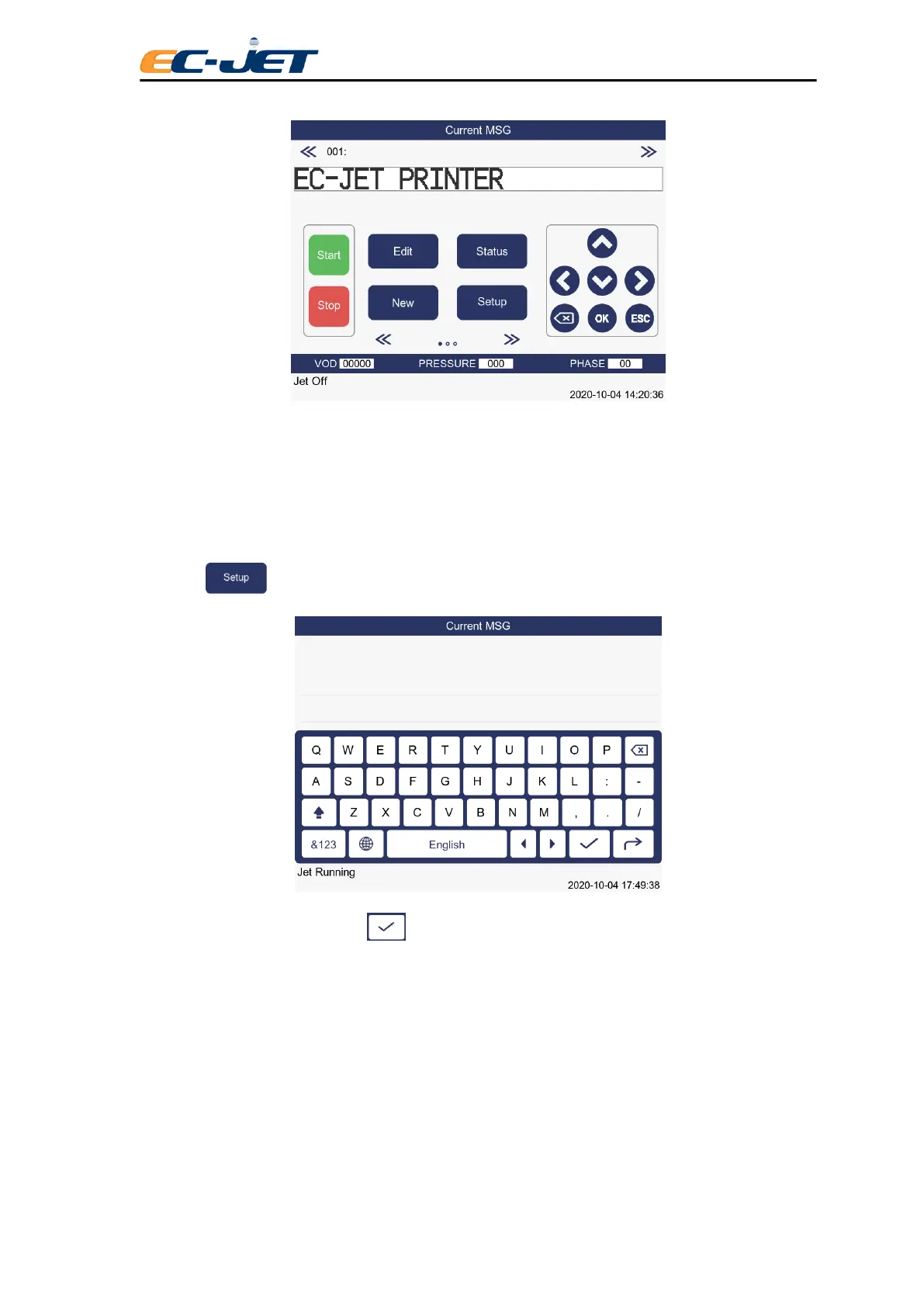
The PASSWORD menu will be active if the password function has been turned On in the SETUP menu
(see “Changing the System Setup”).
Press the key in the CURRENT MESSAGE screen to enter the PASSWORD menu:
Type in the password and press the key.
It is recommended that you continue to use these passwords, but you may wish to use the Change
Password option of the SETUP menu to alter the passwords (see “Changing the System Setup”).
3.10 Screen Calibration
After the machine start up, click CURRENT MESSAGE on the top of the screen to enter SCREEN
CALIBRATIO. Please note that the Screen Calibration function can only be operated when JET STOP.



 To Next Page