Guangzhou EC-PACK Packaging Equipment Co., Ltd.
EC-JET 1000Pro Continuous Inkjet Printer
beeps twice.
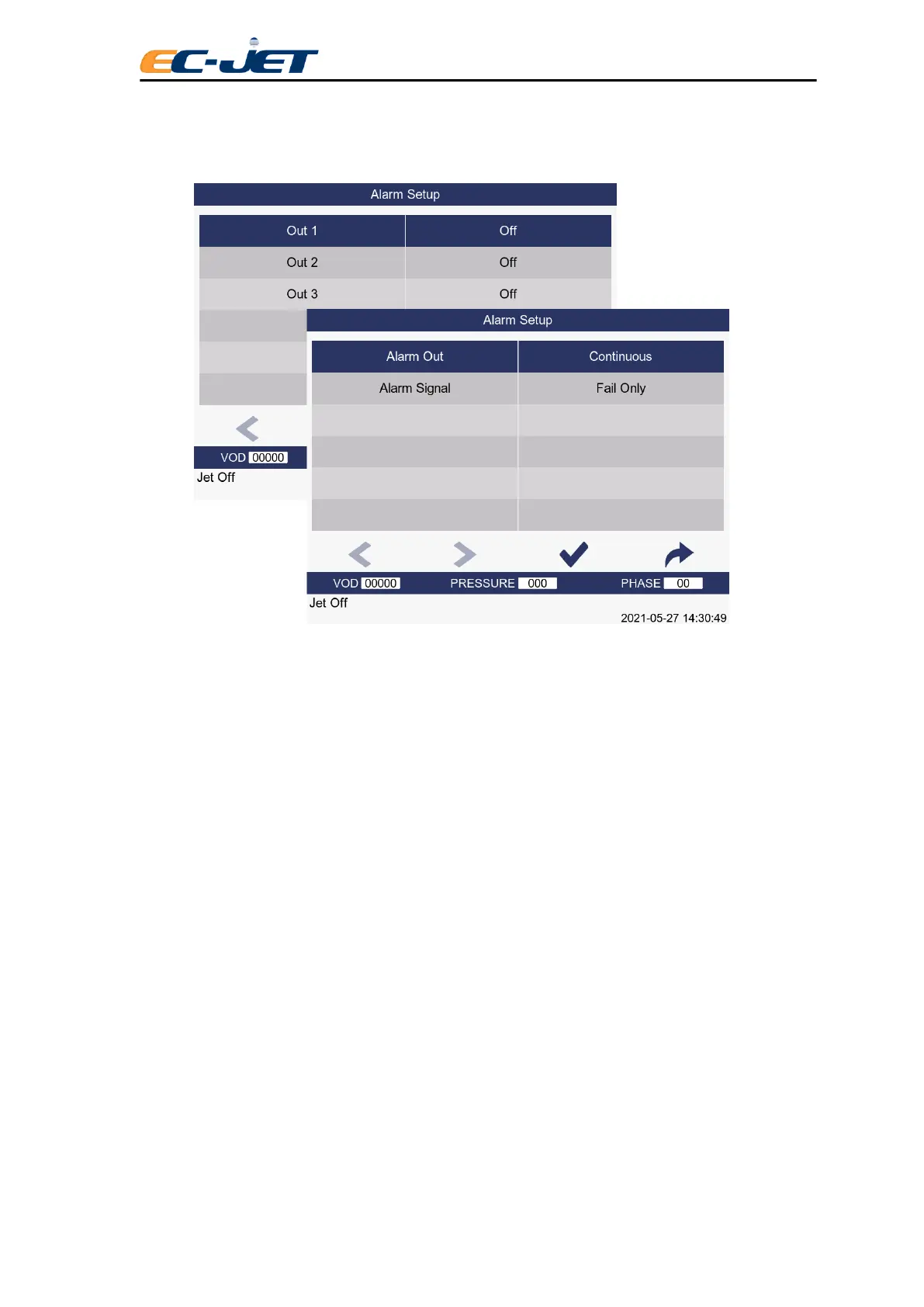
Continuous: The external alarm will sound continuously while a System Warning is present.
The alarm signal has the following options
Fault The external alarm will alarm only when printing failure.
Fault or Warning When a printing failure or system warning occurs, the external alarm will give an
alarm. The system warning type can be set separately according to the user's
needs (such as: low ink, low pressure).
Jet Running When the JET is running, the external alarm will prompt the alarm.
Printing When printing is normal, the external alarm will give an alarm.
No Printing When the printing prohibition alarm is triggered, an external alarm will alarm.Alarm
Warning
6.2 Changing the Installation Setup
6.2.1 Set Time
Printing must be stopped to change this option. Simply enter, in a 24 hour format, the time
required.
6.2.2 Set Date
Printing must be stopped to change this option. Simply enter the date required in Day, Month, and Year
order.
6.2.3 Conduit Length



 To Next Page