Guangzhou EC-PACK Packaging Equipment Co., Ltd.
EC-JET 1000Pro Continuous Inkjet Printer
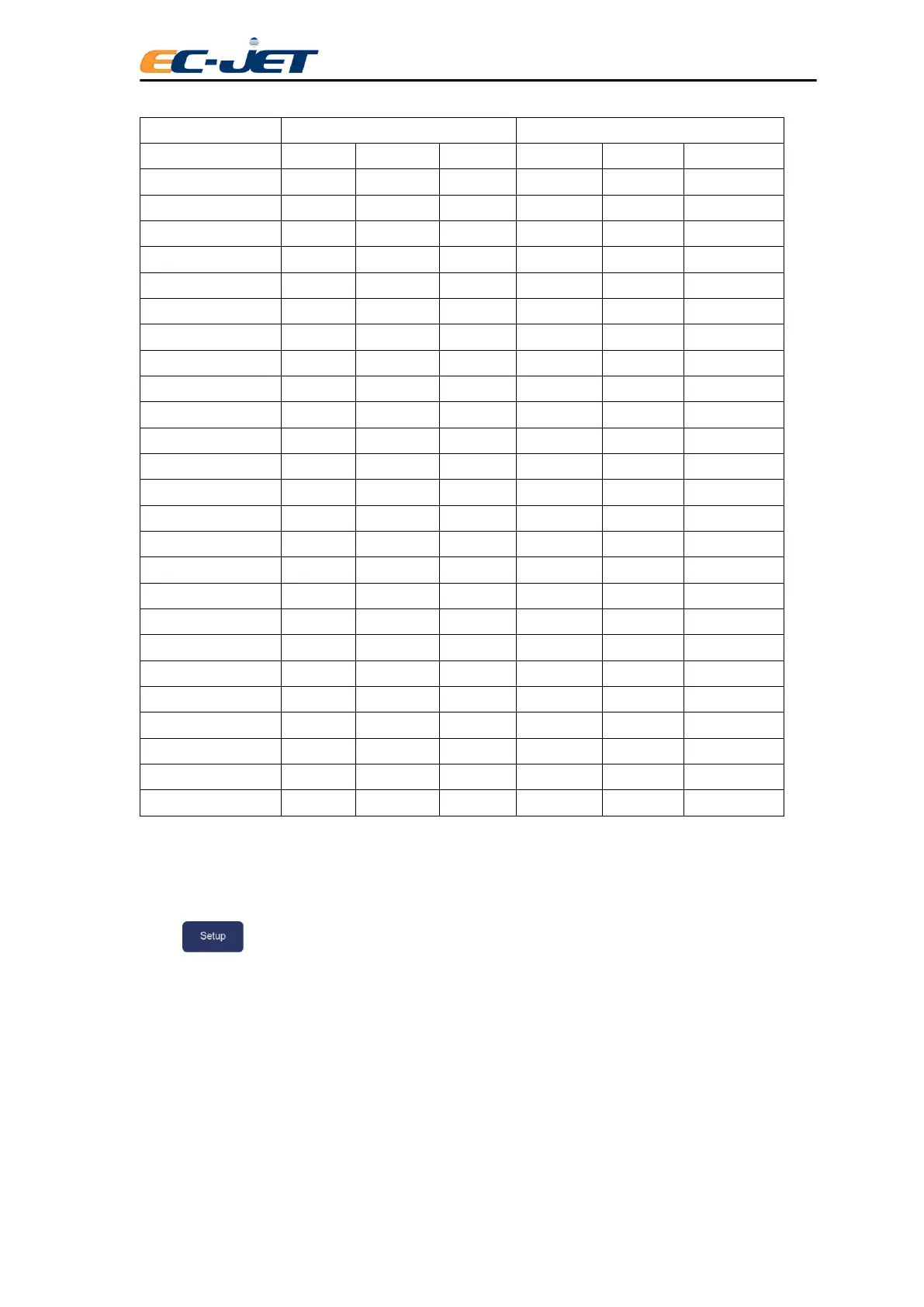
Setup Menu Options Jet Off Jet Running Printing Jet Off Jet Running Printing
Password
● ● ● ● ● ●
Print Height
● ● ● ● ● ●
Scale Height
● ● ● ● ● ●
Print Width
● ● ● ● ● ●
Print Delay
● ● ● ● ● ●
Print Count
● ● ● ● ● ●
Reverse Message
● ● ○ ● ● ○
Bold Ratio
● ● ○ ● ● ○
Set Time
● ● ○ ● ● ○
Set Date
● ● ○ ● ● ○
Aux In
○ ○ ○ ● ● ○
Photocell
● ● ○ ● ● ○
Shaft Encoder
● ● ○ ● ● ○
Conduit Length — — —
● ○ ○
Head Height — — —
● ○ ○
Print Head Code — — —
● ○ ○
Ref Modulation — — —
● ● ●
Ink Selection — — —
● ○ ○
Calibrate Print Head — — —
○ ● ●
Alarm Warning — — —
● ○ ○
Change Password — — —
● ● ●
Change Language — — —
● ● ○
Remote Setup Menu — — —
● ● ●
Diagnostic Menu — — —
● ● ●
Solv Add Time — — —
○ ○ ○
4.6.2 Password
The PASSWORD menu will be active if the password function has been turned On in the SETUP menu.
Press key to enter the SETUP menu.
On: Enable password
Off: Disable password
Can be turned to Off so the user can enter and exit menus at will without having to use the password. If
the password option is turned to Off at User Level 1, then only User Level 1 options will be displayed until
the higher level password has been entered. This value is retained on switching off the printer.



 To Next Page