Guangzhou EC-PACK Packaging Equipment Co., Ltd.
EC-JET 1000Pro Continuous Inkjet Printer
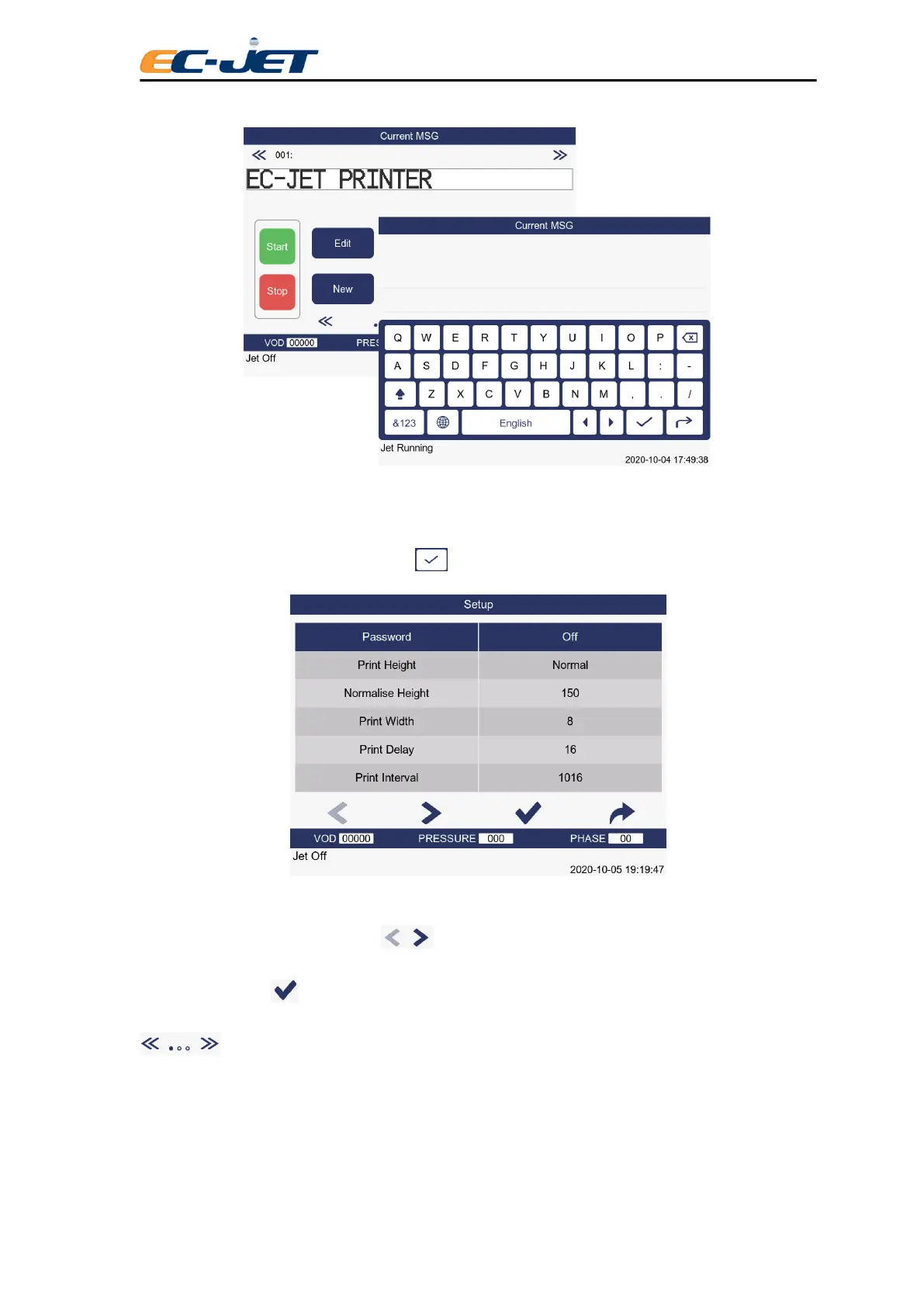
If password protection is switched on (see “Changing the System Setup”), the PASSWORD menu will
appear at this stage, as shown above.
Type in “XXXX” for the password, press the key and the SETUP menu will be displayed:
Scroll through the menu options using keys until the Diagnostics option is
selected, then press key to call up the DIAGNOSTICS menu. Alternatively you can simply press
key which will call up the DIAGNOSTICS menu directly.



 To Next Page