Double-sided Printing
Document ID: OMM-00165 Rev. C Pro 32r Operations Guide 158
7.3.2 Blockout - Head-to-Head - Print Side B
1. Flip the media and load it properly again.
2. Bring the two slits to the front edge of the print table. Make sure that both the slits are positioned at the edge of the print table. If
the media is tilted, reload it.
3. Perform a Measure Media.
Figure 7-23
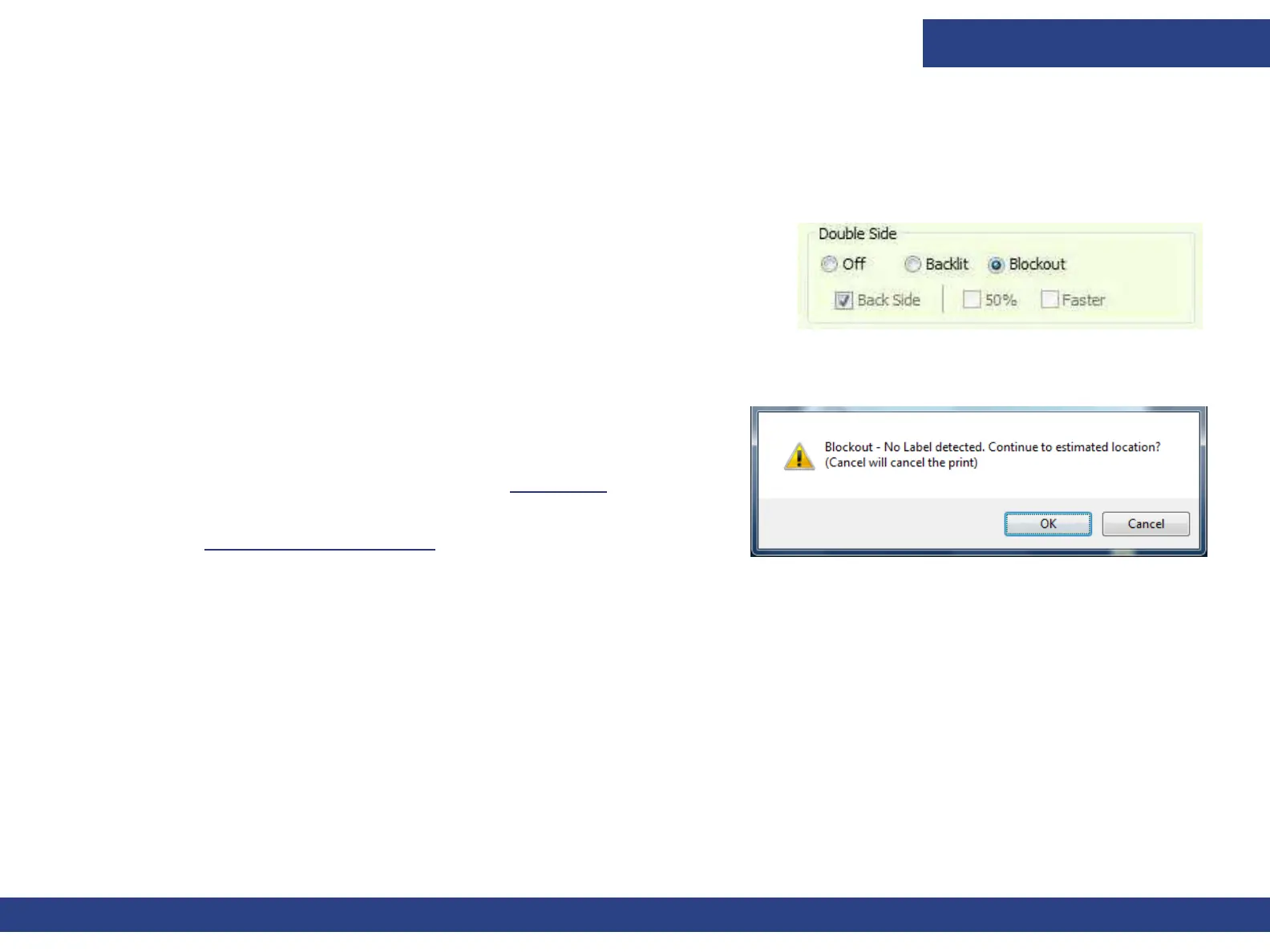
4. Open the Side B job. In the Job Settings dialog box, choose
Blockout and Back Side.
• Make sure that the job is centered.
• Make sure that the Side B file is the same size as side A, and you print
the
same number of copies.
5. Print the job.
The media automatically advances, until the sensor detects the stripes
and the print starts at the correct position.
In both Head-to-Head and Head-to-Tail processes, if the blockout
sensor does not recognize the two stripes, Figure 7-24 appears.
If this message appears, carry out a blockout sensor calibration.
(See Blockout Sensor Calibration for details)
Figure 7-24



 To Next Page