OPTION
01
DIGITAL TO ANALOG CONVERTER
Option
01
will convert three consecutive digits to an analog voltage, available on the rear panel. The output
will reflect the display, and substitute zeros for any
non-numeric characters that appear. The output will
be updated after every display update.
Output Voltage
Accuracy
(25"
C)
Temp. Stability
(0-50"
C)
Resolution
Load Impedance
Connector
Protection
0.000
volts to
0.999
volts
?
0.5
%
?I
mV
kO.01
%I0c
1
mV
1
K ohm minimum
BNC female (on rear panel)
+
10
V AC or DC applied to output
connector will not cause damage.
No damage will occur by any load.
OPERATION
On power up the DAC
is
in off state.
LOCAL OPERATION
WITH KEYBOARD
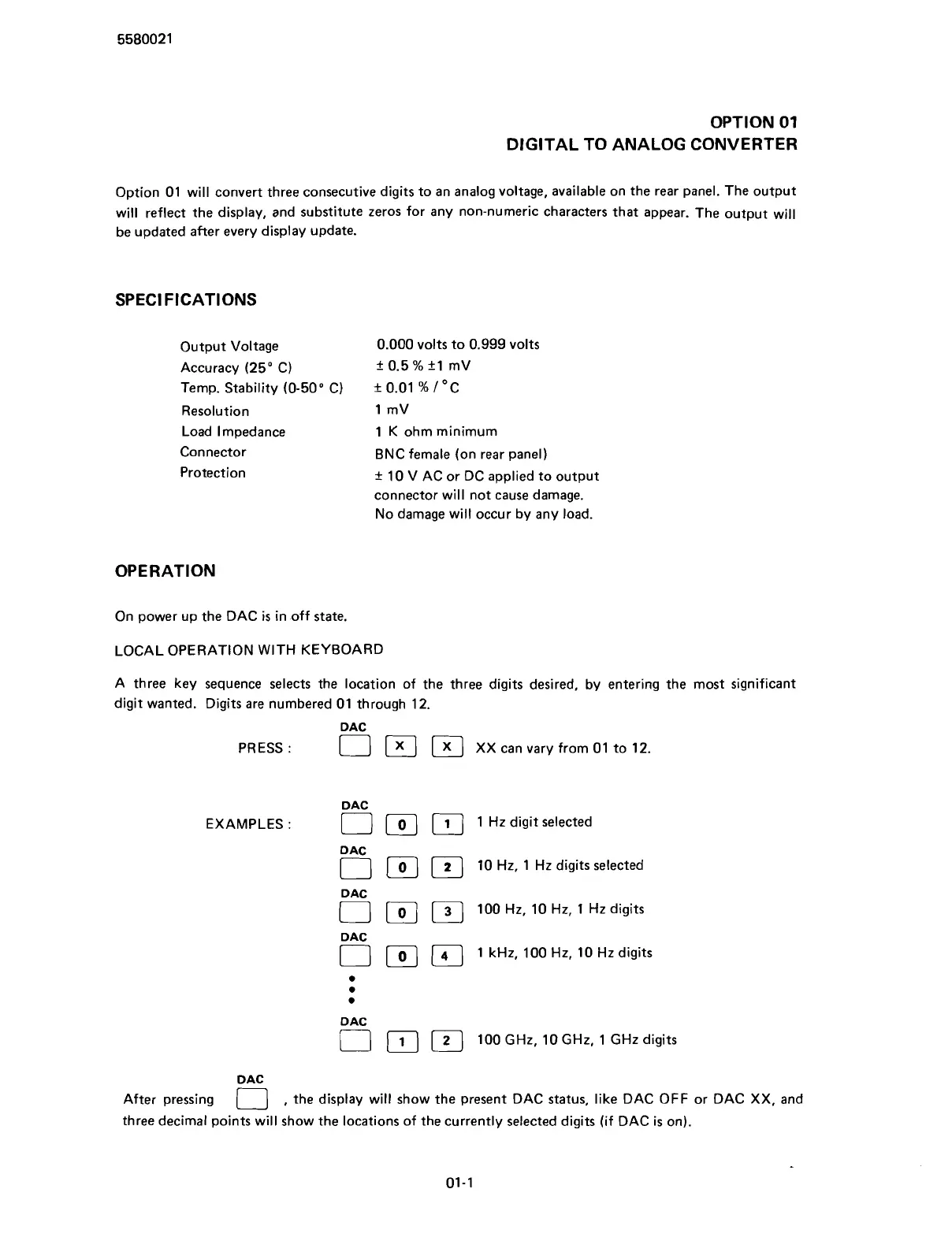
A three key sequence selects the location of the three digits desired, by entering the most significant
digit wanted. Digits are numbered
01
through
12.
DAC
PRESS
:
1
[
X
1
[
XX can vary from
01
to
12.
D AC
EXAMPLES
:
[ ]
1
Hz digit selected
DAC
[rj
]
10
Hz,
1
Hz digits selected
DAC
0
]
[
100
Hz,
10
Hz,
1
Hz digits
D AC
[
[
1
kHz,
100
Hz,
10
Hz digits
a
a
a
DAC
IT]
100
GHz,
10
GHz,
1
GHz digits
D AC
After pressing
,
the display will show the present DAC status, like DAC OFF or DAC XX, and
three decimal points will show the locations of the currently selected digits (if DAC
is
on).
Scans by ArtekMedia © 2007



 To Next Page