BAND
2
(
10MHz
-
1 GHz)
1. Set the counter to band 2.
2.
Connect the signal source output to the band 2 input of the counter.
3.
Set the signal level to -20
dBrn (22 rnv RMS).
4.
Vary the signal input from 10 MHz to 1
GHz.
The counter should display the correct input frequency.
BAND
3
(548A: 1 GHz
-
26.5 GHz)
(545A: 1 GHz
-
18 GHz)
1.
Set the counter to band 3.
2. Connect the signal source output to the band 3 input of the counter.
3.
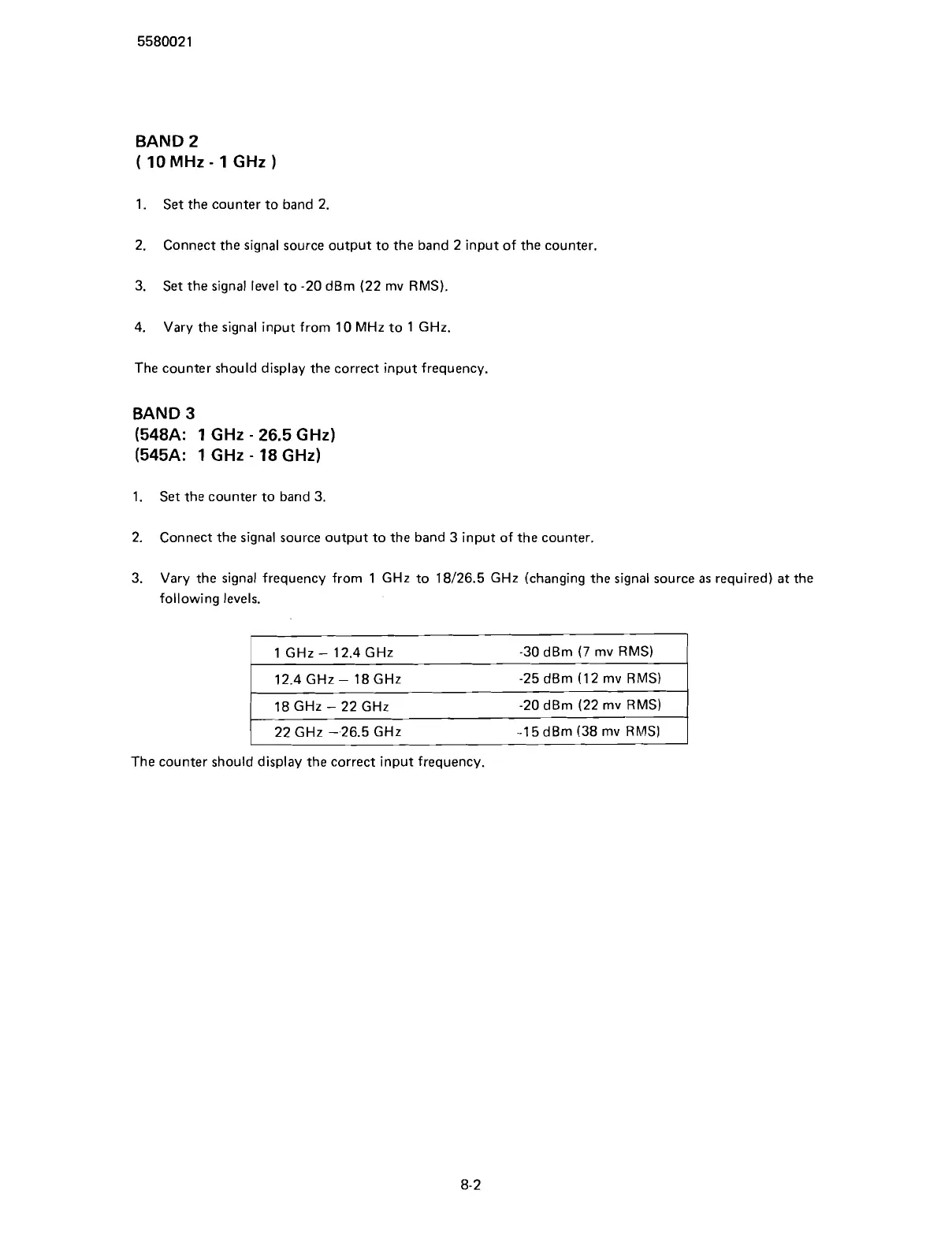
Vary the signal frequency from 1
GHz to 18126.5 GHz (changing the signal source
as
required)
at
the
following levels.
I
1 GHz
-
12.4 GHz -30 dBrn
(7
rnv RMS)
1
-
-
12.4 GHz
-
18 GHz
-25 dBrn (1 2 rnv RMS)
18 GHz
-
22 GHz
-20 dBrn (22 rnv RMS)
-1
5
dBrn (38 rnv RMS)
I
The counter should display the correct input frequency.
Scans by ArtekMedia © 2007



 To Next Page