SET-LIP FOR BASIC FREQLIENCY MEASUREMENT
BAND
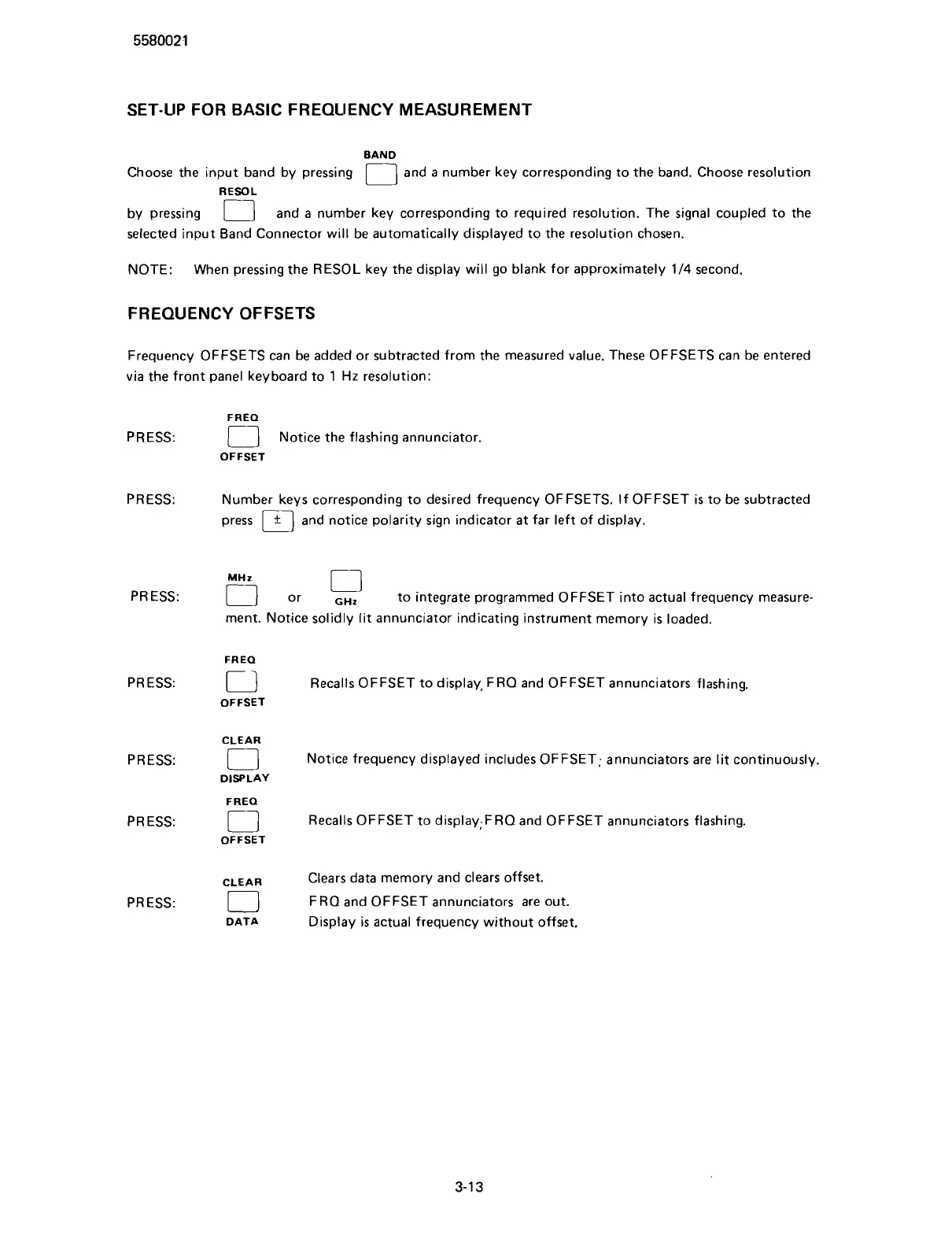
Choose the input band by pressing
[
and
a
number key corresponding to the band. Choose resolution
RESOL
r
by pressing
[
and
a
number key corresponding to required resolution. The signal coupled to the
selected input Band Connector will be automatically displayed to the resolution chosen.
NOTE: When pressing the
RESOL key the display will go blank for approximately
114
second.
FREQUENCY OFFSETS
Frequency OFFSETS can be added or subtracted from the measured value. These OFFSETS can be entered
via the front panel keyboard to 1
Hz
resolution:
FREQ
PRESS:
[
Notice the flashing annunciator.
OFFSET
PRESS: Number keys corresponding to desired frequency OFFSETS. If OFFSET is
to
be subtracted
press
[
and notice polarity sign indicator at far left of display.
PRESS:
PRESS:
PRESS:
PRESS:
PRESS:
or
,.,
to integrate programmed OFFSET into actual frequency measure-
ment. Notice solidly lit annunciator indicating instrument memory is loaded.
FREQ
Cl2
Recalls OFFSET to display, FRO and OFFSET annunciators flashing.
OFFSET
CLEAR
[
Notice frequency displayed includes OFFSET; annunciators are lit continuously.
DISPLAY
FREQ
El
Recalls OFFSET to display;F RO and OFFSET annunciators flashing.
OFFSET
CLEAR
Clears data memory and clears offset.
0
FRO and OFFSET annunciators are out.
DATA
Display
is
actual frequency without offset.
Scans by ArtekMedia © 2007



 To Next Page