BAND SELECTION
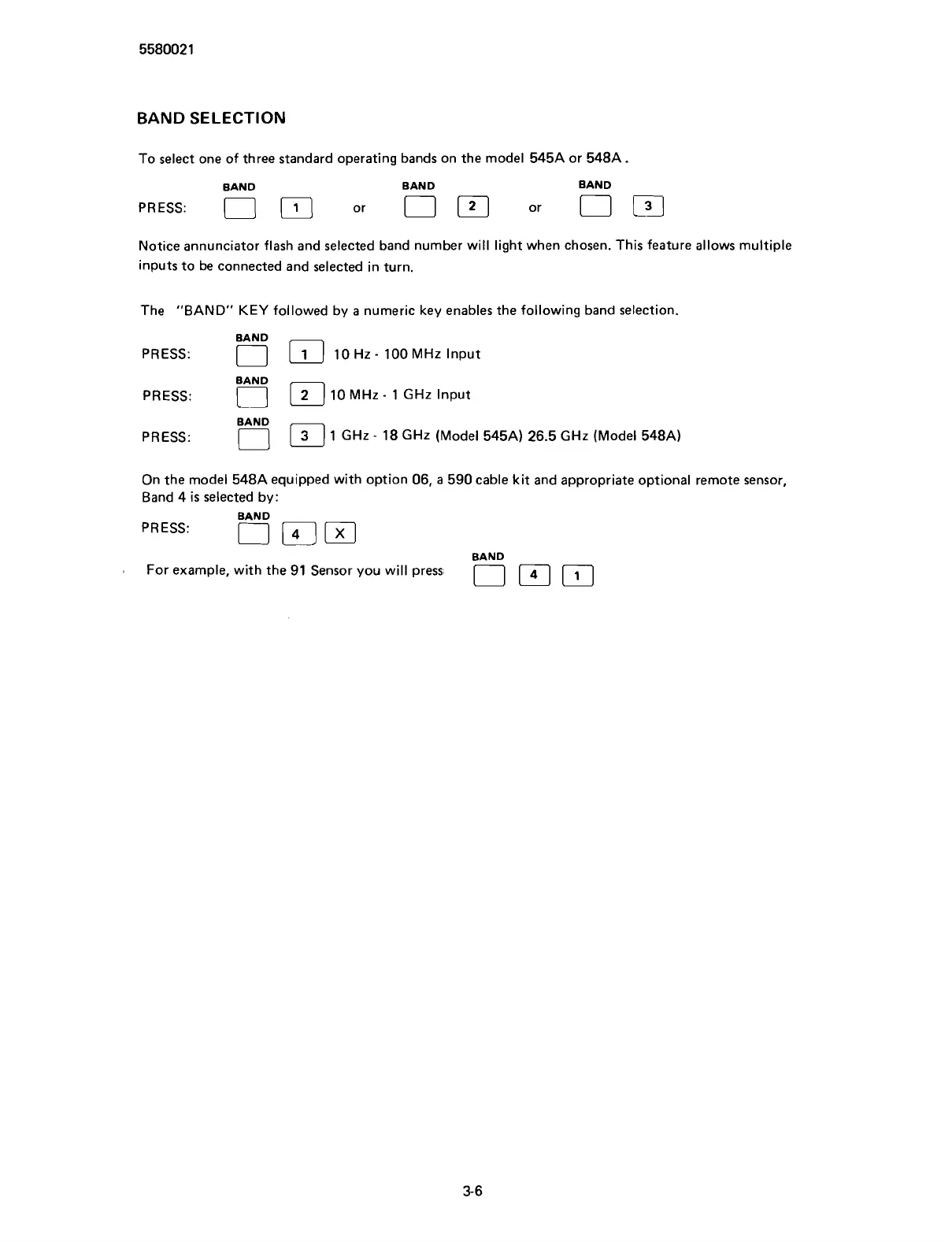
To select one of three standard operating bands on the model 545A or 548A
BAND BAND BAND
Notice annunciator flash and selected band number will light when chosen. This feature allows multiple
inputs to be connected and selected in turn.
The "BAND"
KEY
followed by a numeric key enables the following band selection.
BAND
PRESS:
10
MHZ
-
1
GHZ
Input
BAND
PRESS:
0
1 GHz
-
18 GHz (Model 545A) 26.5 GHz (Model 548A)
On the model 548A equipped with option 06, a 590 cable kit and appropriate optional remote sensor,
Band 4
is
selected by:
BAND
PRESS:
BAND
a
For example, with the 91 Sensor you will press
Scans by ArtekMedia © 2007



 To Next Page