5.
Program the correction in these locations.
0000
-
0005
inclusive
0032
-
0037
inclusive
0064
-
0069
inclusive
6.
Connect the Wavetek to the counter. Increase power until the counter reads
1
dB higher.
7.
Connect the Wavetek to the power meter. Subtract the counter reading from the power meter
reading. Round the result
(R2) to
0.1
dBm.
8.
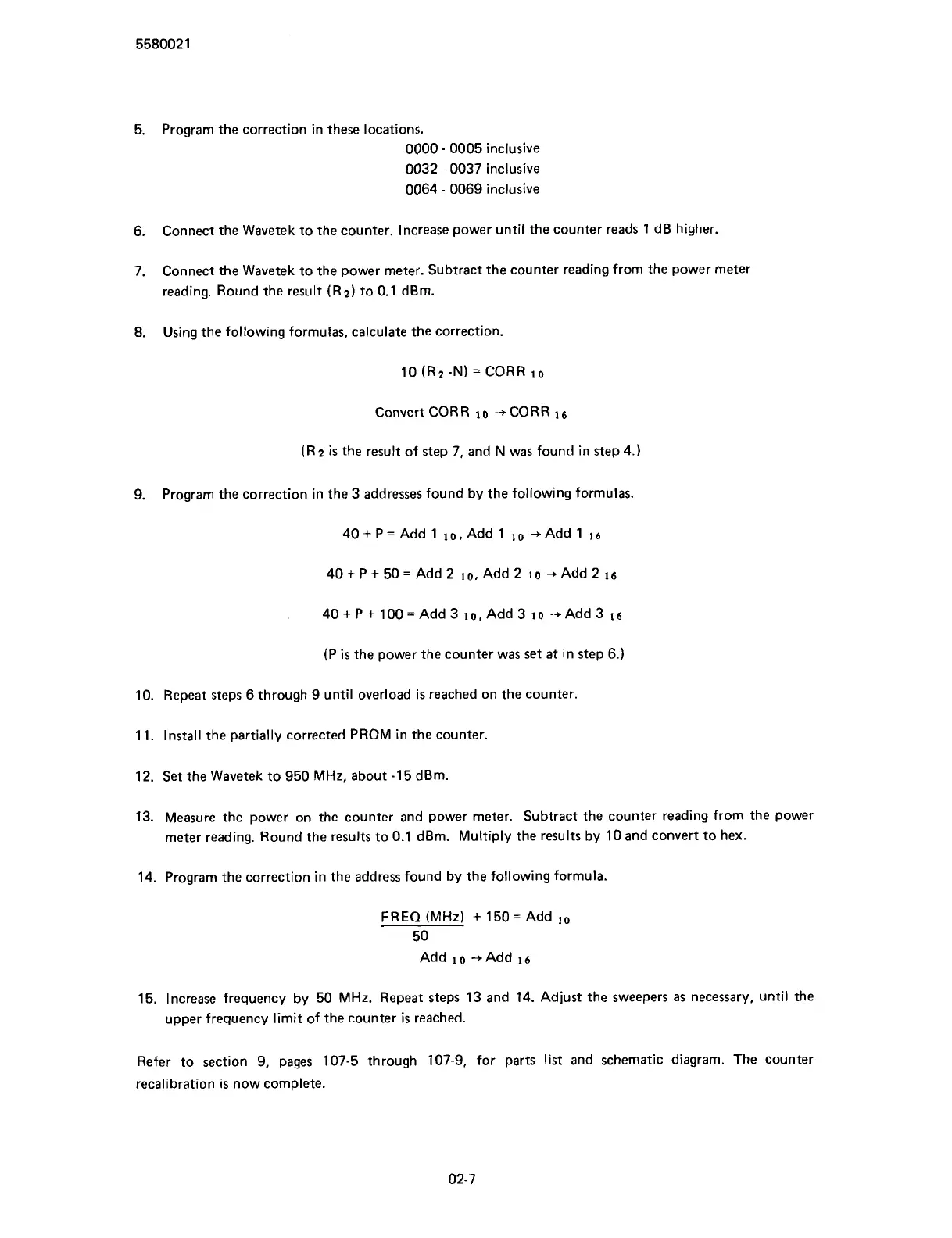
Using the following formulas, calculate the correction.
10
(R2 -N)
=
CORR
lo
Convert CORR
lo
-+CORR
la
(R
2
is
the result of step
7,
and N was found in step
4.)
9.
Program the correction in the
3
addresses found by the following formulas.
(P
is
the power the counter was set at in step
6.)
10.
Repeat steps
6
through
9
until overload
is
reached on the counter.
11.
Install the partially corrected PROM in the counter.
12.
Set the Wavetek to
950
MHz, about
-15
dBm.
13.
Measure the power on the counter and power meter. Subtract the counter reading from the power
meter reading. Round the results to
0.1
dBm. Multiply the results by
10
and convert to hex.
14.
Program the correction in the address found by the following formula.
FREQ
(MHz)
+
150=
Add
10
50
Add
10
-+Add
16
15.
Increase frequency by
50
MHz. Repeat steps
13
and
14.
Adjust the sweepers as necessary, until the
upper frequency limit of the counter
is
reached.
Refer to section
9,
pages
107-5
through
107-9,
for parts list and schematic diagram. The counter
recalibration
is
now complete.
Scans by ArtekMedia © 2007



 To Next Page