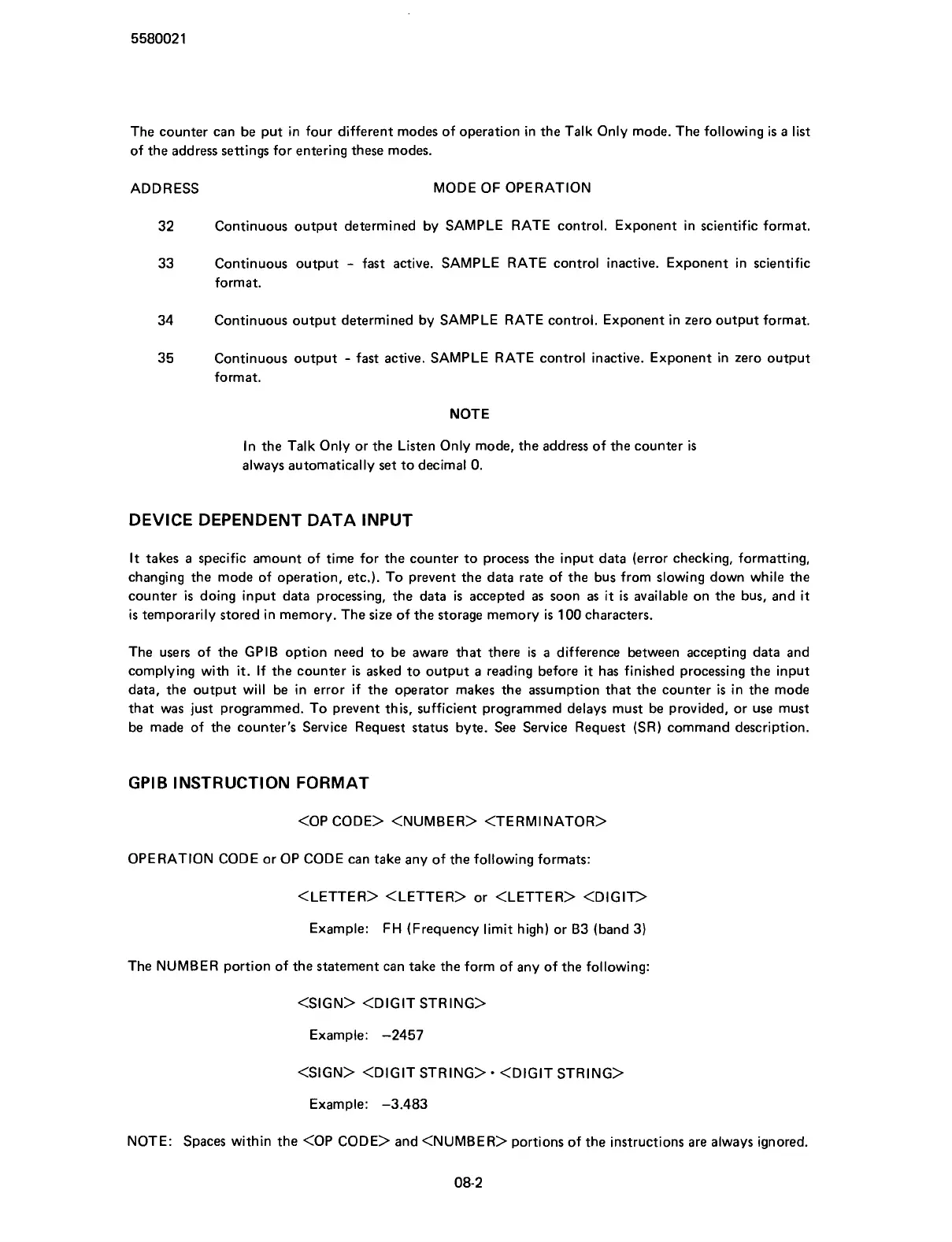
The counter can be put in four different modes of operation in the Talk Only mode. The following
is
a list
of the address settings for entering these modes.
ADDRESS MODE OF OPERATION
32
Continuous output determined by SAMPLE RATE control. Exponent in scientific format.
33
Continuous output
-
fast active. SAMPLE RATE control inactive. Exponent in scientific
format.
34 Continuous output determined by SAMPLE RATE control. Exponent in zero output format.
35
Continuous output
- fast active. SAMPLE RATE control inactive. Exponent in zero output
format.
NOTE
In the Talk Only or the Listen Only mode, the address of the counter
is
always automatically set to decimal 0.
DEVICE DEPENDENT DATA INPUT
It
takes a specific amount of time for the counter to process the input data (error checking, formatting,
changing the mode of operation, etc.). To prevent the data rate of the bus from slowing down while the
counter
is
doing input data processing, the data
is
accepted as soon as
it
is
available on the bus, and
it
is temporarily stored in memory. The size of the storage memory
is
100 characters.
The users of the GPlB option need to be aware that there is a difference between accepting data and
complying with
it.
If the counter
is
asked to output a reading before
it
has finished processing the input
data, the output will be in error if the operator makes the assumption that the counter
is
in the mode
that was just programmed. To prevent this, sufficient programmed delays must be provided, or use must
be made of the counter's Service Request status byte. See Service Request (SR) command description.
GPlB INSTRUCTION FORMAT
OPERATION CODE or OP CODE can take any of the following formats:
<LETTER> <LETTER> or <LETTER> <DIGIT>
Example: FH (Frequency limit high) or B3 (band 3)
The NUMBER portion of the statement can take the form of any of the following:
<SIGN> <DIGIT STRING>
Example: -2457
<SIGN> <DIGIT STRING>
<DIGIT STRING>
Example: -3.483
NOTE: Spaces within the <OP CODE> and <NUMBER> portions of the instructions are always ignored.
Scans by ArtekMedia © 2007



 To Next Page