15
4
Special modes for PCB
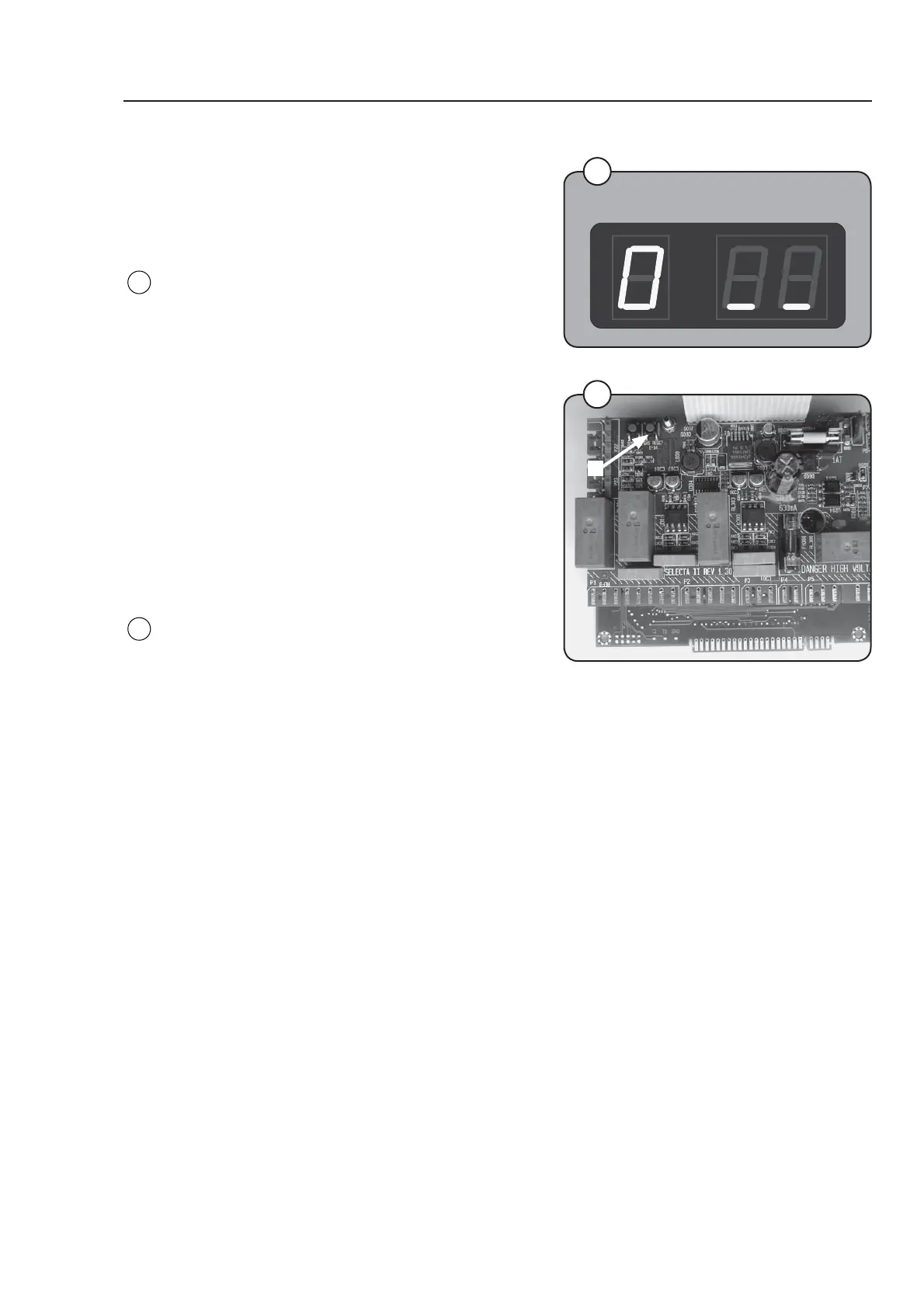
SELECTA MODE
There is a possibility that the CPU board is
programmed to use the Selecta display.
Selecta mode: The Compass display is lit and the
Selecta display shows "0_ _".
In order to engage Compass service mode keep
pressing the service button when the power is
turned on.
BOOT MODE
There is a possibility that the CPU board is in
Boot mode.
In Boot mode new software for the CPU board
can be downloaded. A special PC-program is
required.
Boot mode: All 4 LEDs for the choice of
temperature is lit and the display is turned off.
In order to engage the CPU board in boot mode it
must already be engaged in service mode and
then the gas reset button B must be pressed. To
leave boot mode press the gas reset button
again or download new software.
Fig.
4
5
B
Program unit
Fig.
5



 To Next Page