28
6204
29
I/O ADDRESS
MENU 4-5-1
ACTIVATE I/O BOARD
I/O BOARD 1
I/O BOARD 2
I/O BOARD 3
EXIT
I/O ADDRESS
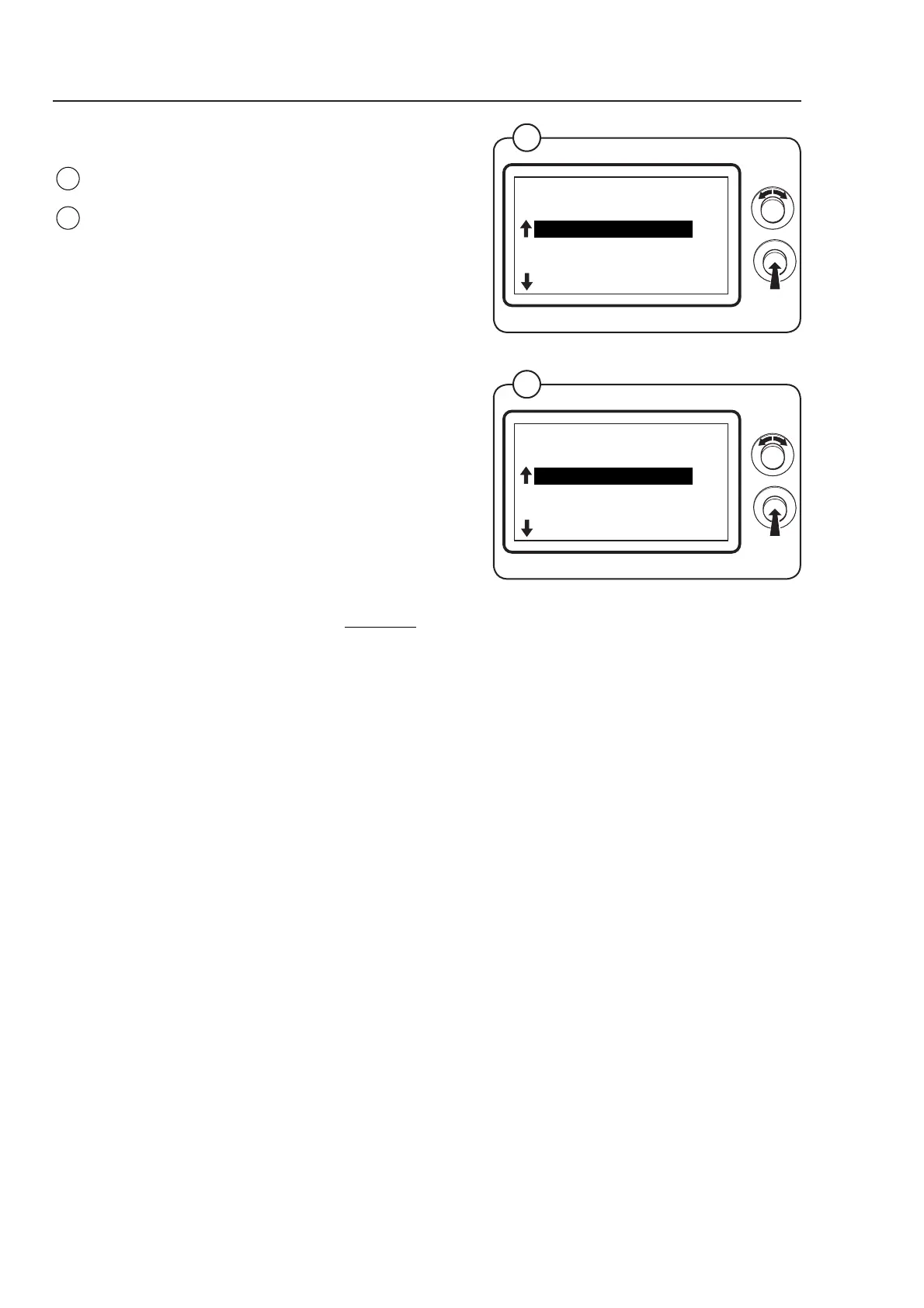
Select the row I/O ADDRESS and press the knob.
The display shows the accessible functions
regarding the I/O ADDRESS settings - the default
values are listed to the right:
• ACTIVATE I/O BOARD OFF
• I/O BOARD 1 N/A *
• I/O BOARD 2 N/A *
• I/O BOARD 3 N/A *
(For a more detailed description of the functions
see below.)
To connect/disconnect the function select ON or
OFF and press the knob.
* There is no default value
Fig.
28
Program unit
ACTIVATE I/O BOARD
Activate the I/O board - it is very important to keep in mind that P13 and P14 can not be used
as ordinary I/O, eg. condensate pump T4130.
I/O BOARD 1-3
There is no value - press botton with above number on I/O board.
28
CONFIG 1
MENU 4-5
I/O ADDRESS
EXIT
Fig.
29



 To Next Page