19
Program unit
13
6204
12
6204
SERVICE
MENU 1-3
ARTICLE NUMBER
SHOW COM. PORTS
STATUS I/O BOARD
DISPLAY TEST
EXIT
ARTICLE NUMBER
MENU 1-3-1
SOFTWARE VERSION
PARAMETER VERSION
EXIT
ARTICLE NUMBER
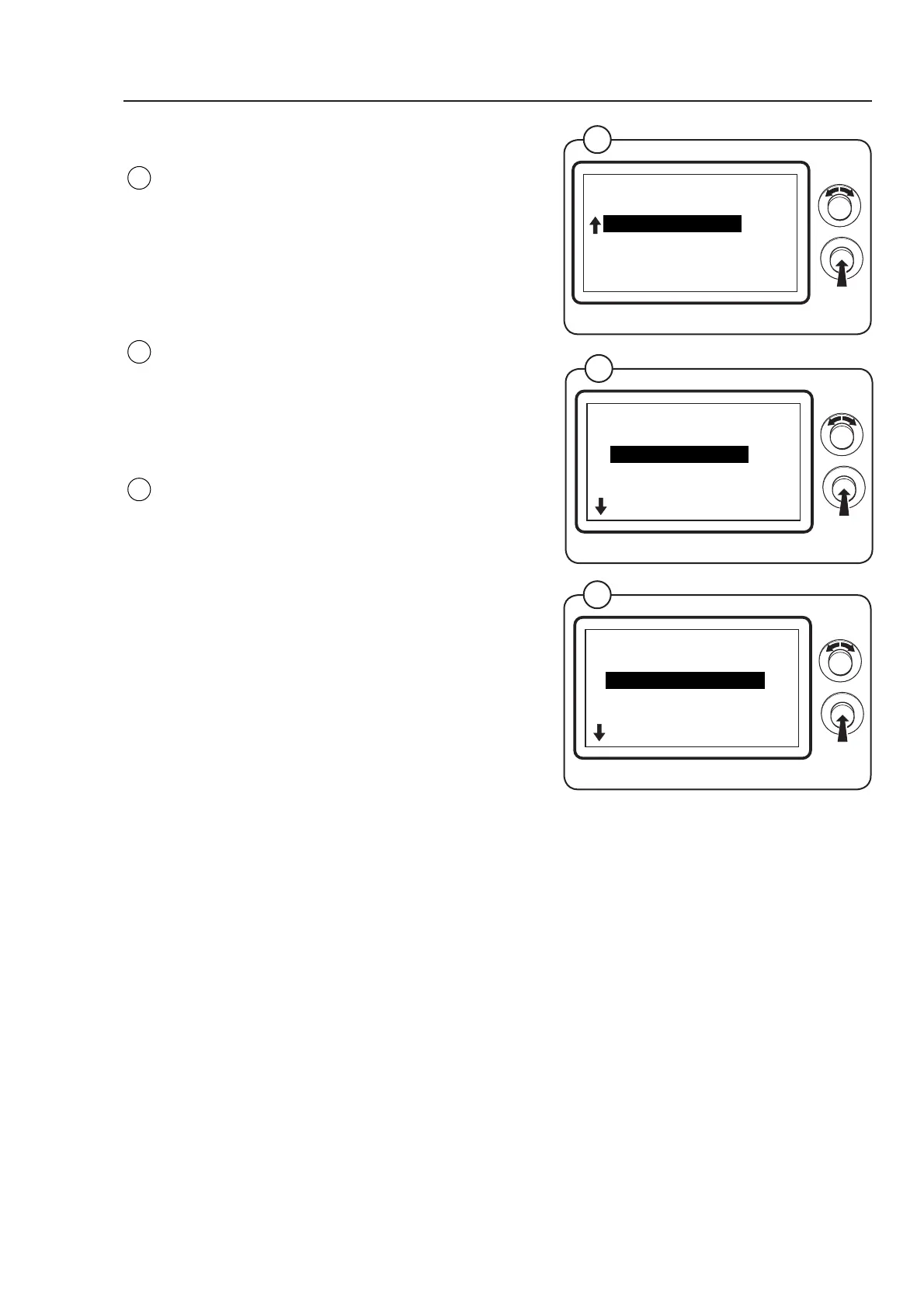
Select the row ARTICLE NUMBER and press the
knob.
The display now shows a list of which article
numbers and versions can be displayed (see
below):
SOFTWARE VERSION
Select the row SOFTWARE VERSION and press
the knob.
The display now shows the software version.
PARAMETER VERSION
Select the row PARAMETER VERSION and
press the knob.
The display now shows the parameter version.
Fig.
13
Fig.
12
14
6204
ARTICLE NUMBER
MENU 1-3-2
PARAMETER SOFTWARE
EXIT
Fig.
14



 To Next Page