23
6204
22
6204
21
CONFIG 1
MENU 4-1
USER INTERFACE
SHOW COUNTER
LANGUAGE
SPECIAL CONTROL
I/O ADDRESS
USER INTERFACE
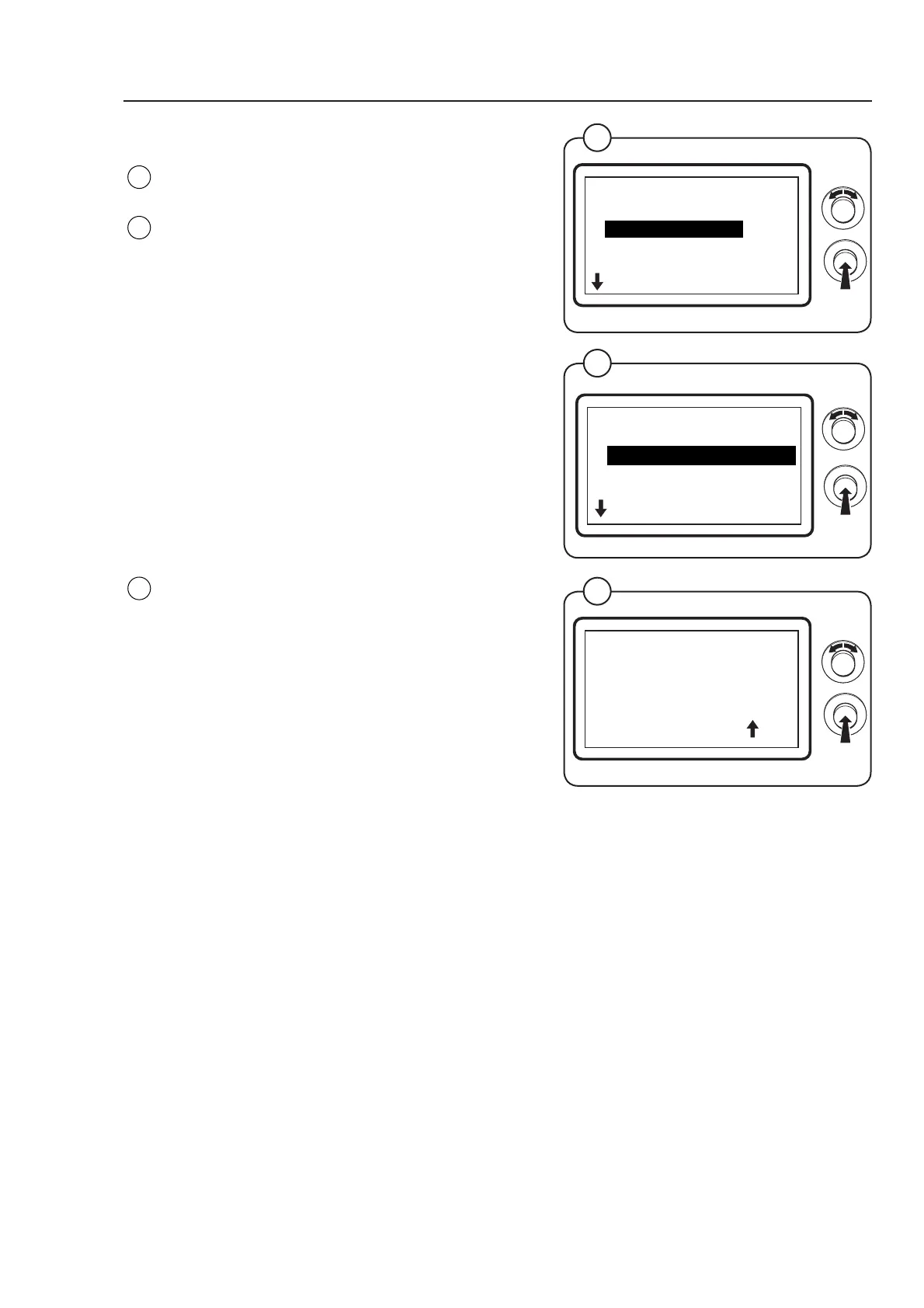
Select the row USER INTERFACE and press the
knob.
The display shows the accessible functions/
parameters regarding the user interface - the
default values are listed to the right:
• BUTTON CLICK OFF
• STANDBY VALUE 00
• STANDBY VALUE BLINKS OFF
• FINAL BLINKS ON
• TIMEOUT, DISPLAY, SEC 12 x 10
• TIMEOUT, END BUZ. SEC 10
• SHOW TIME OFF
• SHOW TEMP OFF
• DEFAULT TEMP 0
(For a more detailed description of the functions/
parameters see the following pages.)
To connect/disconnect the functions select ON or
OFF and press the knob.
To adjust parameter values set the value and
press the knob. The arrow shows the number to be
adjusted.
• Turn the knob clockwise to set the number
between 0 and 9.
• Turn the knob anti-clockwise to move to the next
column. Turn the knob clockwise to set the value
etc.
Fig.
22
Fig.
23
Fig.
21
USER INTERFACE
MENU 4-1-1
BUTTON CLICK
STANDBY VALUE
STANDBY VALUE BLINKS
FINAL BLINKS
TIMEOUT, DISPLAY, SEC
Program unit
6204
23
STANDBY VALUE
000



 To Next Page