26
6204
25
6204
24
CONFIG 1
MENU 4-2
SHOW COUNTER
LANGUAGE
SPECIAL CONTROL
I/O ADDRESS
EXIT
SHOW COUNTER
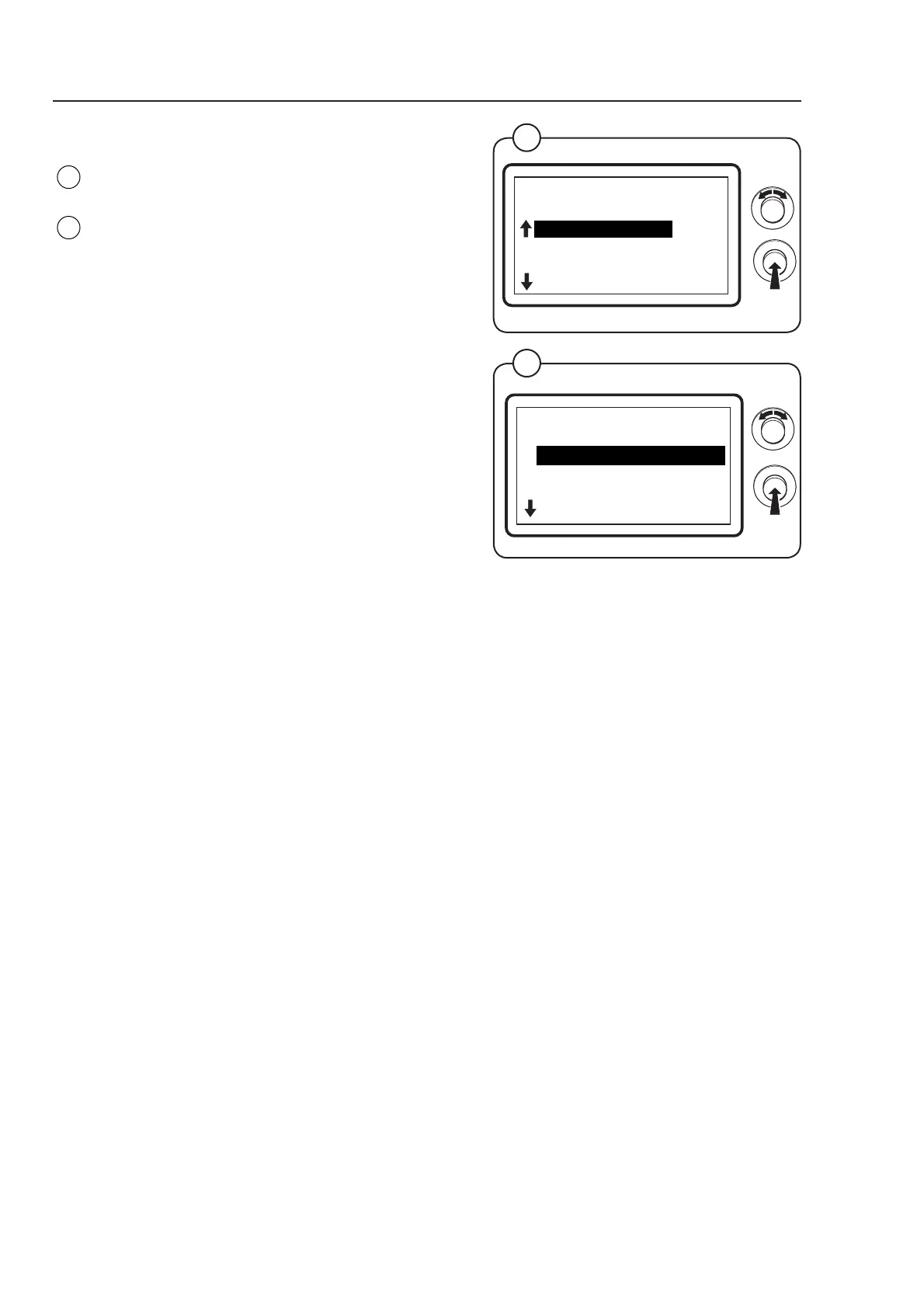
Select the row SHOW COUNTER and press the
knob.
The display shows the accessible functions
regarding which counters to be shown on the
display - the default values are listed to the right:
• SHOW COIN COUNTER ON
• SHOW HOUR COUNTER ON
(For a more detailed description of the functions
see below.)
To connect/disconnect the function select ON or
OFF and press the knob.
Fig.
25
Fig.
24
SHOW COUNTER
MENU 4-2-1
SHOW COIN COUNTER
SHOW HOUR COUNTER
EXIT
Program unit
SHOW COIN COUNTER
Select whether the contents of the machine’s coin counter should be shown in
the display window while a drying program is in progress or outside the drying
program without going into service mode. The counter is shown on the display
after pressing the control knob twice in quick succession.
ON = The contents of the coin counter can be shown. Displayed after
pressing the control knob twice in succession when drying or before the drying
program starts
OFF = No display of the contents in the coin counter
SHOW HOUR COUNTER
Select whether the contents of the machine’s hour counter should be shown in
the display window while a drying program is in progress or outside the drying
program without going into service mode. The counter is shown on the display
after pressing the control knob twice in quick succession.
ON = The contents of the hour counter can be shown. Displayed after
pressing the control knob twice in succession when drying or before the drying
program starts.
OFF = No display of the contents in the hour counter.



 To Next Page