37
Program unit
6204
44
6204
43
CONFIG 2
MENU 5-6
ELS NETWORK
CONFIG 3
EXIT
ELS NETWORK
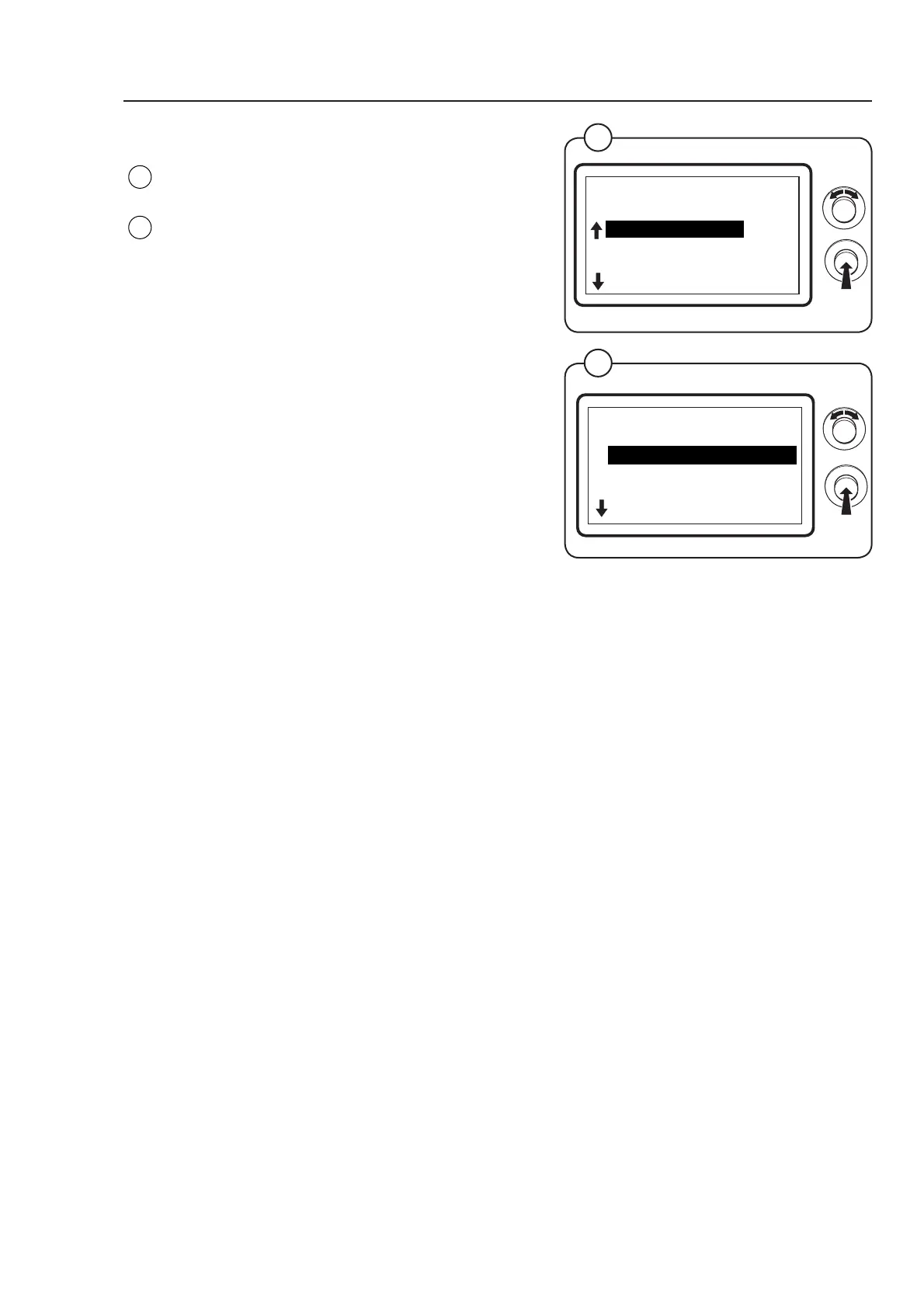
Select the row ELS NETWORK and press the
knob.
The display shows the accessible parameters
regarding ELS network - the default values are
listed to the right:
• MACHINE ADDRESS 0
• BAUD RATE 0
• TIME OUT 0
• DRYER TYPE N/A *
(For a more detailed description of the parameters
see below.)
To adjust parameter values set the value and
press the knob.
* There is no default value as the dryer type is set
from factory
Fig.
44
Fig.
43
ELS NETWORK
MENU 5-6-1
MACHINE ADDRESS
BAUD RATE
TIME OUT
DRYER TYPE
EXIT
MACHINE ADDRESS
Select the number/address of the machine in the network.
0 = not in network
1 - 27 = available numbers
BAUD RATE
Select the communication speed.
0 = 38400 BAUD
1 = 2400 BAUD
2 = 9600 BAUD
3 = 38400 BAUD
TIME OUT
Select when the dryer must report a time out error: 0-99 seconds
CMIS = 10 sec. (error code E21)
LM10 = 90 sec. (error code E22)
(to be continued ...)



 To Next Page