16
7
6204
6204
6
MAIN MENU
MENU 1
SERVICE
PARAMETER PROGR.
STATISTICS
CONFIG 1
CONFIG 2
SERVICE
MENU 1-1
ACTIVATE OUTPUTS
SHOW INPUTS
ARTICLE NUMBER
SHOW COM. PORTS
STATUS I/O BOARD
Service
The service program is used to facilitate trouble-
shooting the machine. Using this programe it is
possible to:
• control the machine functions individually
• control the sensor signals to the CPU board
• check the communication in the machine
control system
• check the display
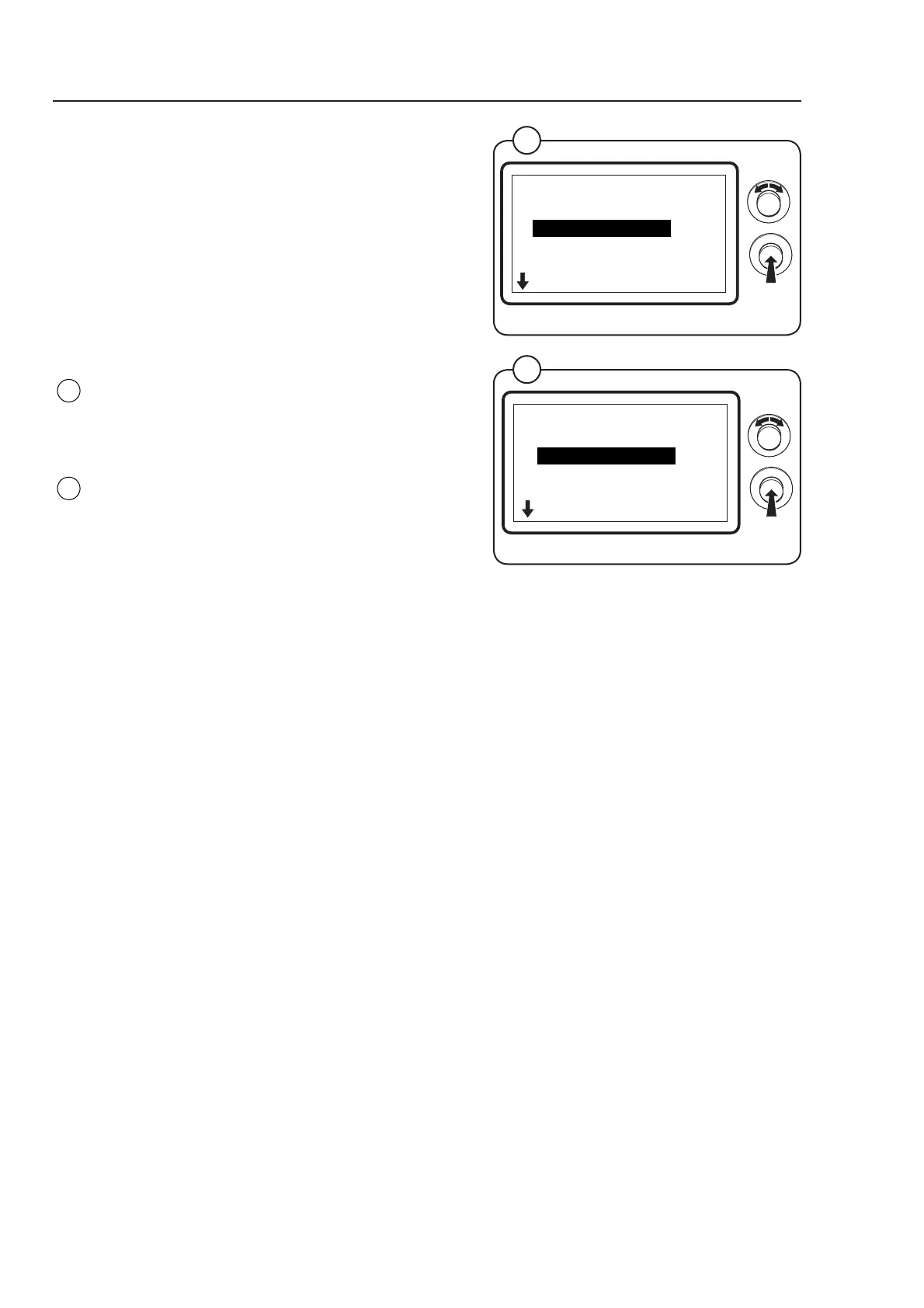
Engage the service mode and select the row
SERVICE in the main menu and press the knob.
The display now shows the different submenus in
the service program:
• ACTIVATE OUTPUTS
• SHOW INPUTS
• ARTICLE NUMBER
• SHOW COM. PORTS
• STATUS I/O BOARD
• DISPLAY TEST
Select menu and press the knob.
Fig.
6
Fig.
7
Program unit



 To Next Page