29
6204
31
CONFIG 2
In the menu CONFIG 2 all the functions as well
as parameters which the service personnel can
only change using a password are shown.
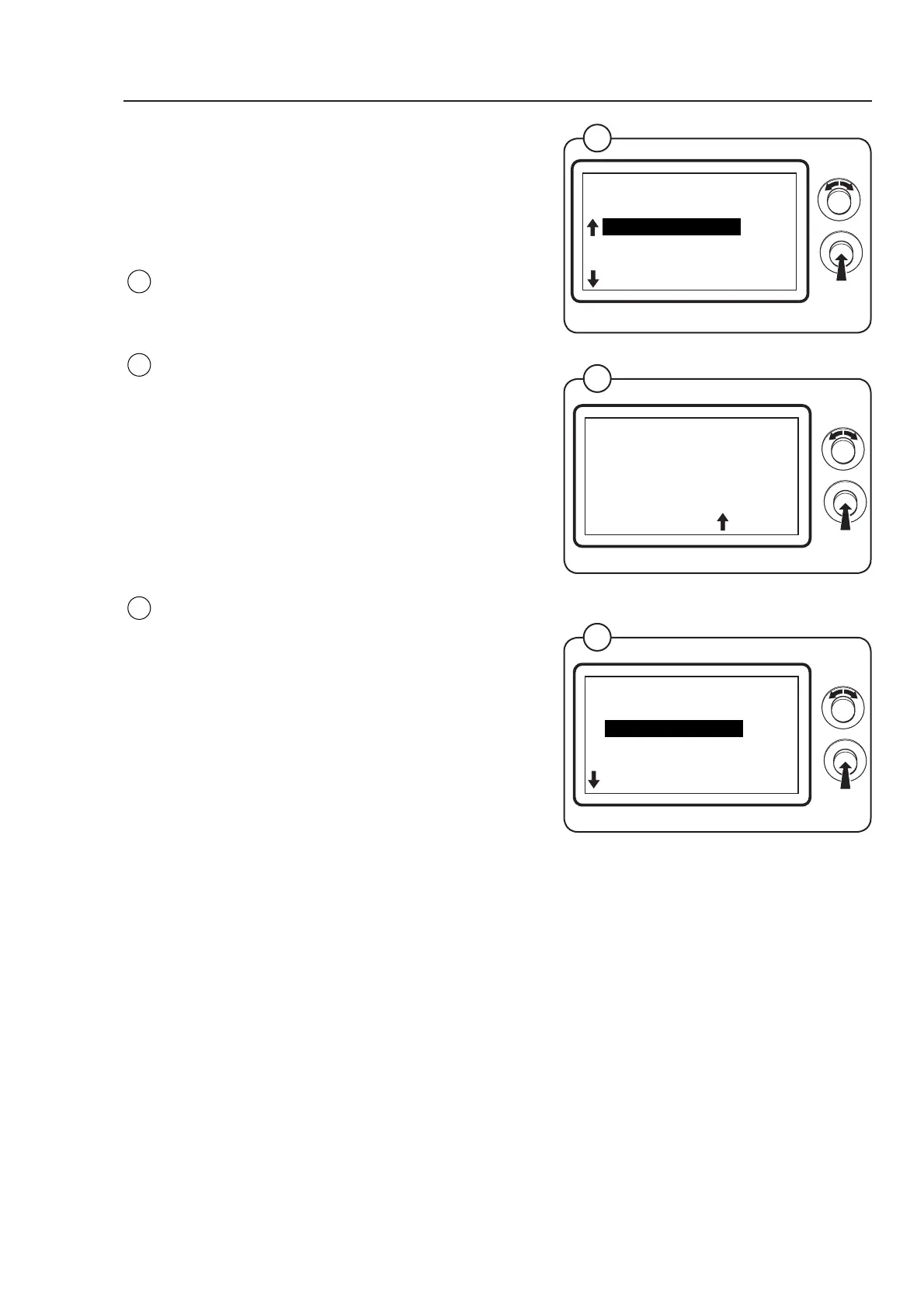
Engage the service mode on the machine
Select the row CONFIG 2 in the main menu and
press the knob.
In the display a password must be entered in
order to gain access to CONFIG 2
The password is 0001
To enter the password:
• Turn the knob clockwise to set the number
between 0 and 9.
• Turn the knob anti-clockwise to move to the
next column. Turn the knob clockwise to set the
value etc.
In the display following submenus are now
shown:
• CONFIG PCB
• TEMPERATURE
• ROTATION
• MAXIMUM
• RESET COUNTERS
• ELS NETWORK
Select a submenu and press the knob.
Fig.
31
Fig.
30
6204
30
MAIN MENU
MENU 5
CONFIG 2
COIN VALUE
QUICK START BUTTONS
ADJUST DISPLAY
RESET TO FACTORY
PASSWORD
0000
Program unit
6204
32
CONFIG 2
MENU 5-1
CONFIG PCB
TEMPERATURE
ROTATION
MAXIMUM
RESET COUNTERS
Fig.
32



 To Next Page