36
6204
42
6204
41
CONFIG 2
MENU 5-5
RESET COUNTERS
ELS NETWORK
CONFIG 3
EXIT
RESET COUNTERS
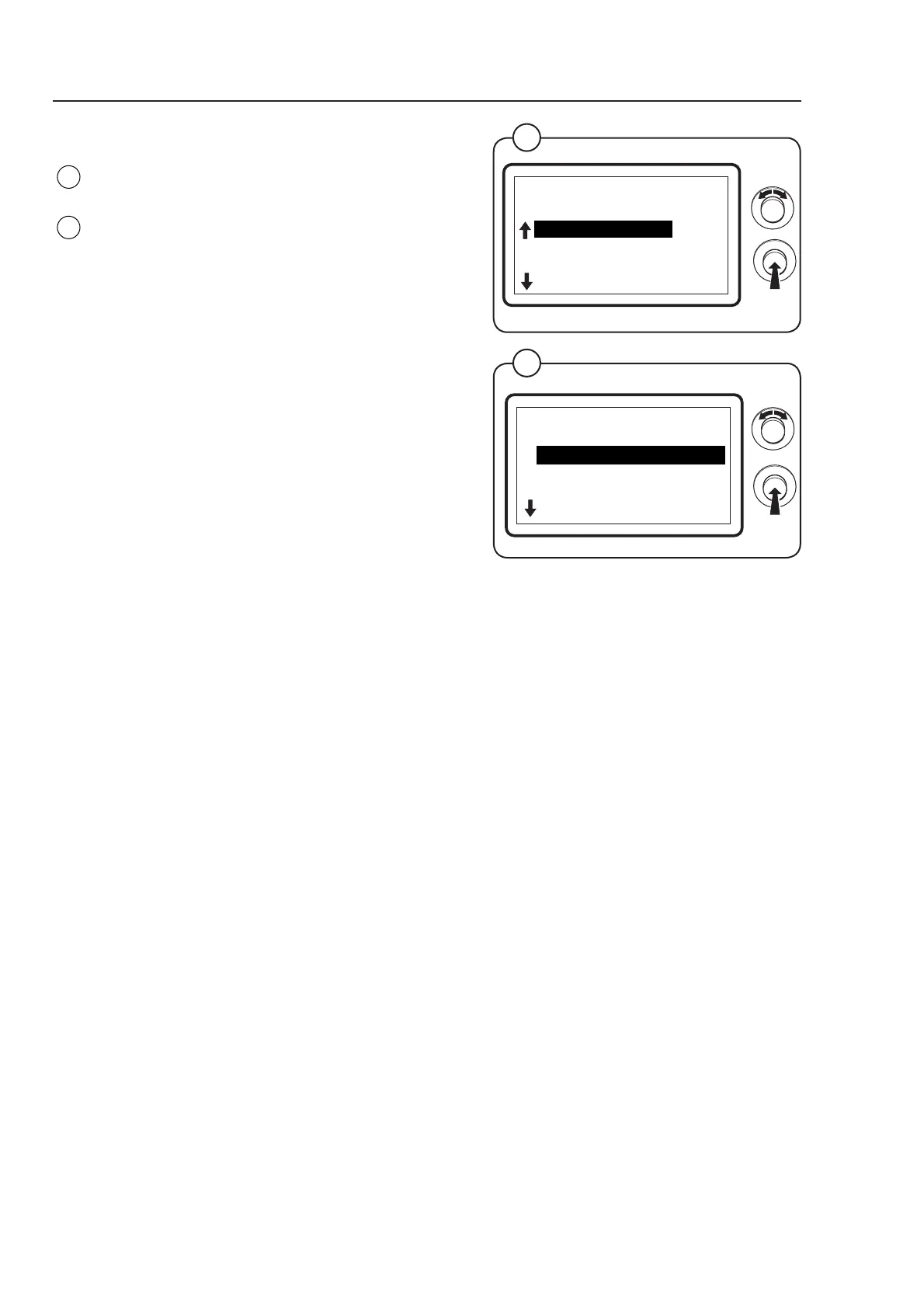
Select the row RESET COUNTERS and press the
knob.
The display shows the accessible functions
regarding resetting the counters:
• RESET SERVICE HOURS
• RESET TRIP RUN HOURS
(For a more detailed description of the parameters
see below.)
To adjust parameter values set the value and
press the knob.
Fig.
42
Fig.
41
RESET COUNTERS
MENU 5-5-1
RESET SERVICE HOURS
RESET TRIP RUN HOURS
EXIT
RESET SERVICE HOURS
Select this function in order to reset the service hours.
YES = Reset the service hours
NO = Cancel the resetting
RESET TRIP RUN HOURS
Select this function in order to reset the trip run hours.
YES = Reset the trip run hours
NO = Cancel the resetting
Program unit



 To Next Page