27
6204
27
6204
26
CONFIG 1
MENU 4-3
LANGUAGE
SPECIAL CONTROL
I/O ADDRESS
EXIT
Program unit
LANGUAGE
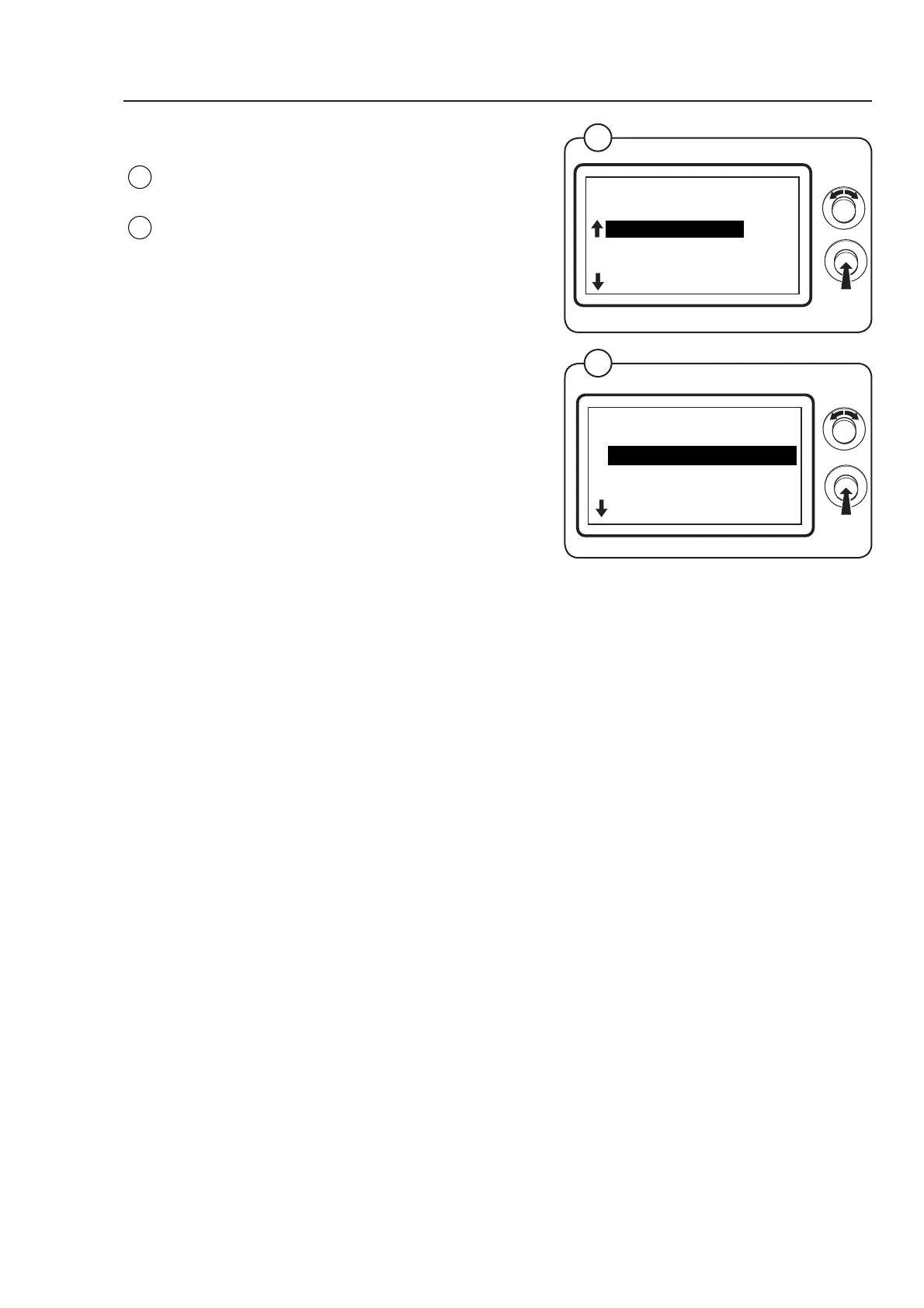
Select the row LANGUAGE and press the knob.
The display shows the accessible functions/
parameters regarding language selection the
default values are listed to the right:
• DEFAULT LANGUAGE N/A *
• LANGUAGE TIMEOUT SEC 12 x 10
• SHOW °F OFF
(
For a more detailed description of the functions/
parameters see below.)
To connect/disconnect the function select ON or
OFF and press the knob.
To adjust parameter values set the value and
press the knob. The arrow shows the number to be
adjusted.
• Turn the knob clockwise to set the number
between 0 and 9.
• Turn the knob anti-clockwise to move to the next
column. Turn the knob clockwise to set the value
etc.
* There is no default value as the language is
selected when the machine is installed.
Fig.
27
Fig.
26
LANGUAGE
MENU 4-3-1
DEFAULT LANGUAGE
LANGUAGE TIMEOUT SEC
SHOW °F
EXIT
DEFAULT LANGUAGE
Select the language to be shown when the machine is started. The progam
unit will return to the language set here if the machine is not used during the
period specifi ed in the LANGUAGE TIMEOUT menu.
LANGUAGE TIMEOUT SEC
Specify with the knob the time after which an unused machine should return to
the set default language and return to the program selection. The time is given
in steps of 10 seconds; 0 - 255 seconds.
Examples:
• if 030 is specifi ed in the display this equals 300 seconds
• if 220 is specifi ed in the display this equas 2200 seconds.
SHOW °F
Select whether all the temperature values are to be displayed in °C or °F
ON = 1 All temperature values displayed in °F
OFF = 0 All temperature values displayed in °C



 To Next Page