Appendix C: Web User Application
iConnect Installation Manual
123
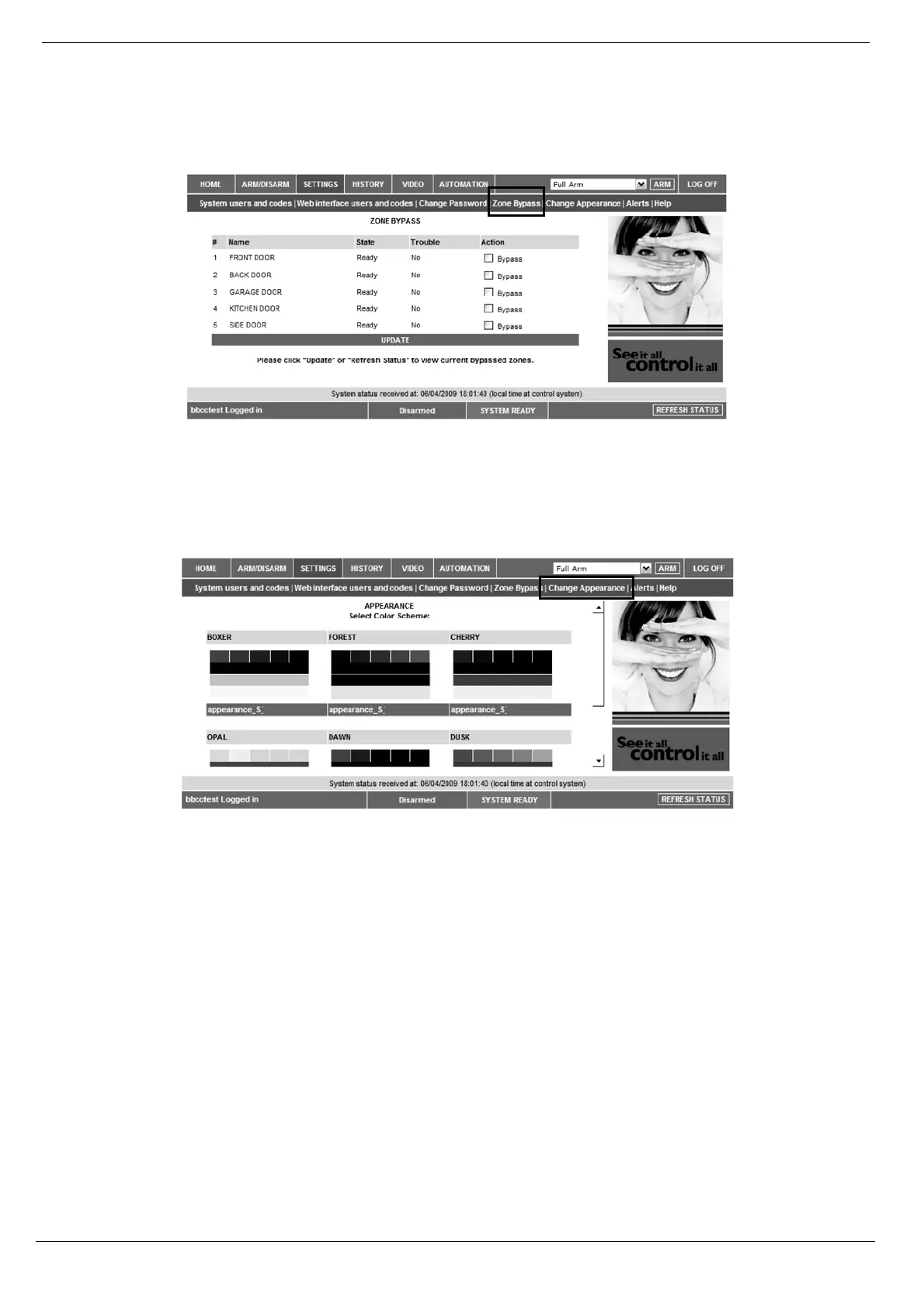
Zone Bypass
On The Main Page menu, click Settings then Zone Bypass to bypass certain zones in your home that you don't want to
receive event messages from – see p. 29, Zone Bypassing/Unbypassing. Select the checkboxes for the zones you want to
bypass.
Figure C- 9: Zone Bypass Page
Change Appearance
On The Main Page menu, click Settings then Change Appearance to change the color scheme of your account.
Figure C- 10: Change Appearance Page
Alerts
The Alerts page allows you to enter the details of contacts you wish to be informed when events occur in your system.
For example, you can enter your own email address and/or cellular phone number so that you will receive email or
SMS notification in the event of an alarm.
This area allows you to program where to send the alerts on home events (arming, disarming, alarm etc.) The events
can be reported via email or your cellular phone.
1. On The Main Page menu, click the Alerts area.



 To Next Page