Appendix C: Web User Application
iConnect Installation Manual
124
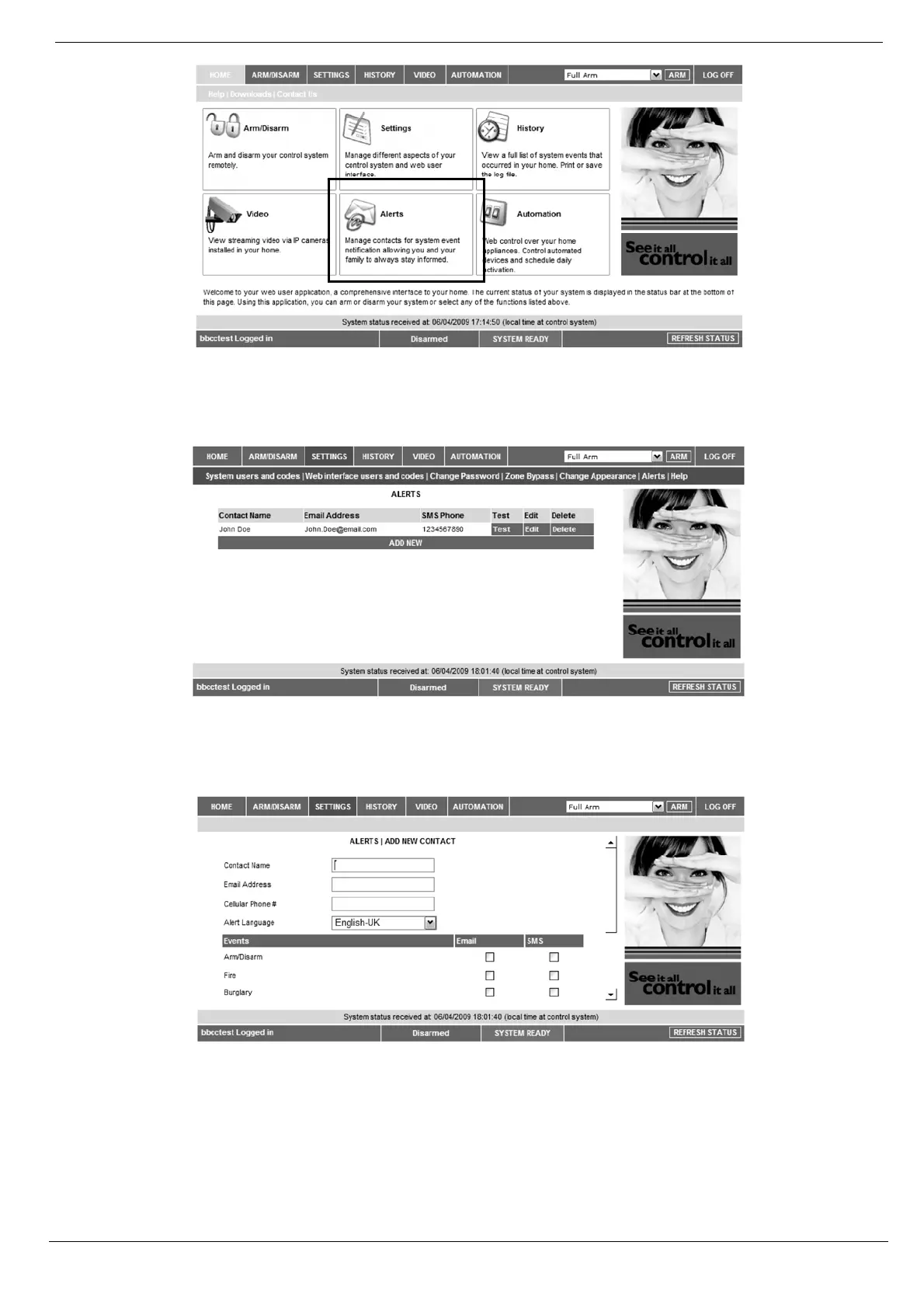
Figure C- 11: Alerts Area
The following page appears:
Figure C- 12: Alerts Page
2. Press Add new to add email addresses or cellular telephone numbers for the alert messages.
Figure C- 13: Add New Contact Page
3. In the Contact Name field, enter the name of the contact to receive alerts.
4. In the Email Address field, enter the email address for email alerts.
5. In the Cellular Phone # field, enter the cellular phone number for SMS alerts.
6. To start receiving the events messages, in the area below, select the checkboxes according to the event
type and message type you prefer (email or SMS).



 To Next Page