5 LCD display
The product is equipped with a display and a keypad to navigate in the menu. After power up, the
product will stay in sleep mode until any key is pressed. The product will ask for a login password, which
is default set to 0000.
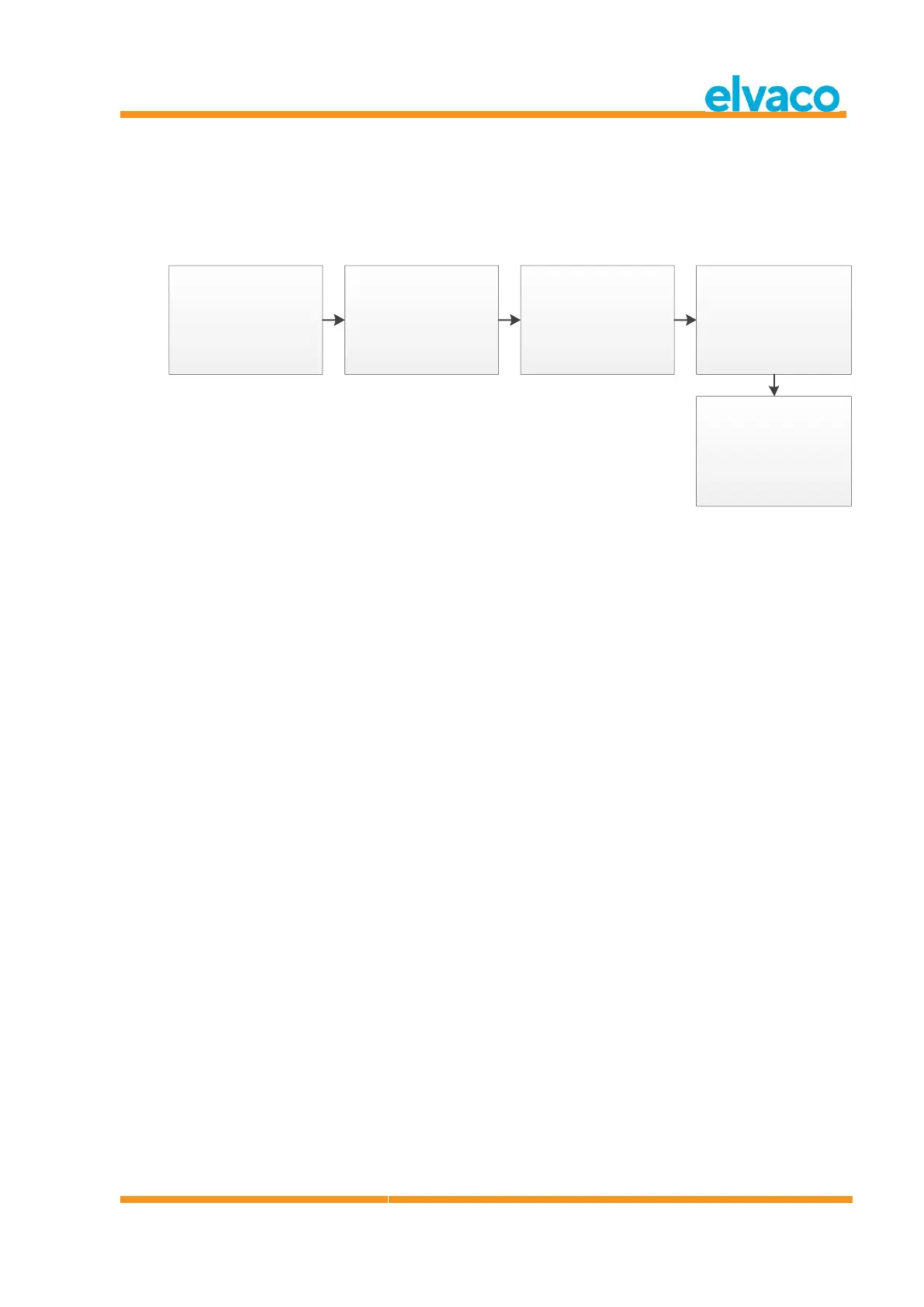
Figure 2 Power on sequence
5.1 Menu navigation
The Up/Down keys are used to select menu. The OK key is used to select the current menu choice. ESC
key will cancel current choice or return to previous menu. ? key will show help information for current
menu page. Right/Left keys are used to move cursor in an editor or to access the bottom menu (when
available).
Home menu page is the top level of the menu system. Pressing ESC key in this menu will force the
product to enter sleep mode.



 To Next Page