EasyManua.ls Logo

Elvaco CMeX50 - Add;Update Meter; Master to Slave; Slave to Master

Elvaco CMeX50
89 pages
Print Icon
To Next Page IconTo Next Page
To Previous Page IconTo Previous Page
Loading...
CMeX50 Users Manual English
0
0xe5
Acknowledge
6.3.28 Add/update meter
Add or update an existing meter in the product meter list.
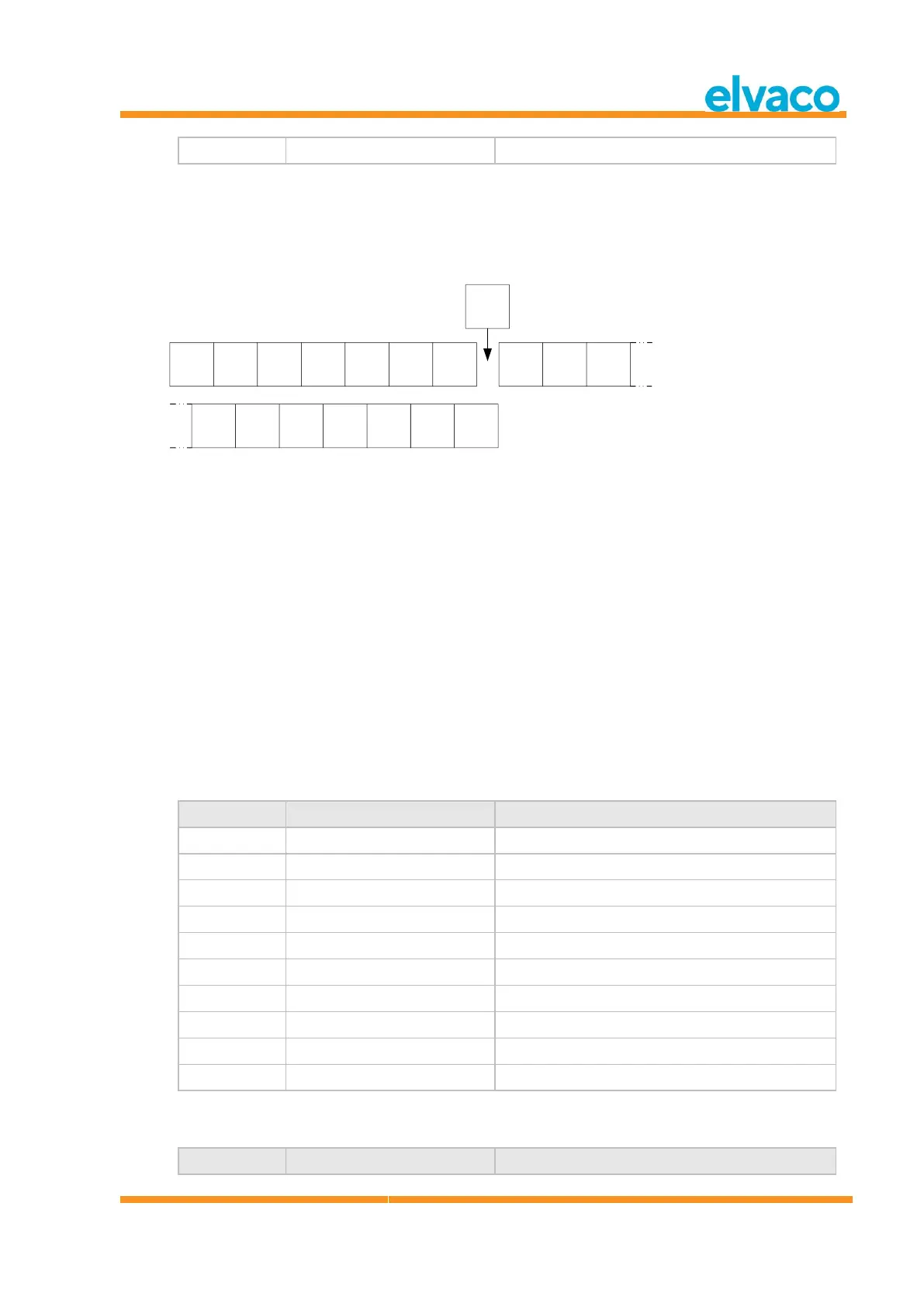
Layout of ADD_METER_INFO
DIF
0x0D
VIF
0x7C or
0xFC
LVAR
0x08
Meter
ID
4 bytes
Meter
MFR
2 bytes
Meter
VER
1 byte
Meter
DEV
1 byte
0x00 or
0x08
LVAR
0x1C
Meter
key 16
bytes
Dummy
byte
0x00
Meter
PrimA
1 byte
Meter
lock flag
Dummy
byte
0x00
R-A
ID
4 bytes
R-A
MFR
2 bytes
R-A
VER
1 byte
R-A
DEV
1 byte
Insert 0x00 or 0x08 here
ONLY if VIF = 0xFC
Figure 20: Meter and R-A fields
The Meter and R-A fields are described in figure 21 but the following additions apply
when adding/updating a meter:
Set meter PrimA = 0xFF to avoid updating it.
Set all 16 bytes of meter key to 0xFF to avoid updating it.
Meter lock flag:
o 0x00 = Meter is not locked in meter list.
o 0x01 = Meter is locked (erase protected in continuous installation FIFO mode)
o 0xFF = Avoid updating meter lock flag (keep current settings)
Set all R-A fields (8bytes) to 0xFF if no separate radio adapter is used.
6.3.28.1 Master to slave

Byte index
Data
Description
0
0x68
Start character 1
1
0xnn
L-Field 1
2
0xnn
L-Field 2
3
0x68
Start character 2
4
0x43 | 0x53 | 0x63 | 0x73
C-Field = SND_UD
5
0xnn
A-Field = Address of slave
6
0x51
CI-Field = Master to slave data send
7-46(47)
[ADD_METER_INFO]
Add or update meter
47(48)
0xnn
Checksum
48(49)
0x16
Stop character
6.3.28.2 Slave to master
Byte index
Data
Description

Table of Contents

Other manuals for Elvaco CMeX50

Related product manuals