5.2.1 Installation progress page
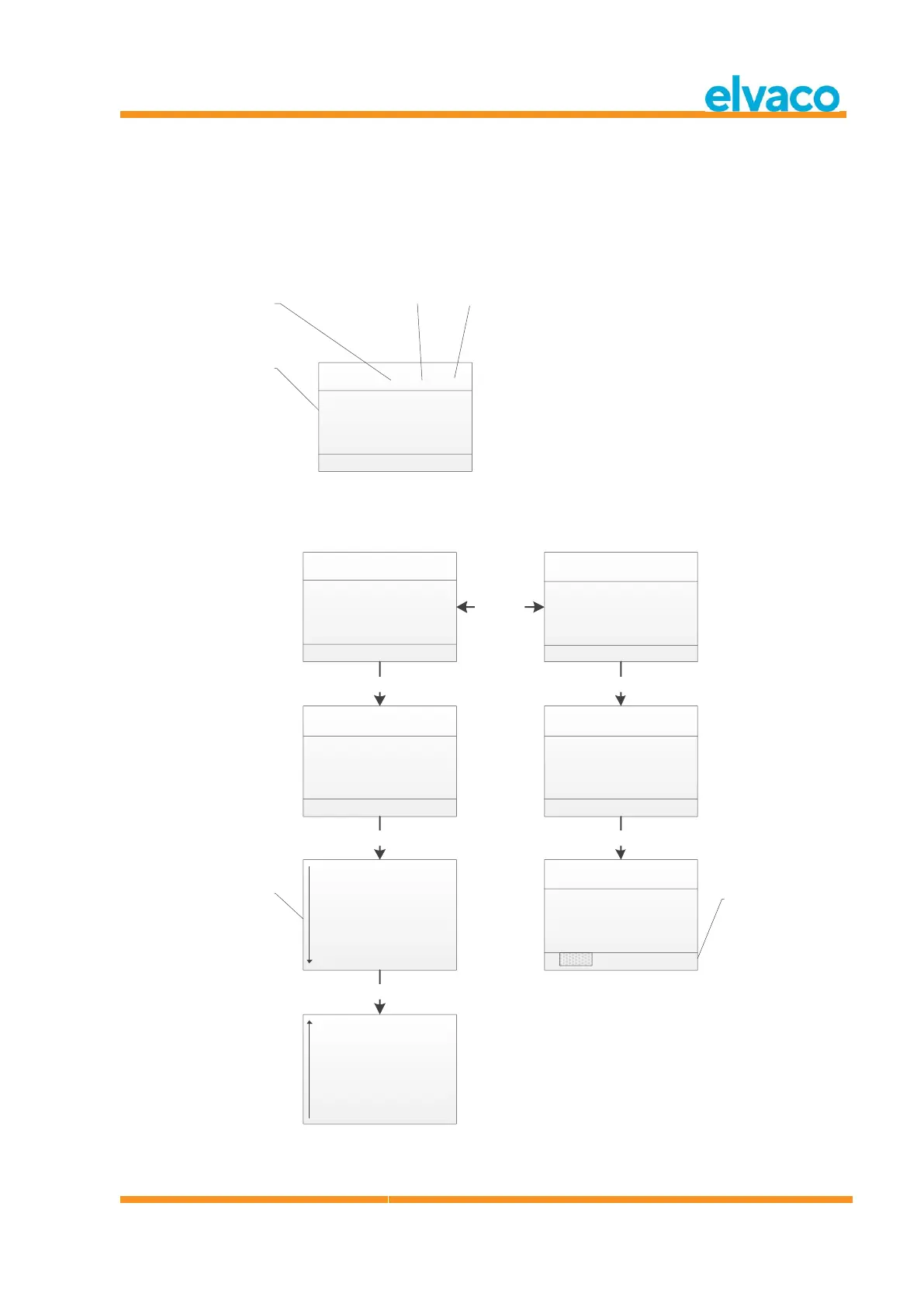
Installation progress page will show current installation procedure status. Meters are grouped by
manufacturer or medium. Pressing Left/Right keys will switch between group by manufacturer and group
by medium. Pressing OK key on any selected group (medium or manufacturer), will show all meters
matching selected criteria.
See Figure 3 for an overview of the informational parts of the installation procedure menu page.
Figure 3 Installation page: Group by manufacturer
Figure 4 below shows a schematic overview of the navigation when the installation procedure is running.



 To Next Page