CMeX50 Users Manual English
CMeX50 Users Manual English
Document id: 1090055 Version 1.5
If the key fits (either the unique meter key or the default key) the telegram will be decrypted and sent
unencrypted.
The encryption key can be obtained from the manufacturer of the wireless M-Bus meter.
Change the encryption key of the meter using Up/Down keys and move the cursor using Right/Left keys.
Accept the changes by pressing OK or cancel by pressing the ESC key.
5.3.2.3 Meter information page
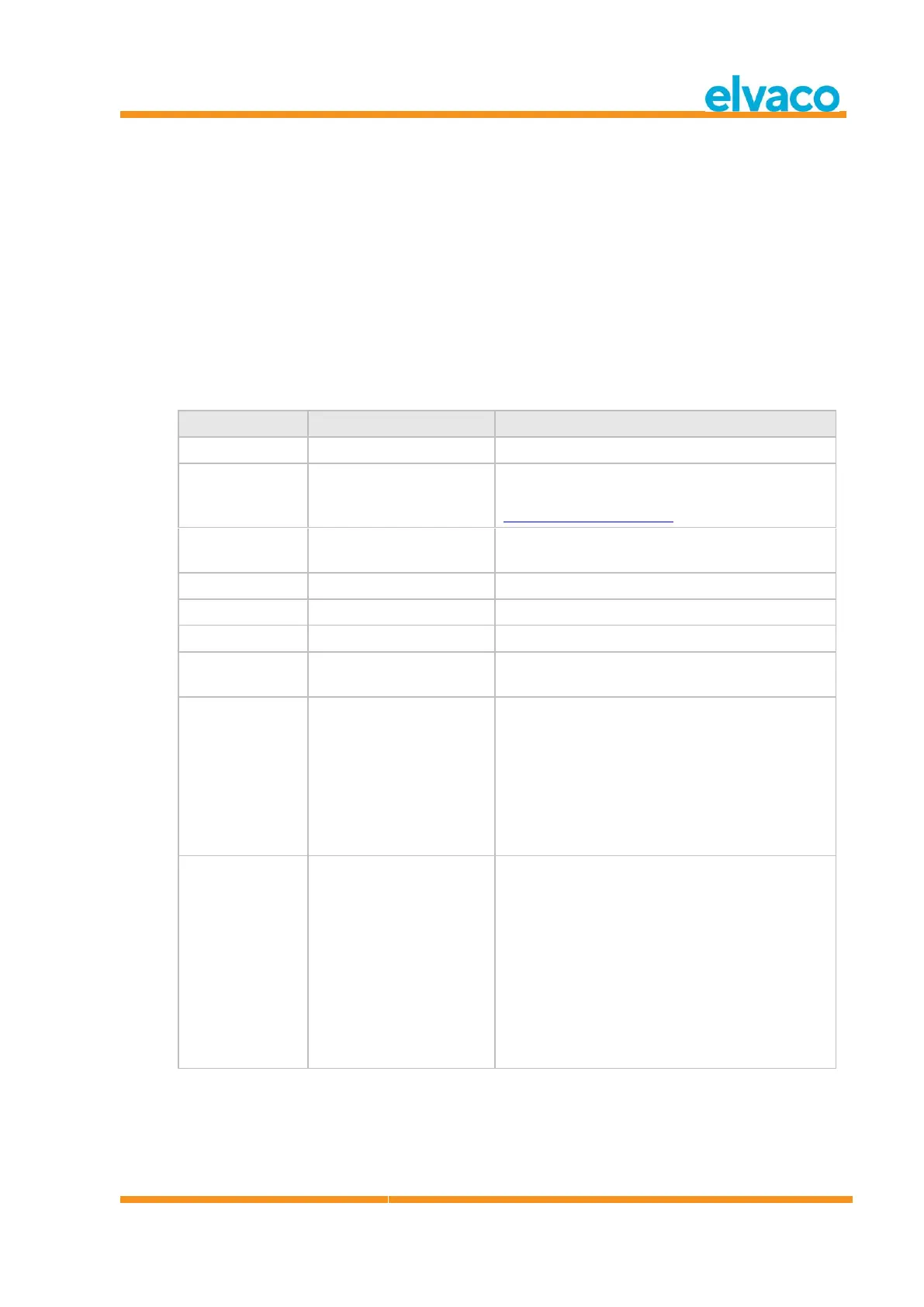
The meter information page is accessed by pressing the OK key on a selected meter. The meter
information page gives a good overview of the meter and also if the meter could be readout using a
standard M-Bus software on the wired M-Bus interfaces.
See Table 2 for a complete description of the information shown on the information page.
Identification of the meter
M-Bus Three letter manufacturer code according
to the Flag Association, see
http://www.dlms.com/flag
M-Bus Device type according to the M-Bus
standard document prEN_13757-3_2011.
M-Bus version field, 0-255
Time since last received
telegram in minutes
None
AES_COUNTER = AES counter mode
DES_CBC_0 = DES CBC vector 0
DES_CBC_N0 = DES CBC vector not 0
AES_CBC_0 = AES CBC vector 0
AES_CBC_N0 = AES CBC vector not 0
Reserved = All others
Status of the last received
telegram.
Unknown = No telegram received
Unencrypted = Telegram is unencrypted
Unknown CI = The CI-field received is unknown for
the product
Encrypted = Telegram is encrypted
Decrypt error = Encryption method and key is set
for the meter, but the telegram could not be
decrypted
Decrypted = Encryption method and key is set for
the meter and the telegram decrypted successfully



 To Next Page