CMeX50 Users Manual English
CMeX50 Users Manual English
Document id: 1090055 Version 1.5
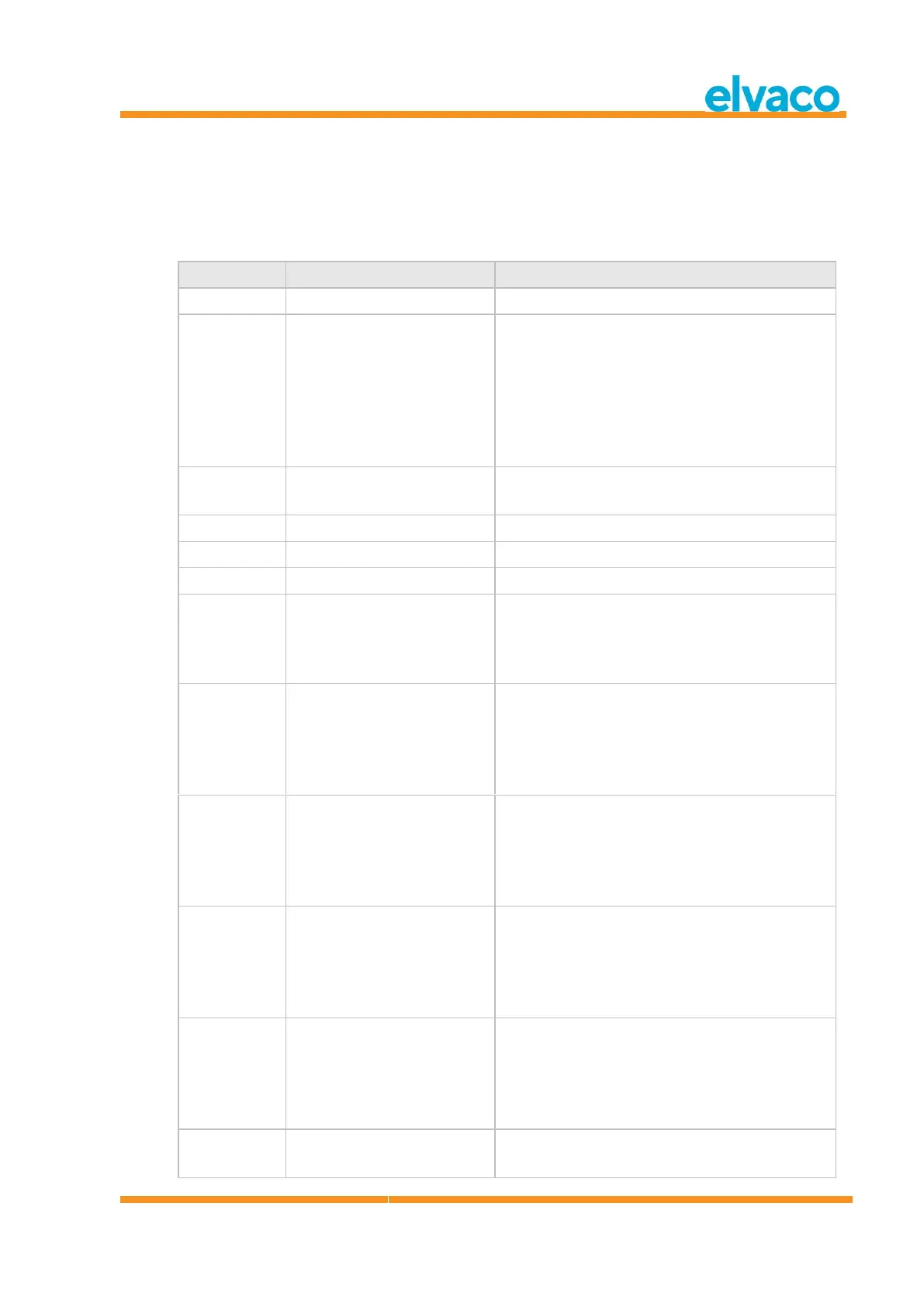
6.3.14 Select slave
Select slave for further secondary addressing. After successful selection, the slave can be addressed using
primary address 253.
6.3.14.1 Master to slave
L-Field 1
Variable depending on selection mask.
The selection mask can have any size in the range
0..8 bytes except 5 (manufacturer id requires a full
16-bit mask).
L-Field 2
Variable depending on selection mask
0x43 | 0x53 | 0x63 | 0x73
A-Field = Address of slave
CI-Field = Slave selection
The slave will be deselected if there is any
mismatch.
Optional
M-Bus secondary address mask, packed BCD
The M-Bus ID mask can use the nibble 0xf as a
wildcard in any of the eight BCD digit positions.
Optional
M-Bus manufacturer id mask, 16-bit binary
The M-Bus manufacturer id mask can use 0xff as
wildcard for one or both bytes.
Optional
M-Bus generation mask, 8-bit binary
The M-Bus generation mask can use 0xff as
wildcard.
Optional
M-Bus medium mask, 8-bit binary
The M-Bus meter medium mask will match if 0x00
("unknown") or 0xff (wildcard).
Optional
DIF 8 digit packet BCD



 To Next Page