CMeX50 Users Manual English
CMeX50 Users Manual English
Document id: 1090055 Version 1.5
Change the encryption key by using Up/Down keys and move the cursor using Right/Left keys.
Accept the changes by pressing OK or cancel by pressing the ESC key.
5.5.2 Edit wireless mode
Select menu choice 2. Wireless mode using Up/Down keys and press OK key.
The wireless mode is used to configure the product to be able to communicate with different types of M-
Bus wireless slaves.
The Cx WIDE modes use mode T receiver configuration and may allow reception of “problematic” mode
Cx meters with excessive frequency or data rate error. Use WIDE modes only if absolutely necessary.
Change the wireless mode of the product by using Up/Down keys.
Accept the changes by pressing OK or cancel by pressing the ESC key.
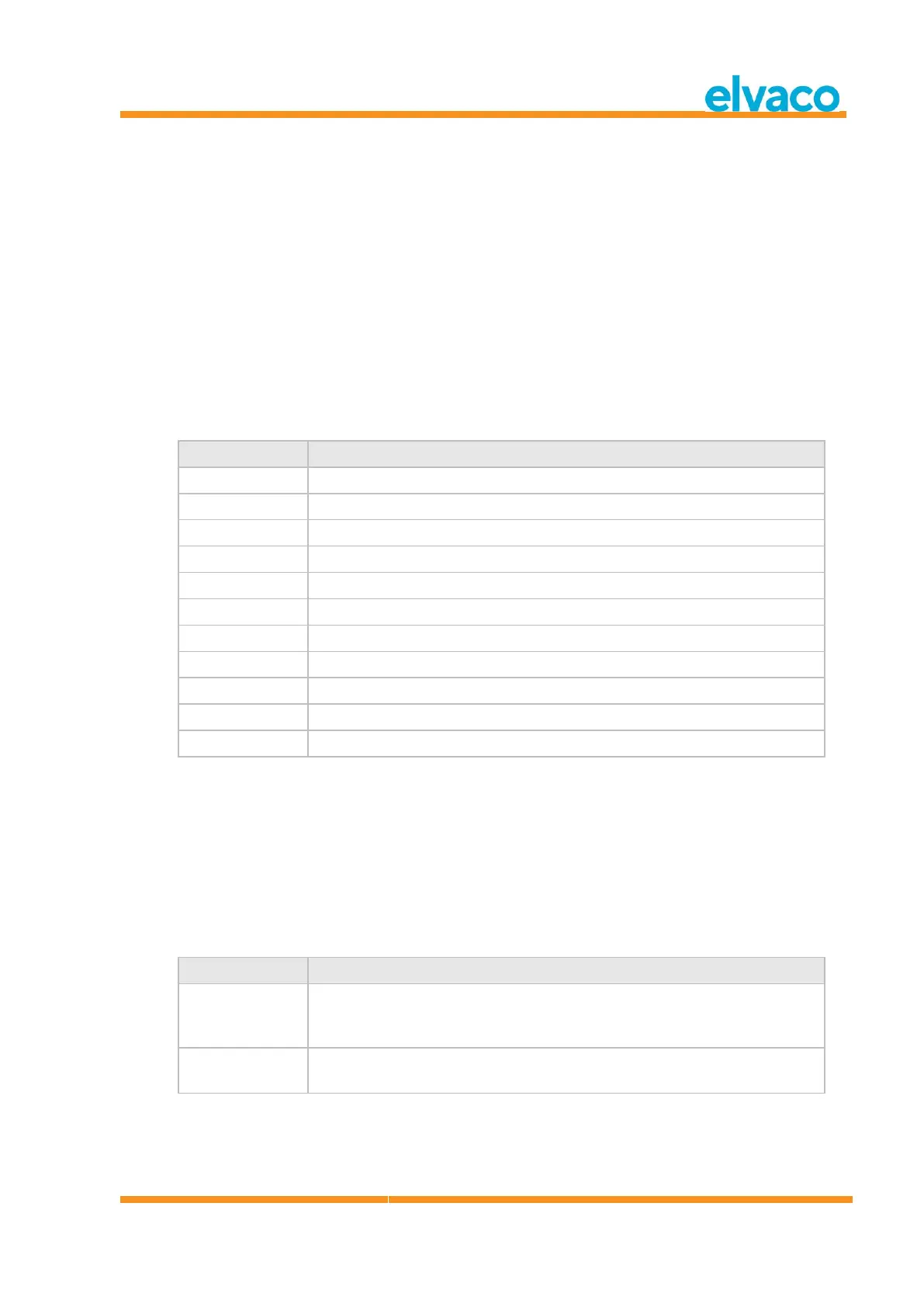
Table 3 describes possible M-Bus wireless modes/combined modes:
Product is configured to communicate with S1 slaves.
Product is configured to communicate with T1 slaves.
Product is configured to communicate with T1 and C1a slaves.
Product is configured to communicate with T1 and C1b slaves.
Product is configured to communicate with T1, C1a and C1b slaves.
Product is configured to communicate with C1a slaves.
Product is configured to communicate with C1b slaves.
Product is configured to communicate with C1a and C1b slaves.
Product is configured to communicate with C1a slaves, wide mode.
Product is configured to communicate with C1b slaves, wide mode.
Product is configured to communicate with C1a and C1b slaves, wide mode.
Table 3 Wireless M-Bus modes
5.5.3 Change storage method for meters
Select menu choice 3. Autoinst. FIFO. using Up/Down keys and press OK key.
The storage method determines how to save new meters. Up to 800 meters can be stored in the
CMeX50. See Table 4 for description how to use the different modes.
Accept the changes by pressing OK or cancel by pressing the ESC key.
Table 4 describes possible M-Bus wireless modes/combined modes:
This mode is used to save according to the FIFO model (First In First Out).
When 800 meters are stored and a new meter is found, the oldest meter will
be removed from the list and the new will be saved instead.
In this mode, the first found 800 meters are saved. After that, no more meters
can be found and saved.
Table 4 Storage method for meters
5.5.4 Edit installation time
Select menu choice 4. Install time using Up/Down keys and press OK key.



 To Next Page