EasyManua.ls Logo

Elvaco CMeX50 - Sort Meters; Edit Meter

Elvaco CMeX50
89 pages
Print Icon
To Next Page IconTo Next Page
To Previous Page IconTo Previous Page
Loading...
CMeX50 Users Manual English
5.3.1 Sort meters
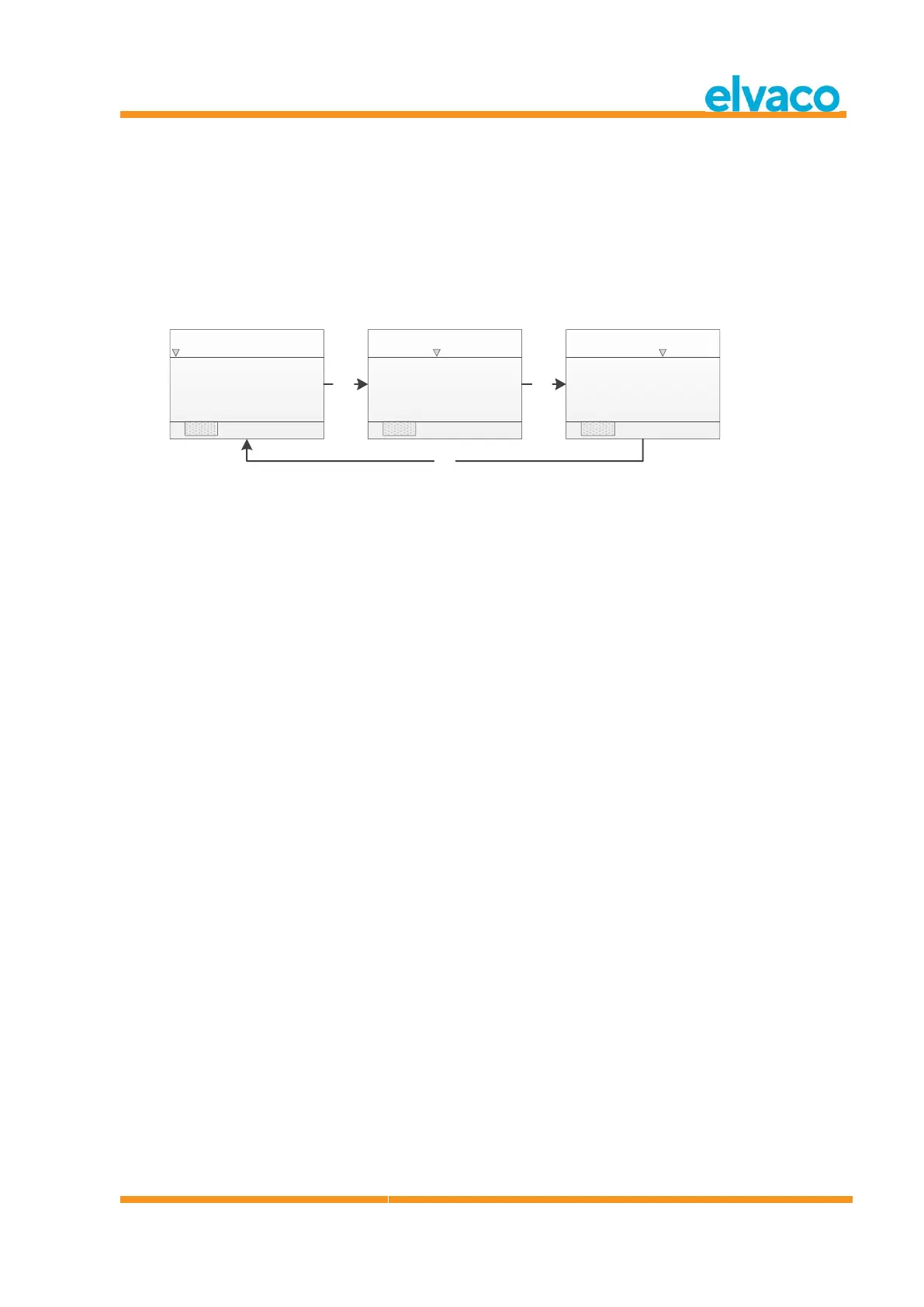
Access the bottom menu using Right/Left keys. The selected option will be highlighted. When Sort is
selected, press OK key to shift between:
1. Sort by Id
2. Sort by Age
3. Sort by Status
See Figure 7 for a schematic overview of the sort procedure.
[2. Meters: Room s]
Id Age Status
01234567 001 Good
Sort Edi t Del ete
ENT
[2. Meters: Room s]
Id Age Status
01234567 001 Good
Sort Edi t Del ete
ENT
[2. Meters: Room s]
Id Age Status
01234567 001 Good
Sort Edi t Del ete
ENT
Figure 7 Sort meters
5.3.2 Edit meter
Move the cursor to the meter which should be edited by pressing Up/Down keys.
Access the bottom menu using Right/Left keys. The selected option will be highlighted. When Edit is
selected, press OK key to enter the meter edit menu page.

Table of Contents

Other manuals for Elvaco CMeX50

Related product manuals