5 Additional Software Features
The EMCP Library is read only. It is possible to copy a test from the library to the user space
and edit the copy.
5.2.1 Store setup
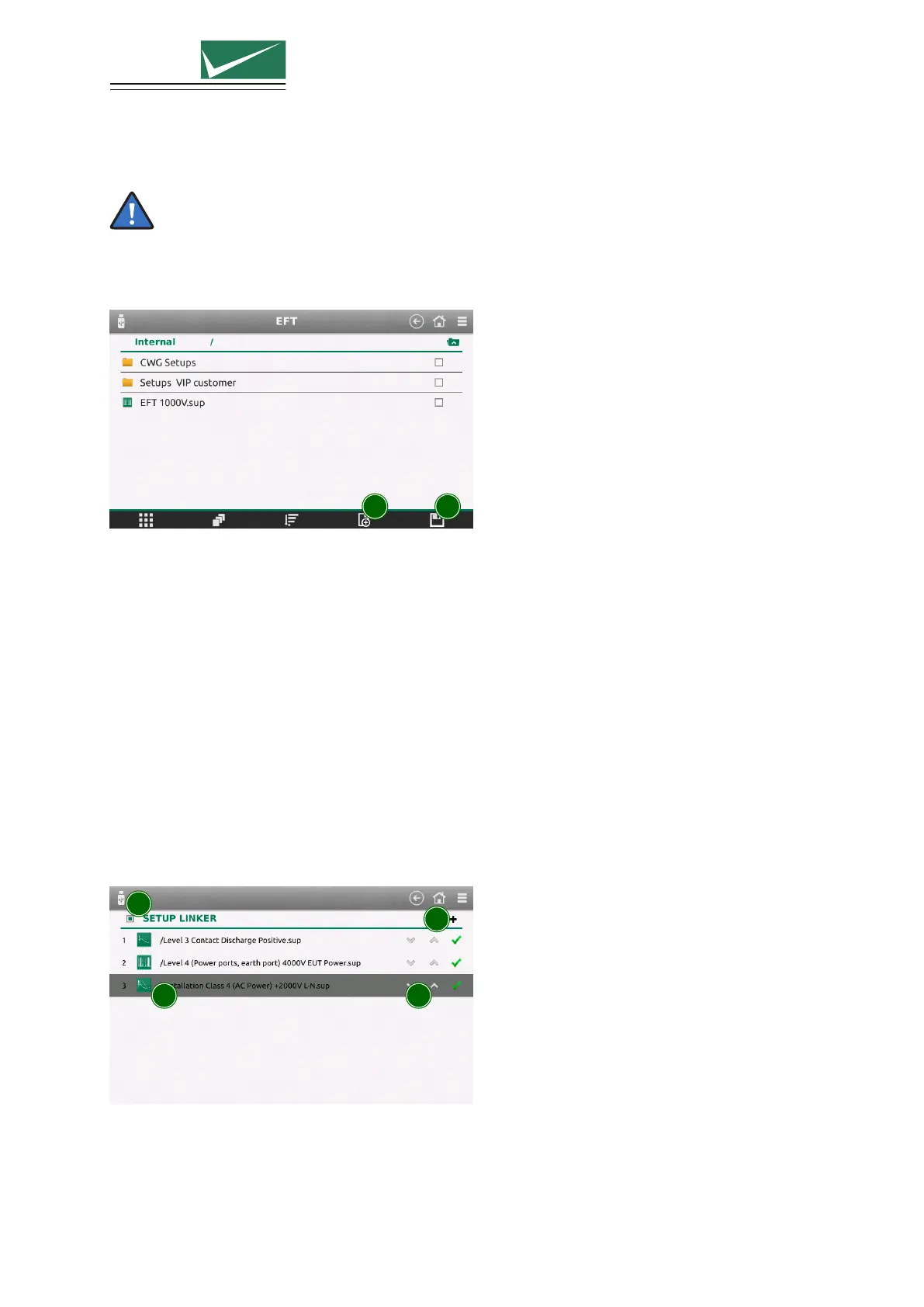
1 2
1 Create New Setup
Configure a test setup in a new window. The current test in the generator will not be changed.
2 Save Current Setup
The currently configured test will be saved.
5.2.2 Load Setups
Choose between the EMCP Library with predefined setups, the user defined internal library or setups on
the USB stick.
Select a setup, then choose load to configure the generator with the current setup.
5.3 Setup Linker
Select ≡ (General Menu) –> Setup Linker
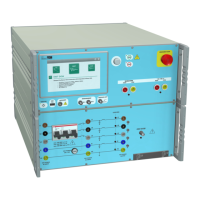
You can link up to 15 tests, saved internally to run concurrently.
1
2 3
4
1 Add a Setup to the List
Existing setups can be added into the sequence from the library or a new setup can be created
directly.
Page 35/55


 To Next Page