7. Fault finding and repair
During production all units go through a number of quality
control stages. In order to assist you in fault finding we have
listed a number of possible faults, causes and solutions.
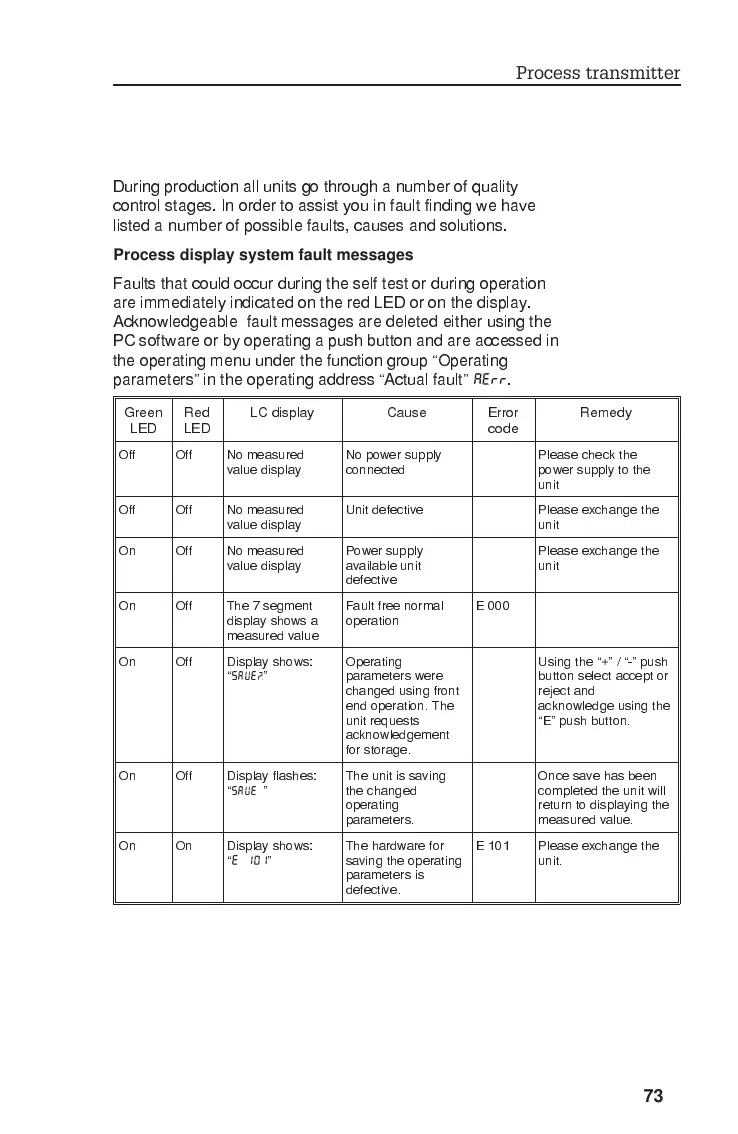
Process display system fault messages
Faults that could occur during the self test or during operation
are immediately indicated on the red LED or on the display.
Acknowledgeable fault messages are deleted either using the
PC software or by operating a push button and are accessed in
the operating menu under the function group Operating
parameters in the operating address Actual fault
AERR
.
Green
LED
Red
LED
LC display Cause Error
code
Remedy
Off Off No measured
value display
No power supply
connected
Please check the
power supply to the
unit
Off Off No measured
value display
Unit defective Please exchange the
unit
On Off No measured
value display
Power supply
available unit
defective
Please exchange the
unit
On Off The 7 segment
display shows a
measured value
Fault free normal
operation
E000
On Off Display shows:
SAVE?
Operating
parameters were
changed using front
end operation. The
unit requests
acknowledgement
for storage.
Using the + / - push
button select accept or
reject and
acknowledge using the
E push button.
On Off Display flashes:
SAVE
The unit is saving
the changed
operating
parameters.
Once save has been
completed the unit will
return to displaying the
measured value.
On On Display shows:
E 101
The hardware for
saving the operating
parameters is
defective.
E 101 Please exchange the
unit.
Process transmitter
73








 To Next Page