Document number: ED.03783.00.001.ENG rev 4 Page 85 of 153
Each unit is provided with two interface boards: Interface A and interface B. Both are assigned
simultaneously.
To assign the MAC addresses of the units to the system, proceed as follows:
• Click on the “Scan Smartbox bus” button.
• The system searches for available hardware
• All available hardware will become visible in field Available nodes field.
• Drag and drop a node from in the Available nodes towards a specific Unit in the
Assignments field.
The assigned unit turns green
• Use File / save & exit button in the menu bar to save the assignments
To wipe all assignment, click on “Clear all assignments”.
6.4.2.3 Communications
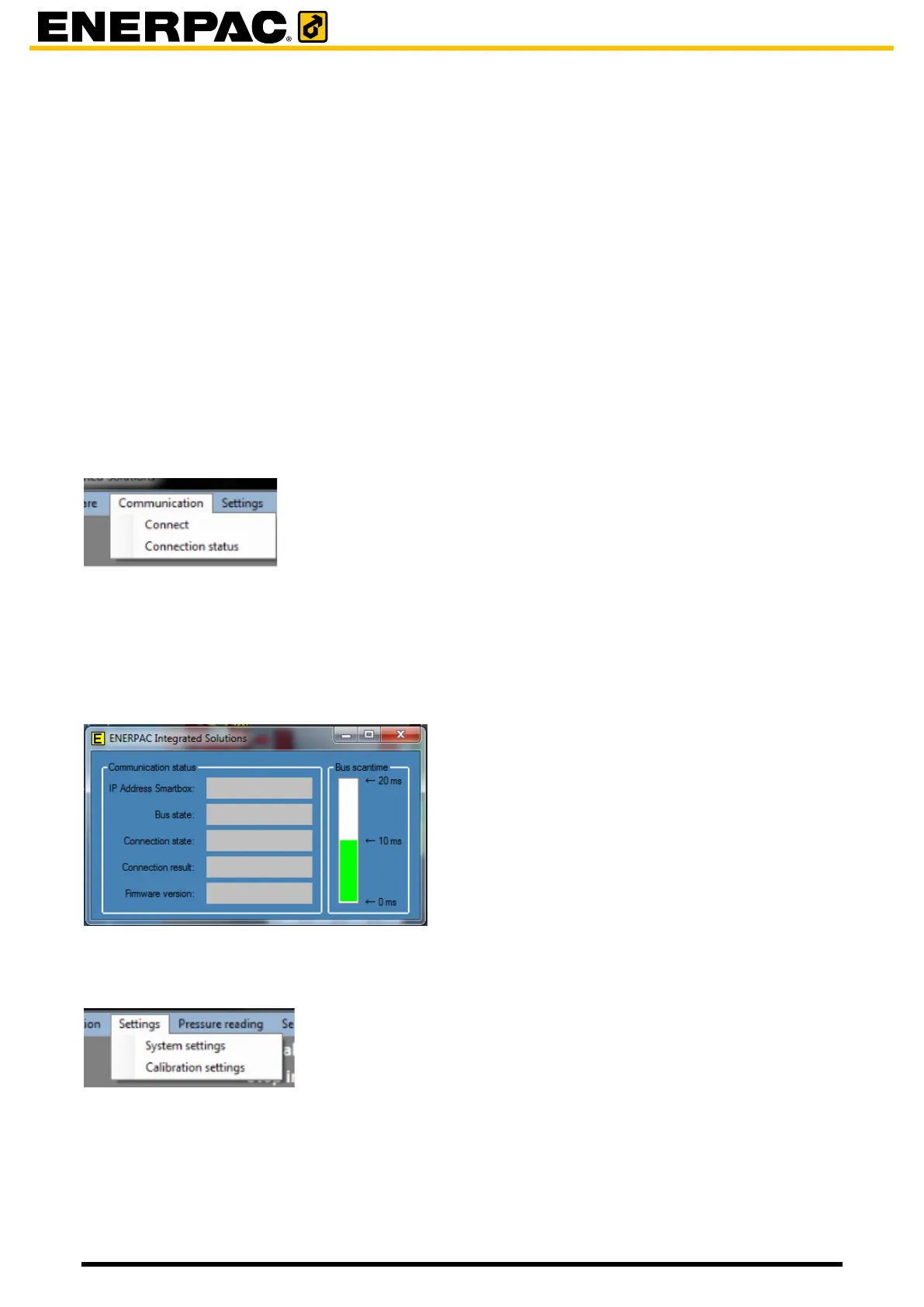
To use the Communications functions, click on Communication in the menu bar:
Connect:
Establish communication between the laptop and the system
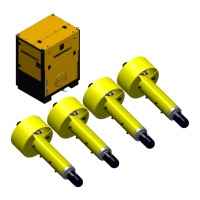
Connection status:
Technical information about the connection status between the laptop and the smartbox is
shown:
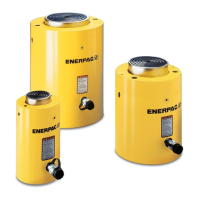
6.4.2.4 Settings / System settings
To use the Settings function click on Settings in the menu bar. Then click System settings.
NB:
- Adjustments should only be done by trained and authorized personal.
- Most settings are specific for the system and should not be changed.


 To Next Page