Document number: ED.03783.00.001.ENG rev 4 Page 115 of 153
7.4 Move the load horizontally with the trolley
To move the load in horizontal direction, apply the capability of the trolleys.
Proceed as follows:
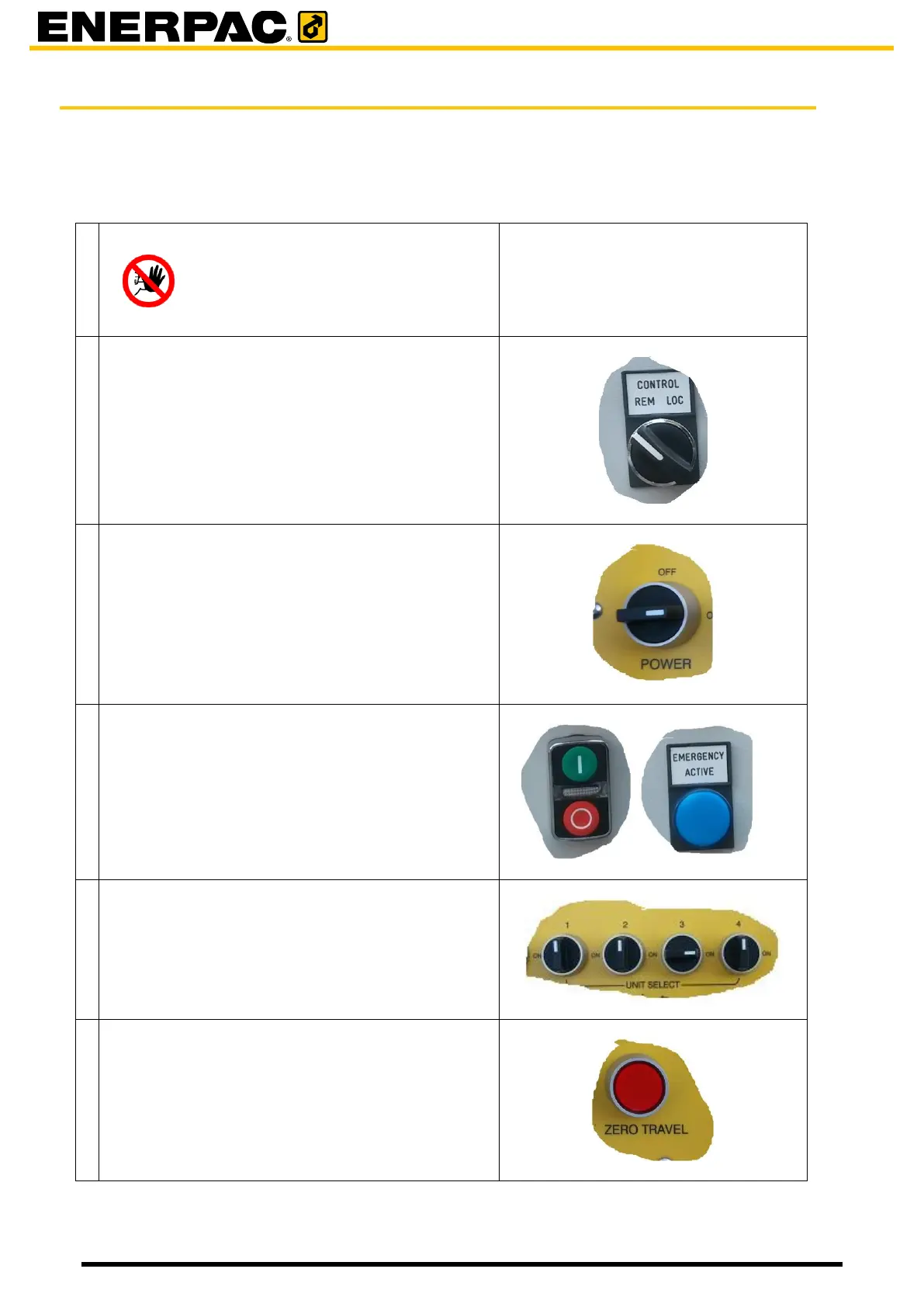
Make sure the units are passive
Hazard
travelling while the units are moving
up or down may endanger the
stability of the system.
Switch all trolleys to remote. (valid for the JS125)
Switch the remote control console on.
• Verify the battery status as shown in the
display.
• The blue lamp will turn off
Start all the trolleys: (valid for the JS125)
• Press the green start button.
The green indicator will light up.
Select all trolleys on the remote control console
As long the remote is switched on, the travel
counts will be stored and displayed.
It is possible to reset all counters to zero by means
of the “zero travel” button.


 To Next Page