Envision One cDLM® User Manual
TS-MAM-EnvisionOneCDLMUserManual-V5.0-FN-EN , 2021-12-15
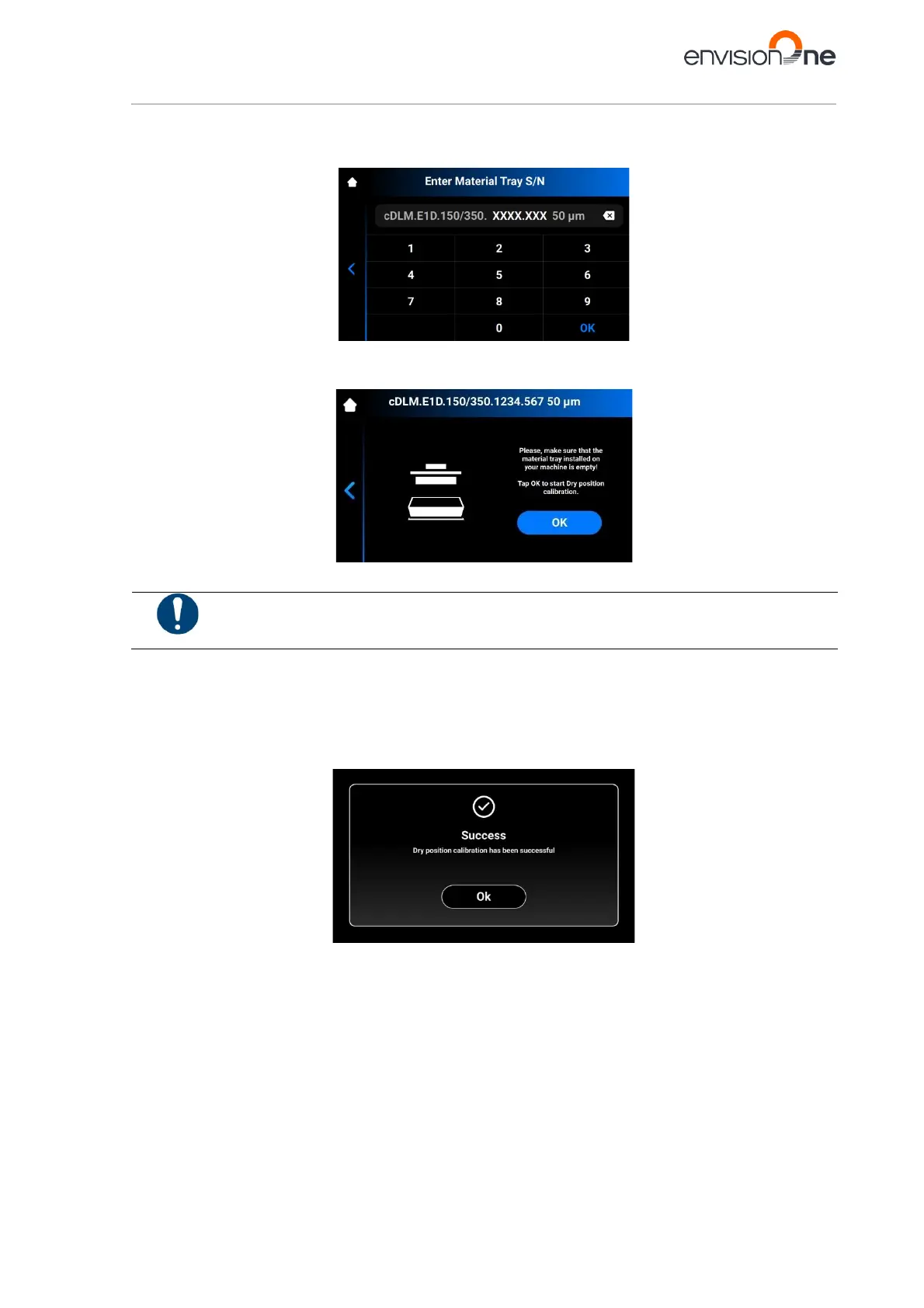
If your material tray has the serial number:
1. Tap [With S/N].
2. Find the serial number on the front of your material tray and enter it to the field on the screen that appears.
3. Tap [OK].
→ The following screen appears.
Make sure your material tray does not contain material in it. Material residue in the material tray
during the calibration will give a false reading to the sensors.
4. Tap [OK].
→ The platform starts moving to its Dry position.
→ Once the platform finds its Dry position, it starts moving to Zero position.
→ Dry position calibration has been saved.
→ The following screen appears.
If your material tray does not have the serial number:
1. Tap [Without S/N].



 To Next Page