Envision One cDLM® User Manual
TS-MAM-EnvisionOneCDLMUserManual-V5.0-FN-EN , 2021-12-15
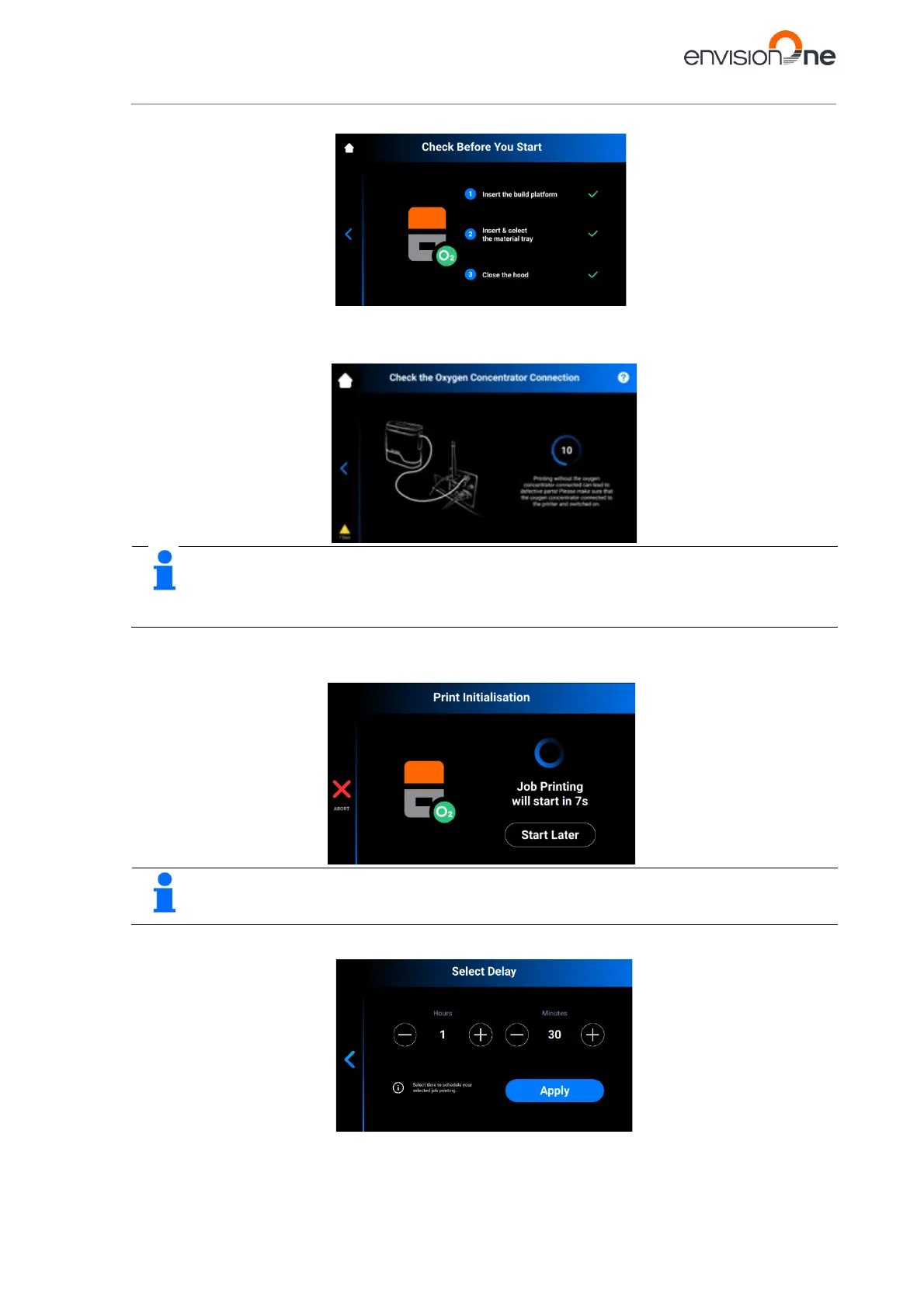
→ The system checks if the printer is ready to start a print.
→ After the printer’s shutdown, or if the printer was idle for more than 8 hours, the system checks
whether the oxygen concentrator is connected.
→ The following window appears.
To learn more about how to check and adjust the oxygen pressure, click on the ? icon in the upper-
right corner of the screen. Scan the QR-code to visit the corresponding page in the online knowledge
4. If you want to start the job now, wait until the job starts.
If you want to delay your job print, tap [Start Later].
The minimum delay time is 15 minutes.
The maximum delay time is 999 hours 45 minutes.
→ The following window appears.



 To Next Page