Operation 2. TEACH Mode
64 TP1 Rev.5
(12)
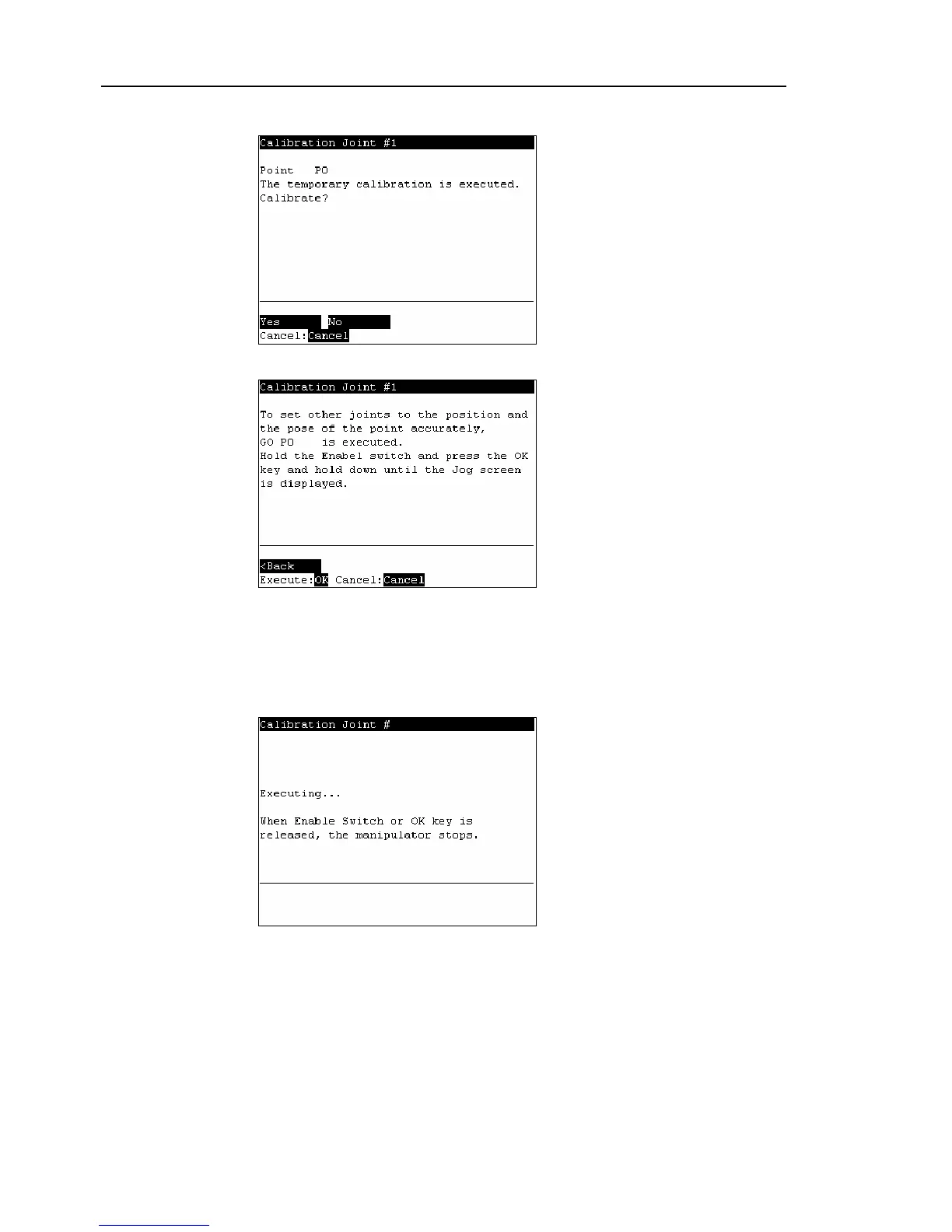
The following screen appears. Press the <F1> key to execute temporary calibration.
(13)
The following screen appears after executing the temporary calibration.
Move the joints except the calibrated joints to the point data position by the motion
command. For an example the motion command will be executed to Joint #1 to #4
when Joint #5 is calibrated.
Press the <OK> key while gripping the enable switch to execute Go P0.
The following screen appears during Go P0 execution.



 To Next Page