F
Select On.
G
Set the time that you want to send the fax, and then press OK.
H
Press y Back to return to the fax send screen.
I
Press the x Start (B&W) button to reserve a fax.
Note:
If you need to cancel faxing at the time you specified, press y Stop/Reset.
Sending a fax from a connected phone
If the recipient has the same number for both phone and fax, you can send a fax after talking over the phone without
hanging up.
A
Place your original in the Automatic Document Feeder or on the document glass.
& “Placing Originals” on page 35
B
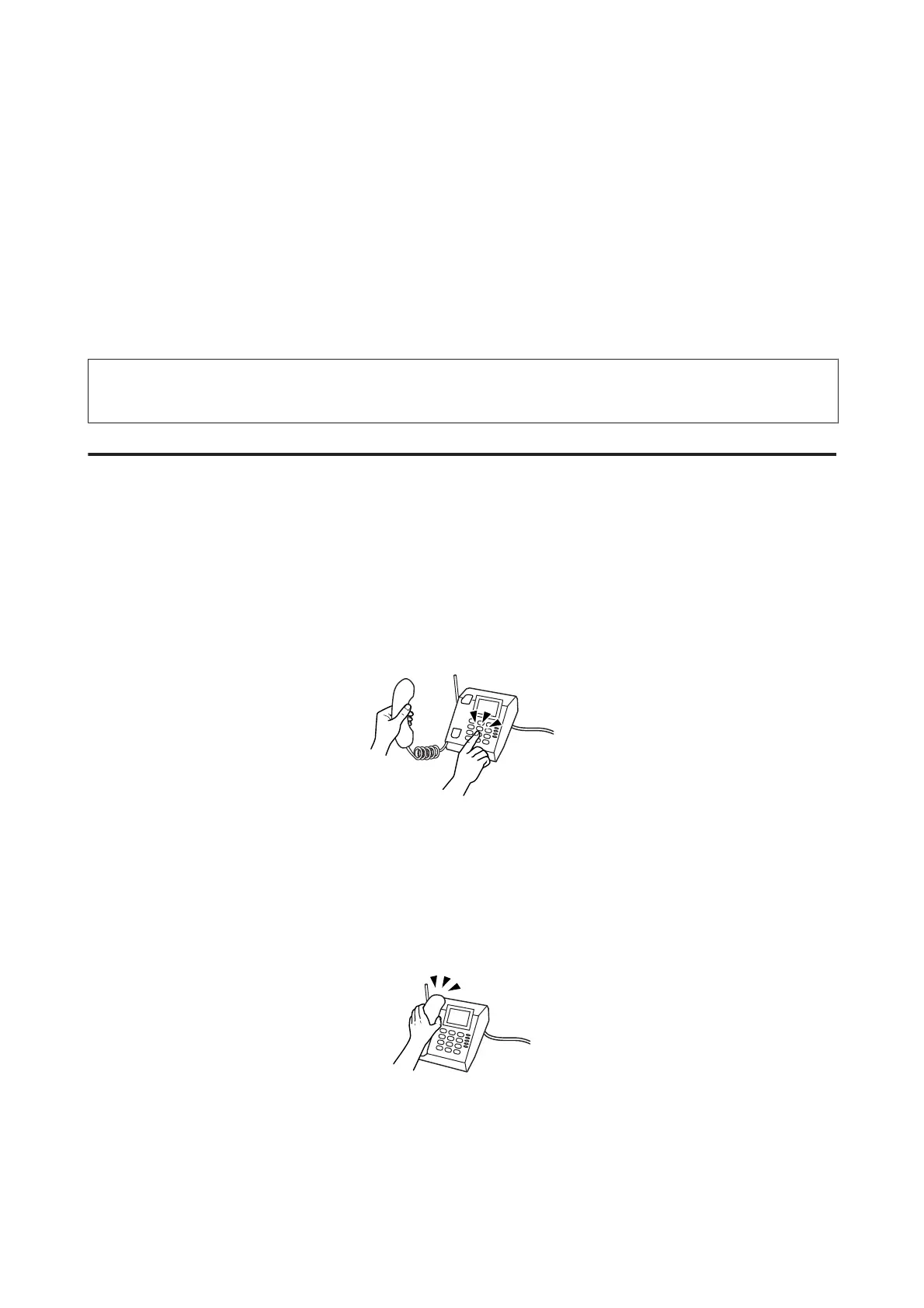
Dial a number from the phone connected to the product.
C
Select Send.
D
Press one of the x Start buttons to send fax.
E
Hang up the phone.
WP-4511/4515/4521/4525/4530/4531/4535/4540/4545/4590/4595 User’s Guide
Faxing
111











 To Next Page