D
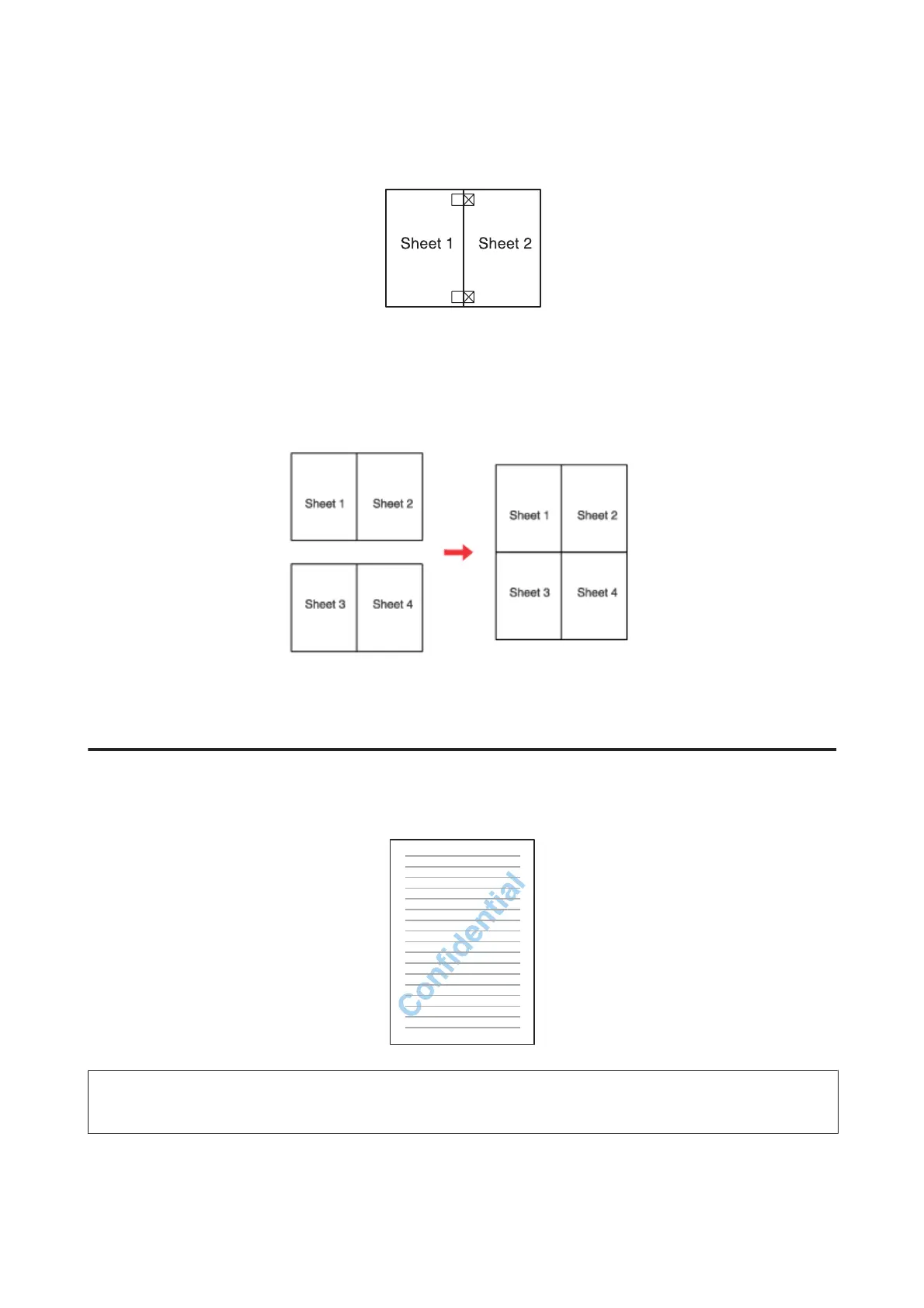
Align the edges of the paper using the alignment markers and tape them together from the back:
E
Repeat the instructions from step 1 to step 4 to tape Sheets 3 and 4 together.
F
Repeat the instructions from step 1 to step 4 to tape the top and bottom edges of the paper:
G
Cut off the remaining margins.
Watermark Printing (for Windows only)
Watermark printing allows you to print a text-based or image-based watermark on your document.
Note:
This feature is not available for Mac OS X.
WP-4511/4515/4521/4525/4530/4531/4535/4540/4545/4590/4595 User’s Guide
Printing
66











 To Next Page