EasyManua.ls Logo

Epson WorkForce Pro WP-4595 DNF - Scanning Multiple Documents to a PDF File

Epson WorkForce Pro WP-4595 DNF
221 pages
Print Icon
To Next Page IconTo Next Page
To Previous Page IconTo Previous Page
Loading...
E
Click Scan.
F
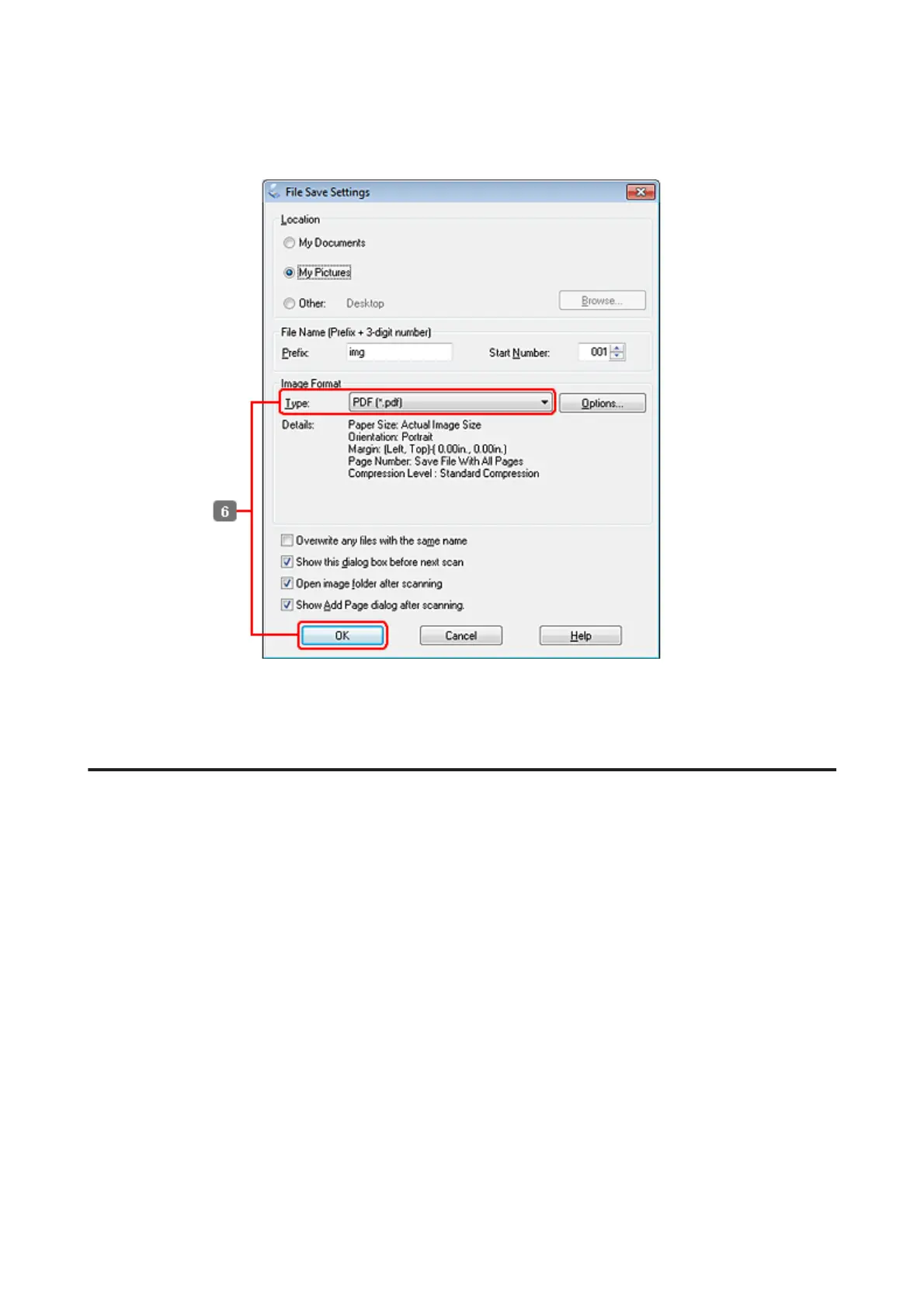
Select PDF as the Type setting, and then click OK.
Your scanned image is saved.
Scanning Multiple Documents to a PDF File
First of all, place your document and start Epson Scan.
WP-4511/4515/4521/4525/4530/4531/4535/4540/4545/4590/4595 User’s Guide
Scanning
85


Table of Contents

Other manuals for Epson WorkForce Pro WP-4595 DNF

Related product manuals