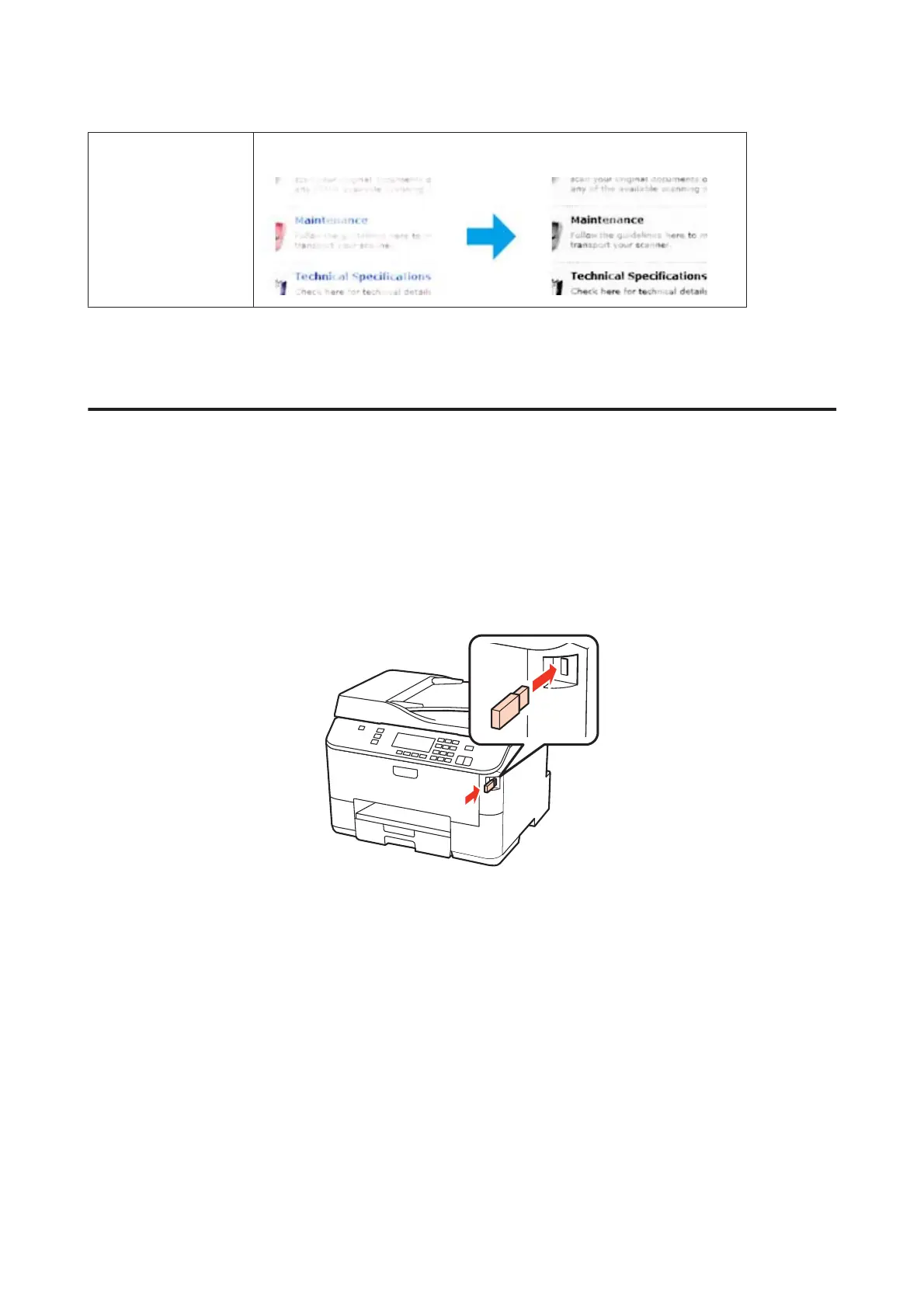
Color Enhance Enhance a certain color. You can select from red, blue, or green.
Basic Scanning
Scanning from the Control Panel
Scanning to a USB storage device
A
Place your original(s).
& “Placing Originals” on page 35
B
Connect the USB device to your product.
C
Select Scan.
D
Select Scan to USB Device.
E
Adjust settings.
F
Press Start.
Your scanned image is saved.
WP-4511/4515/4521/4525/4530/4531/4535/4540/4545/4590/4595 User’s Guide
Scanning
74











 To Next Page