Guidelines
Where to Find Information
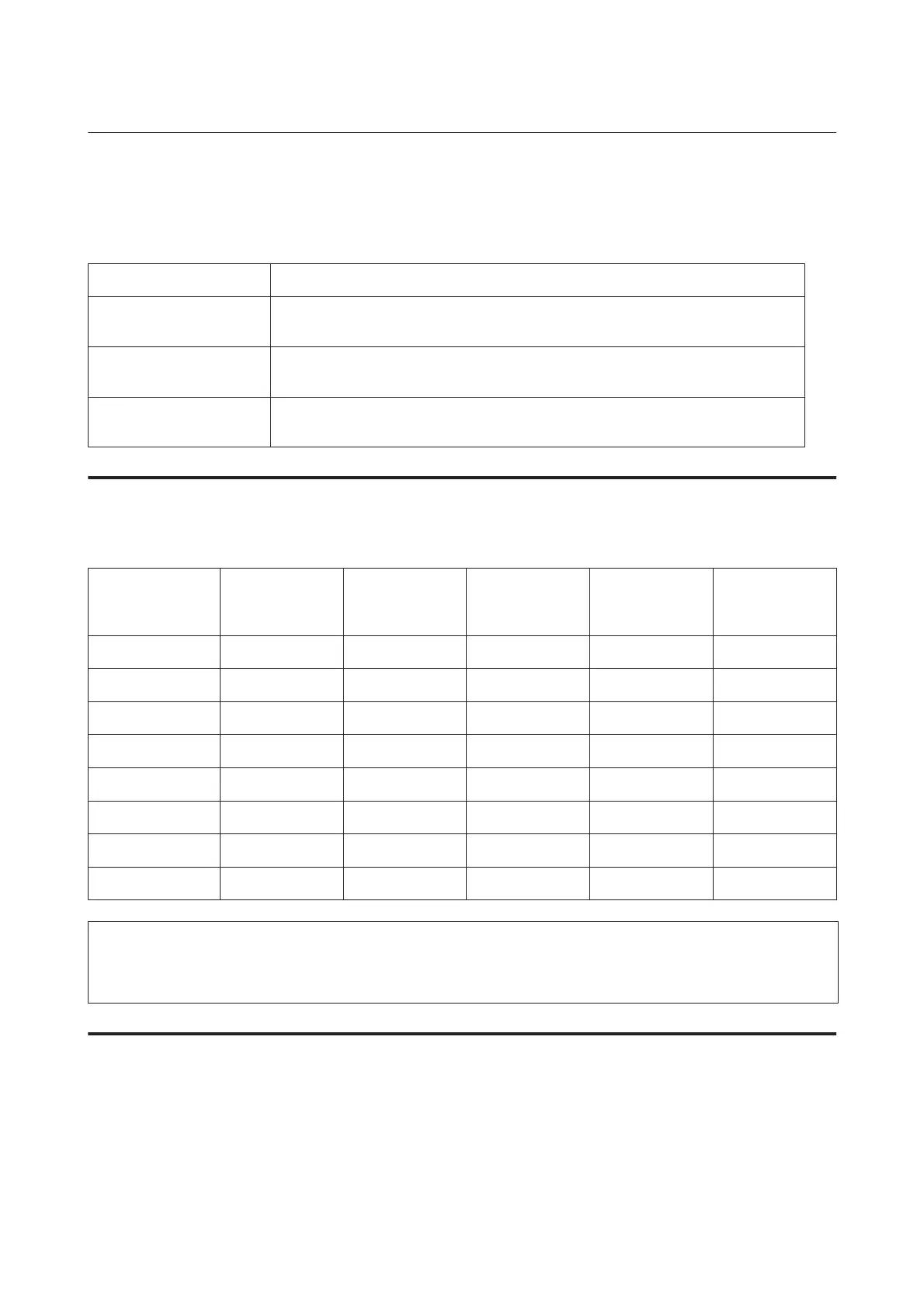
Setup Guide (paper) Provides you with information on setting up the product and installing the software.
Important Safety
Instruction Guide (paper)
Provides you with important safety instructions.
User’s Guide (PDF, this
manual)
Provides you with detailed information on the product’s functions, optional products,
maintenance, troubleshooting, and technical specifications.
Network Guide (HTML) Provides network administrators with information on both the printer driver and network
settings.
Available features for your product
Check what is available for your product.
WP-4511/
WP-4515
WP-4521/
WP-4525
WP-4530/
WP-4531/
WP-4535
WP-4540/
WP-4545
WP-4590/
WP-4595
Print ✓✓✓✓✓
Print (PS3/PCL) - - - - ✓
Copy ✓✓✓✓✓
Scan ✓✓✓✓✓
Fax - ✓✓✓✓
ADF - ✓✓✓✓
Ethernet ✓✓✓✓✓
Wi-Fi - - ✓✓ -
Note for WP-4590/WP-4595:
For PS3/PCL models, you need to download the software from the Epson’s website. Contact customer support in your region
for more details on obtaining the printer driver and system requirements such as supported operating systems.
Illustrations used in this guide
The illustrations in this guide are from a similar product model. Although they may differ from your actual product,
the method of operation is the same.
WP-4511/4515/4521/4525/4530/4531/4535/4540/4545/4590/4595 User’s Guide
Guidelines
6











 To Next Page