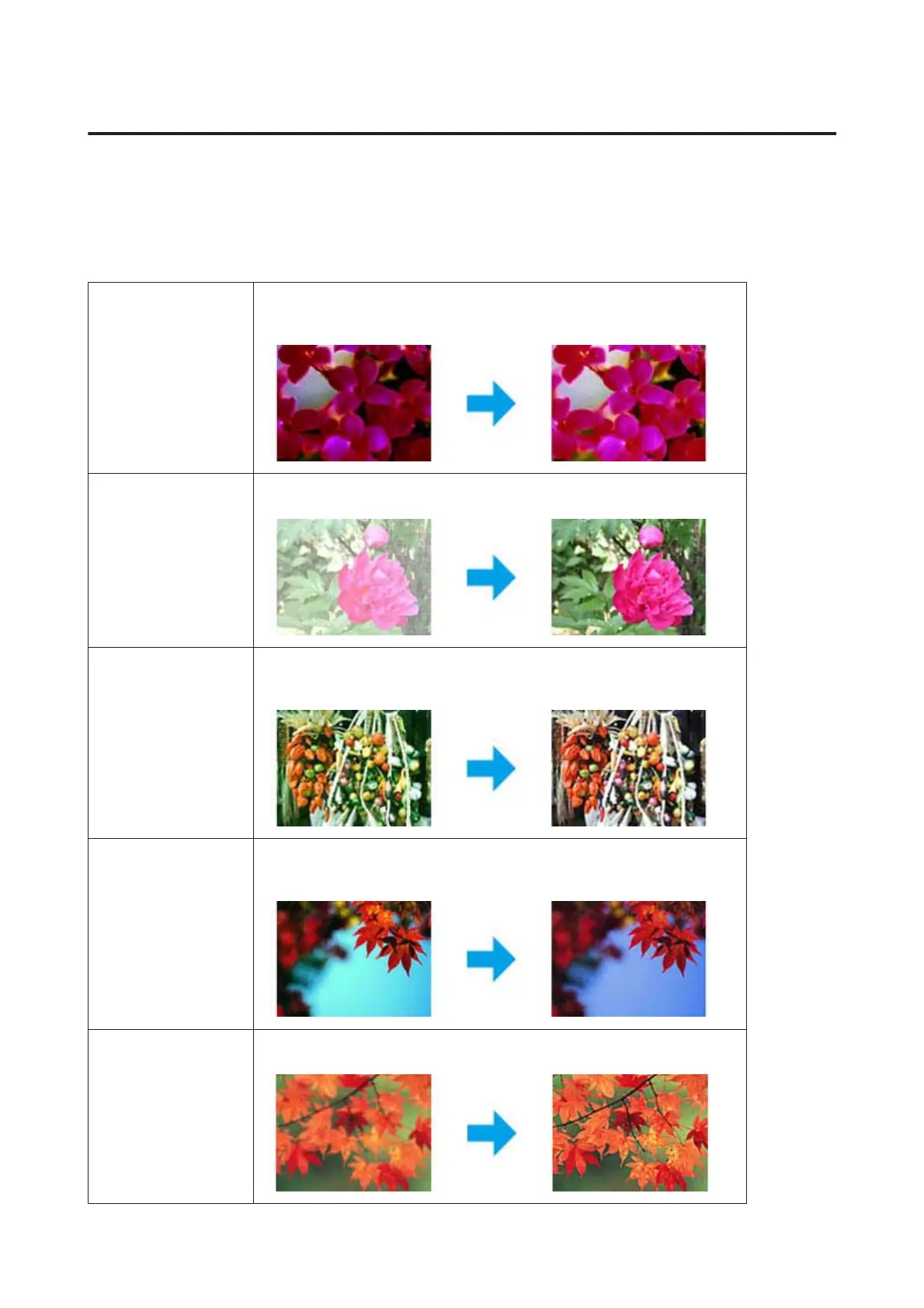
Image Adjustment Features
Epson Scan offers a variety of settings for improving color, sharpness, contrast, and other aspects affecting image
quality.
See the Help for more details on Epson Scan.
Histogram Provides a graphical interface for adjusting highlight, shadow, and gamma levels
individually.
Tone Correction Provides a graphical interface for adjusting tone levels individually.
Image Adjustment Adjusts brightness and contrast and the balance of red, green, and blue colors in the
overall image.
Color Palette Provides a graphical interface for adjusting mid-tone levels, such as skin tones,
without affecting the highlight and shadow areas of the image.
Unsharp Mask Sharpens the edges of image areas for an overall clearer image.
WP-4511/4515/4521/4525/4530/4531/4535/4540/4545/4590/4595 User’s Guide
Scanning
72











 To Next Page