C
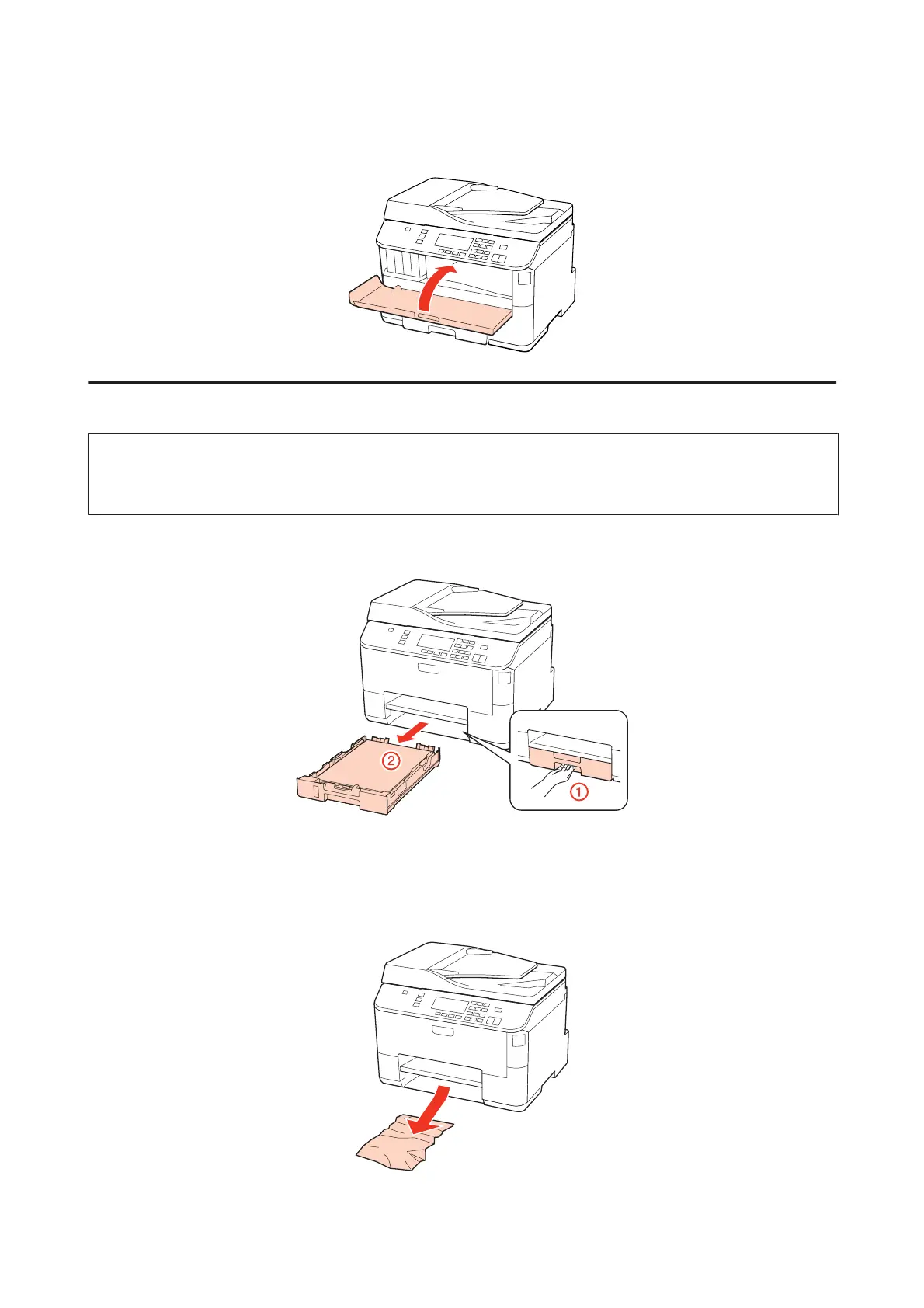
Close the front cover. If the jammed paper remains near the output tray, carefully remove the paper.
Removing jammed paper from the paper cassette(s)
Note:
The illustrations in this section show how to remove jammed paper from paper cassette 1.
When removing jammed paper from paper cassette 2, repeat the instructions described below.
A
Pull out the paper cassette.
B
Reload the paper into the paper cassette.
& “Into the paper cassette” on page 27
C
Carefully remove any paper jammed inside the printer.
WP-4511/4515/4521/4525/4530/4531/4535/4540/4545/4590/4595 User’s Guide
Troubleshooting for Printing
160











 To Next Page