G
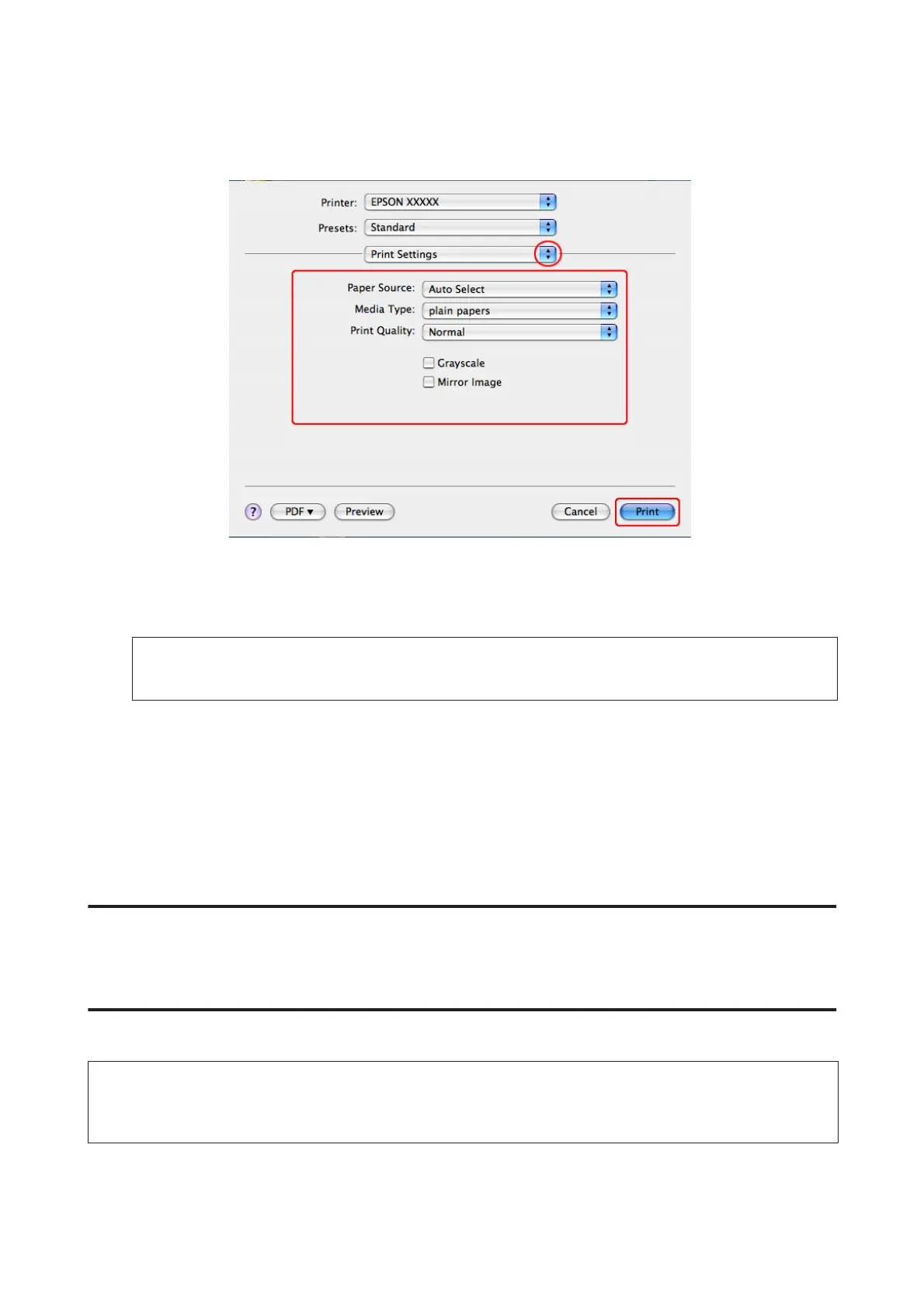
Select Print Settings from the pop-up menu.
H
Make the settings that you want to use to print. See the online help for more details on Print Settings.
& “Selecting the correct paper type ” on page 41
Note:
To make changes to advanced settings, refer to the relevant section.
I
Click Print to start printing.
Canceling Printing
If you need to cancel printing, follow the instructions in the appropriate section below.
Using the printer button
Press y Cancel to cancel a print job in progress.
For Windows
Note:
You cannot cancel a print job that has been completely sent to the printer. In this case, cancel the print job by using the
printer.
WP-4511/4515/4521/4525/4530/4531/4535/4540/4545/4590/4595 User’s Guide
Printing
47











 To Next Page